


Mechanical vs. Membrane Keyboard: Which Is Better for Writers? (2026)
Comparing mechanical and membrane keyboards for writers. Typing feel, fatigue, noise, price, and a clear verdict on which helps you write more, longer.
Updated 10 min read
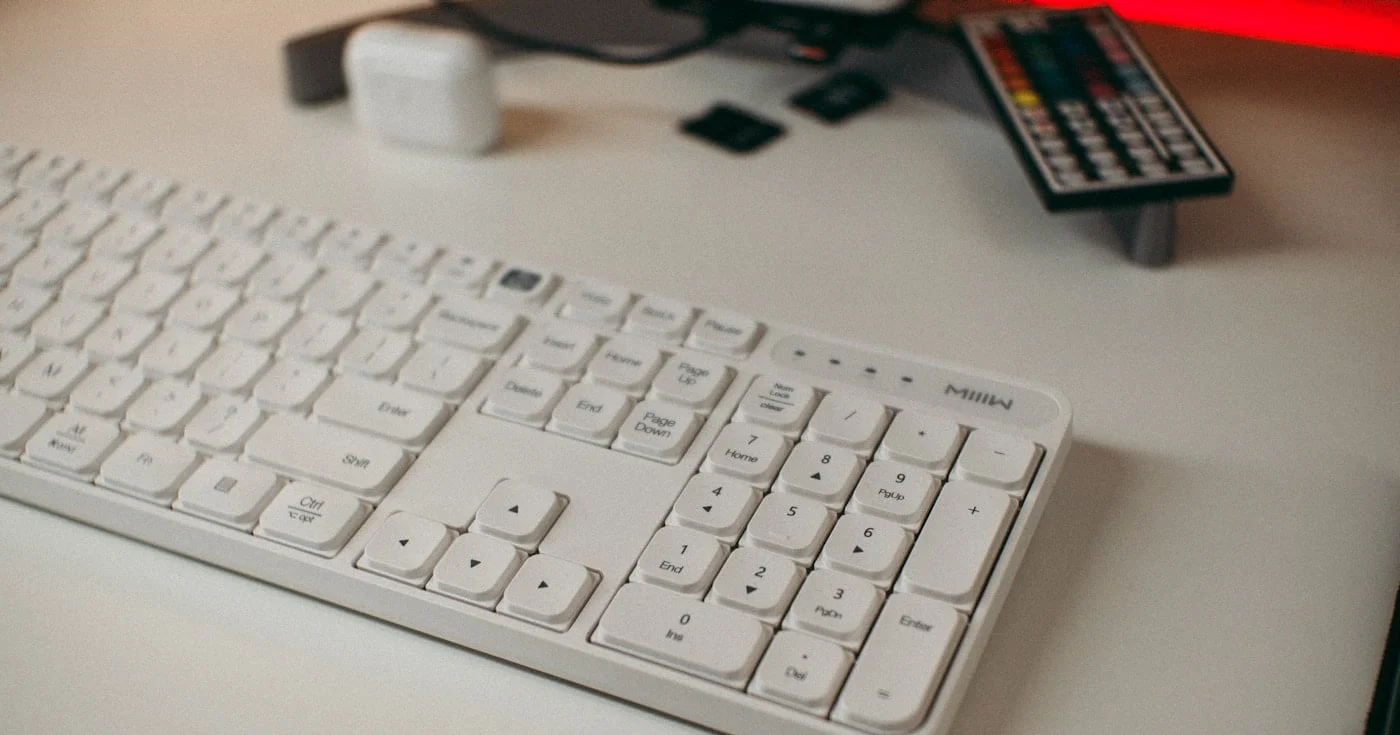

Comparing mechanical and membrane keyboards for writers. Typing feel, fatigue, noise, price, and a clear verdict on which helps you write more, longer.
Choosing a keyboard might seem like a minor decision, but when you type thousands of words a day, it shapes everything from how fast you write to how your wrists feel at the end of a session.
The two most common keyboard types you'll encounter are mechanical and membrane. Each works differently, costs differently, and feels completely different under your fingers.
In this comparison, you'll see how mechanical and membrane keyboards stack up across typing feel, durability, noise, ergonomics, and price, with a clear verdict on which suits writers best.
Feature | Mechanical | Membrane |
|---|---|---|
Best For | Long writing sessions, accuracy-focused typists | Quiet environments, budget setups, portability |
Price Range | $50–$250+ | $15–$120 |
Switch Lifespan | Up to 50–100 million keystrokes | 5–10 million keystrokes |
Typing Feel | Tactile, responsive, precise | Soft, mushy, uniform |
Noise Level | Moderate to loud (switch-dependent) | Quiet |
Key Travel | 2mm–4mm (longer, more noticeable actuation) | 1mm–2mm (shorter, lighter) |
Customization | High (switch types, keycaps, firmware) | Low |
Portability | Heavier, bulkier | Lighter, slimmer |
Fatigue on Long Sessions | Lower (consistent actuation feedback) | Higher (more force required over time) |
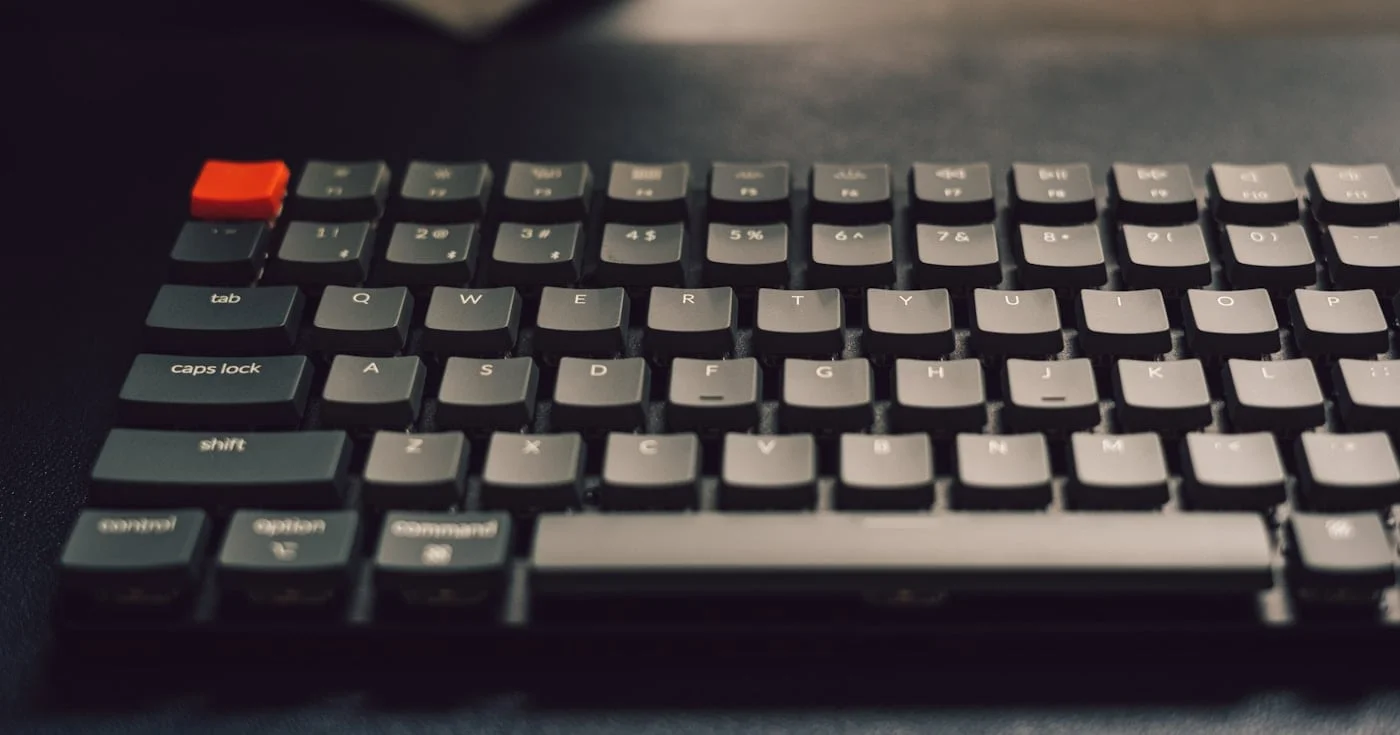
A mechanical keyboard uses an individual physical switch beneath every key. When you press a key, a spring-loaded mechanism compresses and two metal contacts close the circuit, sending the keystroke to your computer.
The key difference from membrane is that you feel exactly when a key registers, because the switch design creates a distinct actuation point. Most mechanical switches are categorized into three types:
For writers, tactile switches tend to be the most popular. You get confirmation of each keystroke without the noise of clicky switches.
A membrane keyboard uses two flexible sheets of conductive material separated by a middle layer. When you press a key, the top layer pushes through a hole in the middle layer and makes contact with the bottom, completing the circuit.
The result is a softer, quieter keypress with no distinct actuation point. You typically bottom out each keystroke before it registers, which means you press all the way down on every key.
Most laptop keyboards and the vast majority of office keyboards use membrane or scissor-switch (a membrane variant) technology. Logitech's MX Keys S, one of the most recommended keyboards for writers, uses a scissor-switch mechanism at $119.99, and sits at the premium end of the membrane category.
The feel difference between mechanical and membrane keyboards is the most important factor for writers, and it's also the most personal.
Mechanical keyboards give you a physical event for every keystroke. Tactile switches provide a small bump at the actuation point. You can train yourself to stop pressing once you feel it, which reduces wrist strain over thousands of keystrokes. Many writers describe switching to mechanical as "finally being heard" by the keyboard.
Membrane keys require you to push all the way down on every keystroke. There is no midway registration point. Over a long writing session, that full press on every key adds up. The feedback loop between your brain and your fingers is less precise, which some writers find leads to more retyping and self-correction.
That said, some writers genuinely prefer membrane. The softer press requires less force per keystroke, and if you're a naturally light typist, you may find membrane more comfortable than the firmer resistance of most mechanical switches.
Winner: Mechanical. The tactile actuation point makes a measurable difference for accuracy and fatigue over multi-hour writing sessions.
If you share a workspace or write in public, noise is not a secondary consideration.
Membrane keyboards are quieter by design. The rubber membrane absorbs impact, and there are no metal contacts clicking together. Premium membrane keyboards like the Logitech MX Keys S are whisper-quiet.
Mechanical keyboards vary widely by switch type. Clicky switches like Cherry MX Blue are loud enough to distract coworkers. Tactile switches like Cherry MX Brown are moderate. Linear switches like Cherry MX Red are the quietest mechanical option, though still louder than membrane. You can reduce noise further with o-rings or foam dampening.
If you write in a coffee shop, open office, or shared room: membrane or a quiet linear mechanical switch is the practical answer.
Winner: Membrane. Quieter by default, no acoustic engineering required.
Durability is where mechanical keyboards have a decisive structural advantage.
Keychron's testing shows mechanical switches rated for up to 50–100 million keystrokes. A writer doing 5,000 words a day, five days a week, would press a key roughly 2 million times per year. At that rate, a mechanical keyboard's switches last 25–50 years of writing.
Membrane keyboards are rated at 5–10 million keystrokes. That's 2–5 years under the same conditions. And degradation isn't uniform: some keys wear faster than others, leading to an uneven typing feel before the keyboard outright fails.
For writers making a long-term investment in their setup, mechanical keyboards offer dramatically better value over time, even at a higher upfront price.
Winner: Mechanical. The lifespan gap is not a tie: it's a 10x difference.
Budget is the clearest advantage membrane keyboards hold.
Membrane keyboards cover a wide range. Basic wired options like the Logitech K120 sell for under $20. Mid-range wireless models like the Logitech MX Keys S sit at $119.99. Even at the premium end, you rarely spend over $130.
Mechanical keyboards start around $50 for budget models, with mid-range writing-focused keyboards from Keychron typically running $80–$130. Premium custom options can reach $200 and beyond. However, given the 10x longer lifespan, the total cost of ownership over five years often favors mechanical.
Budget | Membrane Pick | Mechanical Pick |
|---|---|---|
Under $30 | Logitech K120 (~$20) | Not recommended at this tier |
$50–$100 | Logitech MX Keys S ($119.99) | Keychron C1 Pro (~$50) |
$100–$200 | Logitech MX Keys S with accessories | Keychron K2 HE (~$200) |
Winner: Membrane. Lower entry cost, though mechanical wins on 5-year total cost.
Ergonomics for writers goes beyond switch feel. Key height, tilt angle, wrist position, and typing posture all affect long-term comfort.
Mechanical keyboards tend to be taller (higher profile), which means your wrists may need more support. Many mechanical keyboard users pair their board with a wrist rest. The firmer, more precise actuation means less force wasted bottoming out keys, which reduces cumulative wrist strain.
Membrane keyboards are slimmer, especially scissor-switch variants. Lower-profile keys mean a more natural wrist angle for some typists, particularly those accustomed to laptop keyboards. However, the mushy feel encourages bottoming out, which creates its own repetitive stress over time.
Neither type is inherently ergonomic without attention to setup. The most important ergonomic investments are keyboard height, tilt, and wrist rest positioning, regardless of switch type.
Winner: Tie. Both types support ergonomic setups when positioned correctly. Mechanical has a slight edge for long sessions due to tactile actuation.
Choose a mechanical keyboard if you write 1,000+ words daily, work in a private space or home office, and want a keyboard that rewards long sessions with precise feedback and lasts for years. Tactile switches like Cherry MX Brown or Keychron's brown equivalents hit the sweet spot between feel and noise.
Choose a membrane keyboard if you write in shared or noise-sensitive spaces, travel frequently with your setup, or need a capable keyboard under $50. The Logitech MX Keys S is the top membrane pick for writers: quiet, comfortable, and well-built without the mechanical price tag.
For most full-time writers working from home or a private office, a mechanical keyboard with tactile switches is the better long-term investment. The lifespan advantage alone justifies the price difference, and the typing feel improvement is something most writers notice within days.
Mechanical and membrane keyboards represent two different philosophies of what a keyboard should be. Mechanical prioritizes precision, longevity, and typing experience. Membrane prioritizes quiet, affordability, and simplicity.
For writers, the choice comes down to where and how much you write. Daily heavy typists working in private spaces gain the most from switching to mechanical.
Writers in shared environments or on tight budgets will find a good membrane keyboard serves them well, especially at the premium tier. Either way, the keyboard you actually enjoy using is the one that will keep you writing.

Writing about cybersecurity is like trying to explain how a car engine works to someone who just wants to drive.

Clients expect SEO but rarely explain it. Search intent, keyword briefs, article structure, links, and AI Overviews, plus how to charge more for SEO writing.
Free plagiarism checkers average 43% detection vs 88% for top paid tools. Compare 15 options by accuracy scores, pricing, ownership, and use case for 2026.
Professional publishing supported by generous companies you should check out.


