
10 Distraction-Free Writing Apps Ranked by Accountability Level
From blank-page browser tools to full computer lockout, 10 distraction-free writing apps ranked by accountability level. Updated May 2026.
Updated 18 min read

From blank-page browser tools to full computer lockout, 10 distraction-free writing apps ranked by accountability level. Updated May 2026.
The three standout distraction-free writing apps in 2026 are iA Writer, Calmly Writer, and Cold Turkey Writer. Each takes a different stance: iA Writer tracks authorship at sentence level, Calmly Writer costs $19 one-time, Cold Turkey Writer locks the full computer until you hit your word count. Below, 10 apps ranked by one axis no competitor article uses: how forcefully they make you write.
The average human focus span dropped from 2.5 minutes in 2004 to 47 seconds by 2016, per UC Irvine researcher Gloria Mark. After a single interruption, recovery takes an average of 25 minutes to return to the original task. Distraction-free writing apps are an environmental intervention, not a preference.
Software | Best For | Key Features | Pricing | Free Plan | Platforms |
|---|---|---|---|---|---|
Focused prose writers | Sentence focus mode, authorship tracking, Syntax Highlight | from $29.99 one-time | 2-week trial | Mac, Win, iOS | |
Pay-once distraction-free | Paragraph focus, WYSIWYG Markdown, 3-license | Web (free) | Mac, Win, Linux, Browser | ||
Free Win/Linux writers | Full-screen hide-away, timer, daily goals | Free/OSS | Yes | Win, Linux only | |
Maximum accountability | Computer-wide lockout, no escape, offline | No | Mac, Win | ||
Apple ecosystem writers | Markdown, sidebar navigation, direct publishing | 2-week trial | Mac, iPad, iPhone only | ||
Ambient-focused writers | Nature backgrounds, layered soundscapes, typewriter clicks | ~$9.99 Gaia | Dana I (legacy) | Mac, Win | |
Windows Markdown writers | Zenware UI, index panel, optional ChatGPT plugin | Free/donorware | Yes | Win (primary) | |
Instant no-install start | Browser-based, localStorage auto-save, Markdown export | Free | Yes | Browser, any OS | |
Sprint and freewriting | Delete-on-pause, Hardcore Mode, zero formatting | Free | Yes | Browser, any OS | |
Privacy-first writers | GitHub sync, BYOK AI, 8 themes, command palette | Free/OSS | Yes | Browser, any OS | |
Long-form novelists | Composition View, binder, corkboard, compile | $49–$59 one-time | 30-day trial | Mac, Win, iOS | |
Browser writers needing three focus modes | Zen/Focus/Book modes, version history | Free tier | Yes | Browser, any OS |
Best distraction-free writing apps compared at a glance
Best for focused prose writers who want the category benchmark
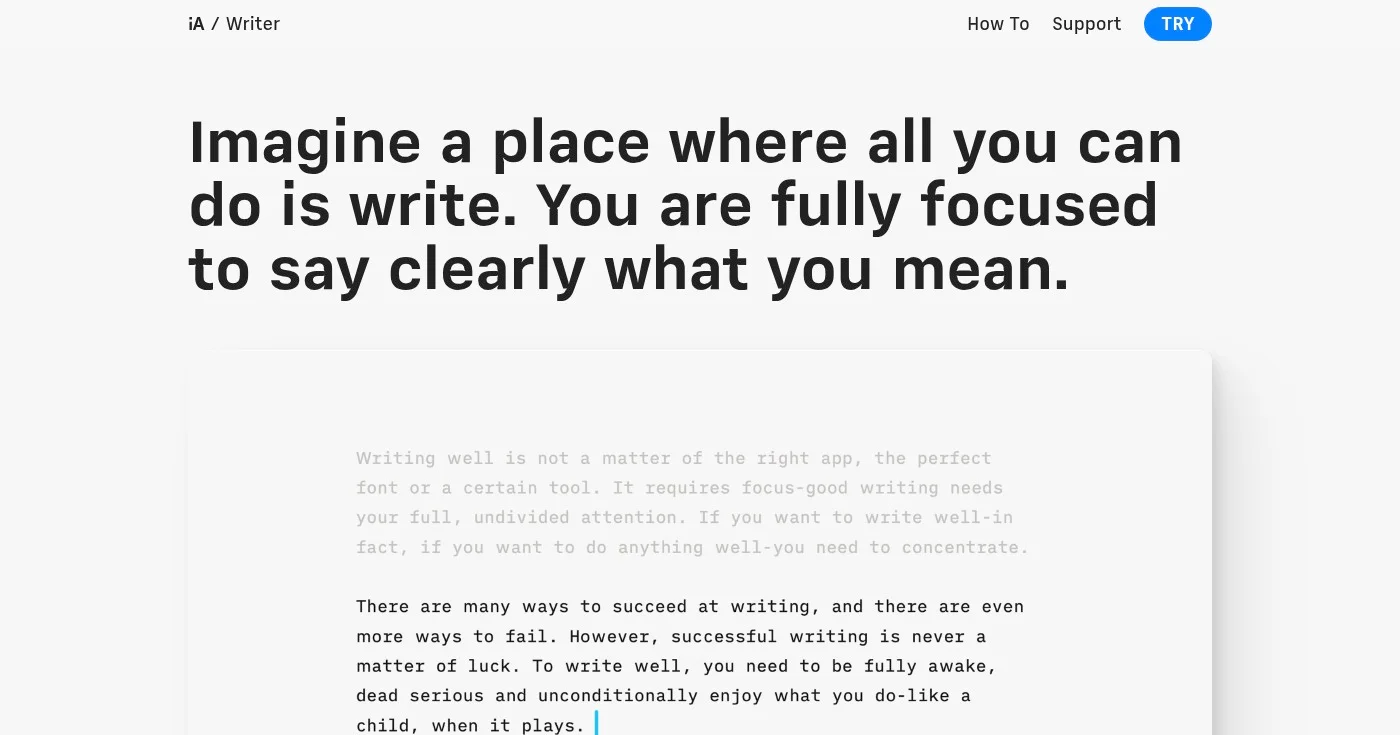
iA Writer is the app that defined what distraction-free writing software looks like. Four-time App of the Year and Apple Design Award Finalist 2025, it has served 2 million+ writers since 2012.
Its Focus Mode dims everything outside the sentence or paragraph you're currently writing. Sentence-level dimming is the most precise focus mechanic available in the category.
What sets iA Writer apart in 2026 is authorship tracking: text you type appears in black or white; text pasted from an AI tool appears color-highlighted. iA Writer is the only distraction-free app that makes you visually accountable for your own contribution, the anti-AI discipline tool for writers who care about that distinction.
Syntax Highlight overlays color-code adjectives, nouns, verbs, and adverbs on demand, exposing structural weaknesses without leaving the writing environment.
The honest friction point: iA Writer charges per platform (Mac: $49.99, Windows: $29.99, iOS: $19.99). Writers who work across Mac, Windows, and iOS will pay approximately $99 in total.
On r/writerDeck, iA Writer is described as "solid" but "expensive for what it does" relative to free alternatives like FocusWriter, a fair comparison, not a quality dispute. The two-week trial requires no sign-up.
Two-week free trial on Mac and Windows, no account required.
Best pay-once distraction-free writing tool
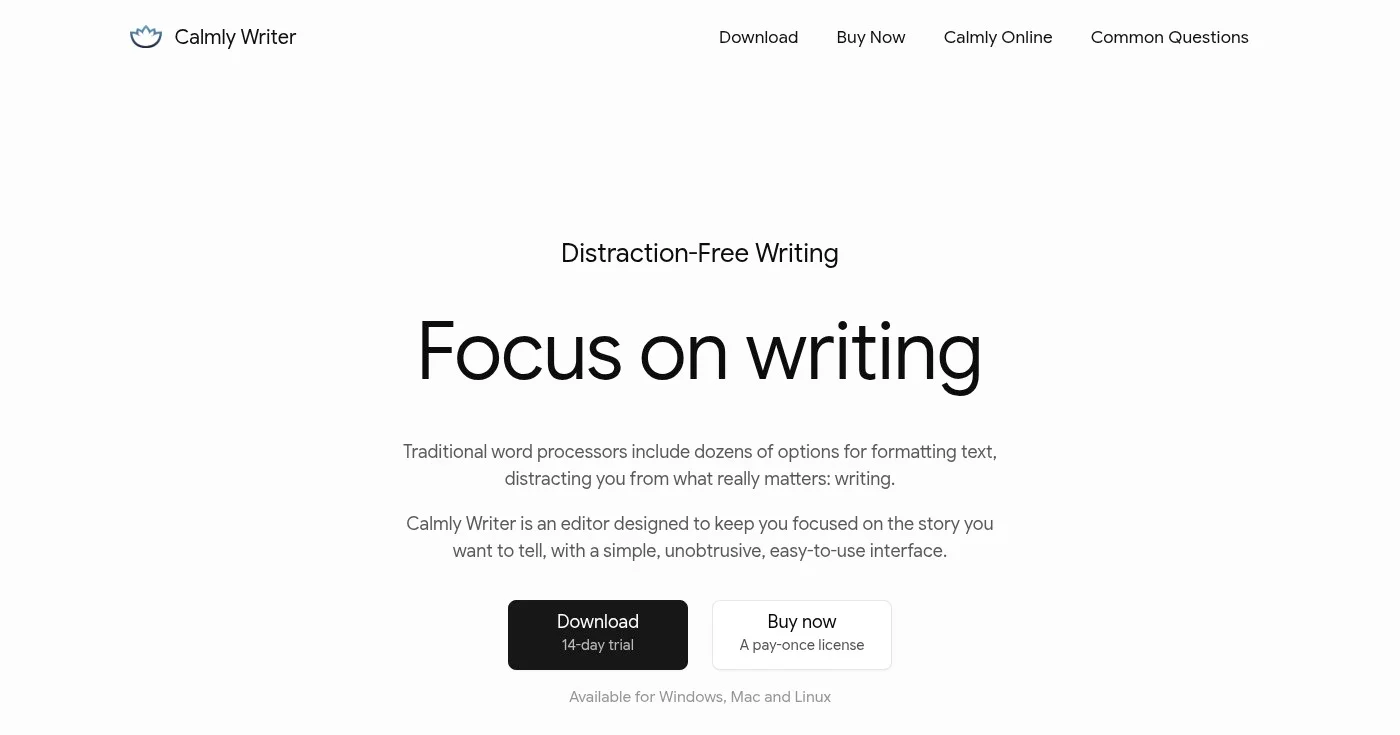
Calmly Writer is the #1 organic result for this keyword and earns the position. The pay-once model ($19 for up to 3 computers, lifetime updates) is the strongest value proposition in the category. WIRED wrote that it is "perhaps the best deal of the bunch if you're looking for a true distraction-free experience."
Its paragraph focus mode sits at a precise point on the accountability spectrum: it highlights the paragraph you're currently writing and fades everything else. Not a blank page like ZenPen, not sentence-level precision like iA Writer.
A gentle, sustained nudge to stay in the paragraph in front of you. WYSIWYG Markdown rendering means headings and lists look like headings and lists while you write, without raw syntax cluttering the canvas.
Jack Wallen, ZDNet reviewer and novelist who tested the app across dozens of novels: "When you open it, you'll see nothing but a blank page waiting for your words."
The free web version at calmlywriter.com/online gives you the full core experience before committing to the desktop license.
One pricing note worth flagging: some sources still list Calmly Writer at $10. That figure is outdated. The current price at calmlywriter.com is $19 per license.
Best free distraction-free writing app for Windows and Linux
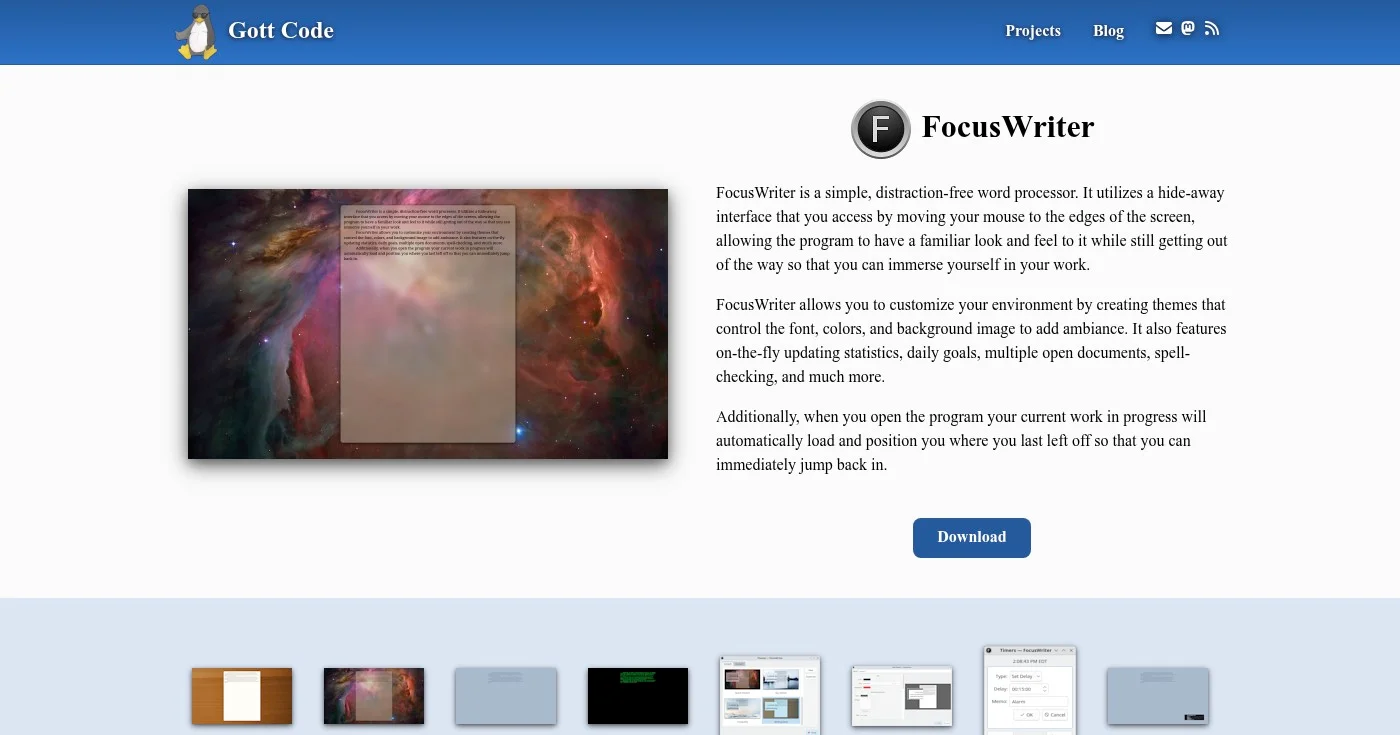
FocusWriter is the benchmark free option, but only for Windows and Linux users. FocusWriter does not run on macOS, despite being listed as cross-platform in multiple top-ranking competitor articles. Mac users should look at iA Writer or ZenPen instead.
On Windows and Linux, FocusWriter earns TechRadar's #1 free writing app ranking. The full-screen hide-away interface removes every visible OS element: menus, taskbar, and file explorer.
Move the mouse to a screen edge and the toolbar appears; move away and the screen returns to your text and nothing else. Built-in Pomodoro-style timer and daily word count goals keep sessions purposeful without requiring additional apps.
The r/writerDeck community (writers building purpose-limited writing devices from old laptops and Raspberry Pis) treats FocusWriter as the default option:
"I use FocusWriter in combination with Syncthing. My writerdeck syncs back to my desktop PC, and also to a Raspberry Pi that I can connect to over the internet from work during lunch." (u/BrotherNico in r/writerDeck, May 2026)
Portable mode lets you run FocusWriter from a USB drive, which is why it's common in purpose-built writedeck setups. One data-loss risk worth noting: FocusWriter's default ODT auto-save behavior is not immediately obvious. Verify your save settings before writing anything you can't afford to lose.
Best distraction-free writing app for maximum accountability
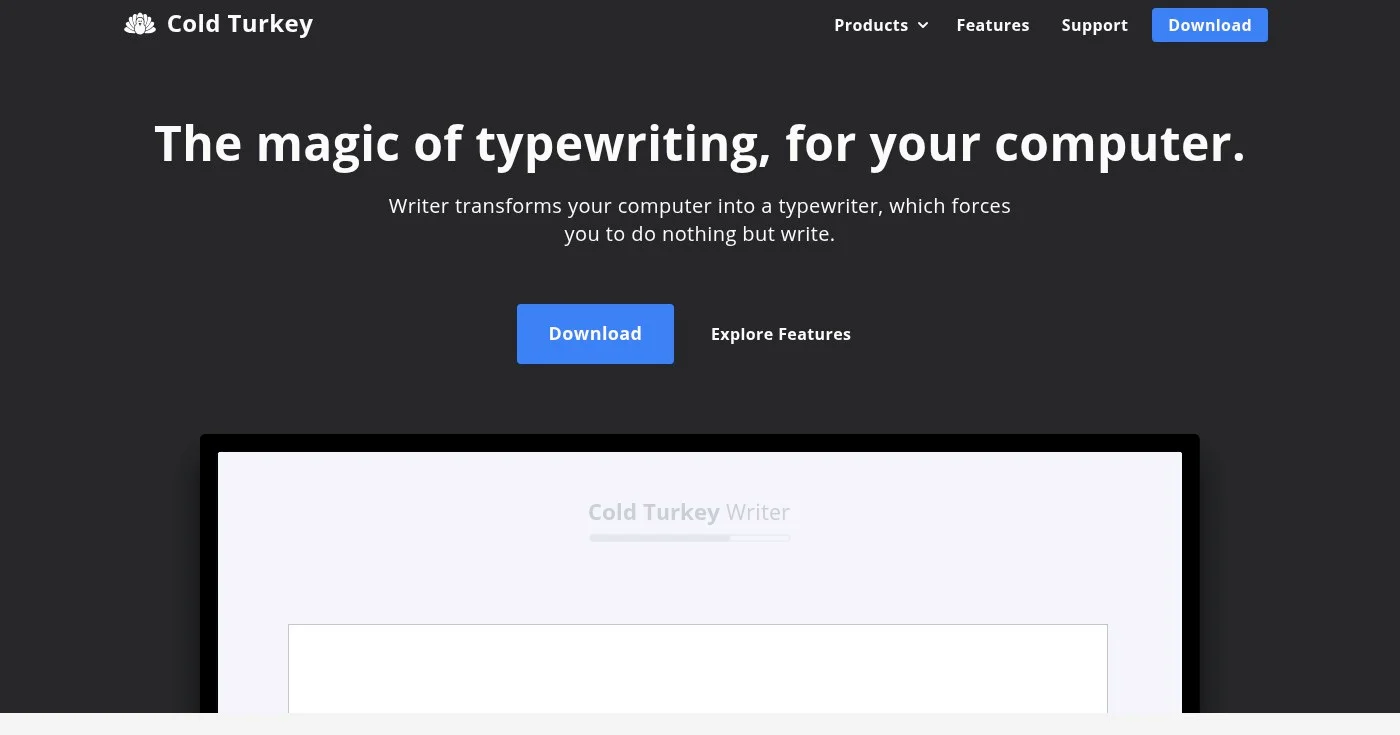
Cold Turkey Writer is the most extreme software option in the category. It blocks the entire computer (browser, media players, every app) until you meet a word count or time goal. No Cmd+Tab, no force-quit, no alt-tab.
All functionality restores automatically when the goal is met.
If self-imposed timers, focus modes, and ambient soundscapes haven't worked, Cold Turkey Writer is the structural escalation. It saves to plain .txt only.
No Markdown, no formatting, no export options. The trade-off is clear: full computer lockout in exchange for zero formatting features. Writers who need both lockout and formatting typically use Cold Turkey for sprint sessions, then transfer the raw output to iA Writer or Ulysses afterward.
From r/writerDeck:
"Cold Turkey Writer lets you set a timer that forces you to stay in the app. You can't close it, cmd+tab, etc. It is really basic (no markdown or formatting support, just saves as txt) but it helped me quite a few times to get over a block." (u/lagayascienza in r/writerDeck, May 2026)
Data stays local and offline. No tracking, no account, no subscription.
One-time purchase covers all personal computers plus free lifetime updates. The exact price is not displayed inline on the product page; verify at getcoldturkey.com/writer/ before purchasing.
Best distraction-free writing app for the Apple ecosystem
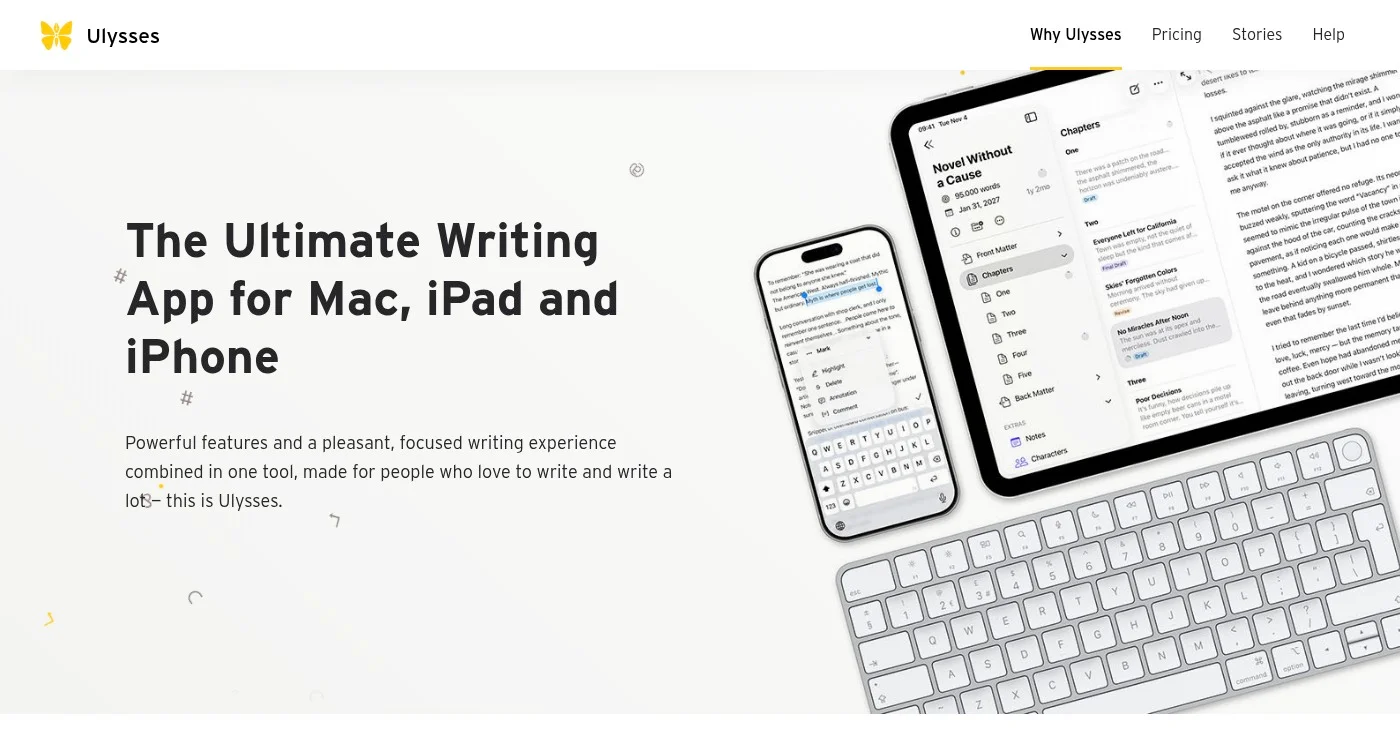
Ulysses won the Apple Design Award and remains the best full-featured writing environment if you work exclusively on Mac, iPad, or iPhone. The sidebar-based sheet structure keeps your chapters, research notes, and writing targets one click away, hidden during writing sessions. Direct publishing to WordPress and Medium without leaving the app makes it practical for bloggers and journalists alongside novelists.
Family Sharing is included (up to 5 members), which improves the cost-per-seat math for households. Independent 2026 reviews rate it 8.9/10 and position it as the top Scrivener replacement for Apple users.
The hard constraint: Ulysses is Mac, iPad, and iPhone only. No Windows, no Android. If you write on any non-Apple device, it's not an option.
The subscription model ($39.99/year or $5.99/month) is the most consistent complaint across all research phases (Reddit, YouTube, and review sites). Writers who prefer Ulysses often delay adopting it because of recurring cost. Claire Fraise, in her YouTube comparison, explicitly chose Scrivener over Dabble (a comparable app) solely because "it is a subscription model." That same friction applies to Ulysses.
Two-week free trial available, no payment info required.
Best distraction-free writing app for ambient immersion
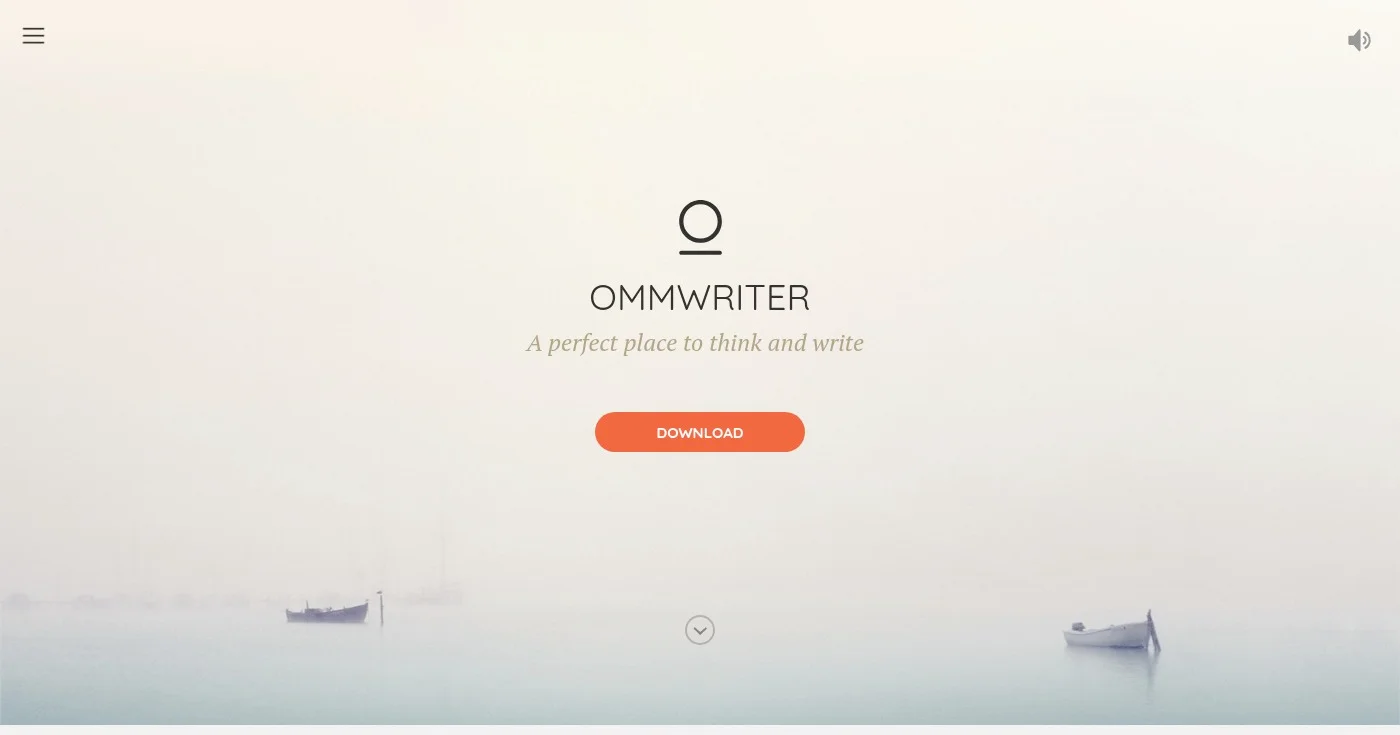
OmmWriter is the sensory-focused outlier in the category. Nature-themed backgrounds (snowfields, forest, abstract scenes), layered soundscapes (wind, birds, rain), and per-keystroke typewriter sound effects create an immersive environment developed with a color-therapy expert.
Over 1 million users have used it. ZDNet describes it as "quite a magical experience"; GradHacker calls it a "Zen-like environment, complete with soothing visuals and audio."
OmmWriter's accountability mechanic is environmental: no lockout, no deletion, no paragraph dimming.
The tool creates an atmosphere that makes everything outside the writing window feel irrelevant. This makes it a complement to other tools rather than a replacement: writers who need ambient atmosphere to focus, or who already compose to music and want a tool built around that workflow.
No Markdown, no cloud sync, no mobile app. The niche is narrow.
If you don't need ambient atmosphere, the feature set is too minimal to compete with iA Writer or Calmly Writer. If you do need it, nothing else in the category comes close.
A naming note: ZDNet's reviewer Jack Wallen misspelled it as "OmniWriter" in his article. The correct name is OmmWriter.
Best distraction-free writing app for Windows Markdown writers
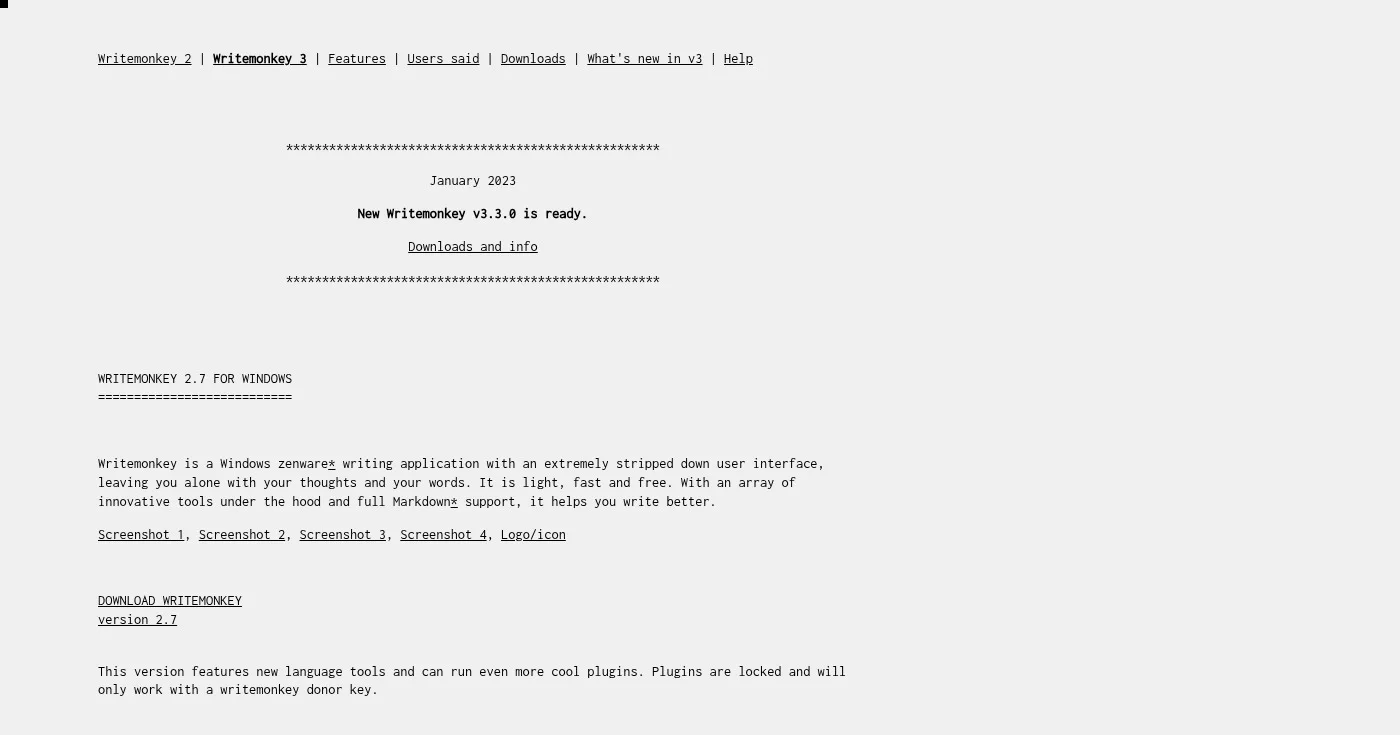
WriteMonkey is XDA Developers' #1 pick for Windows distraction-free writing. "Zenware" is the developer's own label: deliberately stripped UI that hides everything except the text. Full Markdown support, an auto-updating index panel that tracks headings as you write, and no Electron overhead mean the app is fast on hardware that bogs down feature-heavy tools.
The optional ChatGPT plugin (BYOK, or bring-your-own-key) is WriteMonkey's 2026 differentiator. It adds AI assistance without bundling a subscription or routing data through a proprietary server. Writers who want AI as an occasional tool rather than a primary interaction model can enable the plugin and ignore it until needed.
Free to download. A donor key ($10–$20 suggested) unlocks premium features and additional plugins. Think of it as Ulysses-lite for Windows: organizational features beyond FocusWriter, without a subscription or an Apple-only restriction.
One caveat on macOS: WriteMonkey v3 has some macOS support, but it's not officially confirmed and may be limited. Windows users get the fully-tested experience. Verify at writemonkey.com if you're on macOS before committing.
Best no-install, instant-start browser writing tool
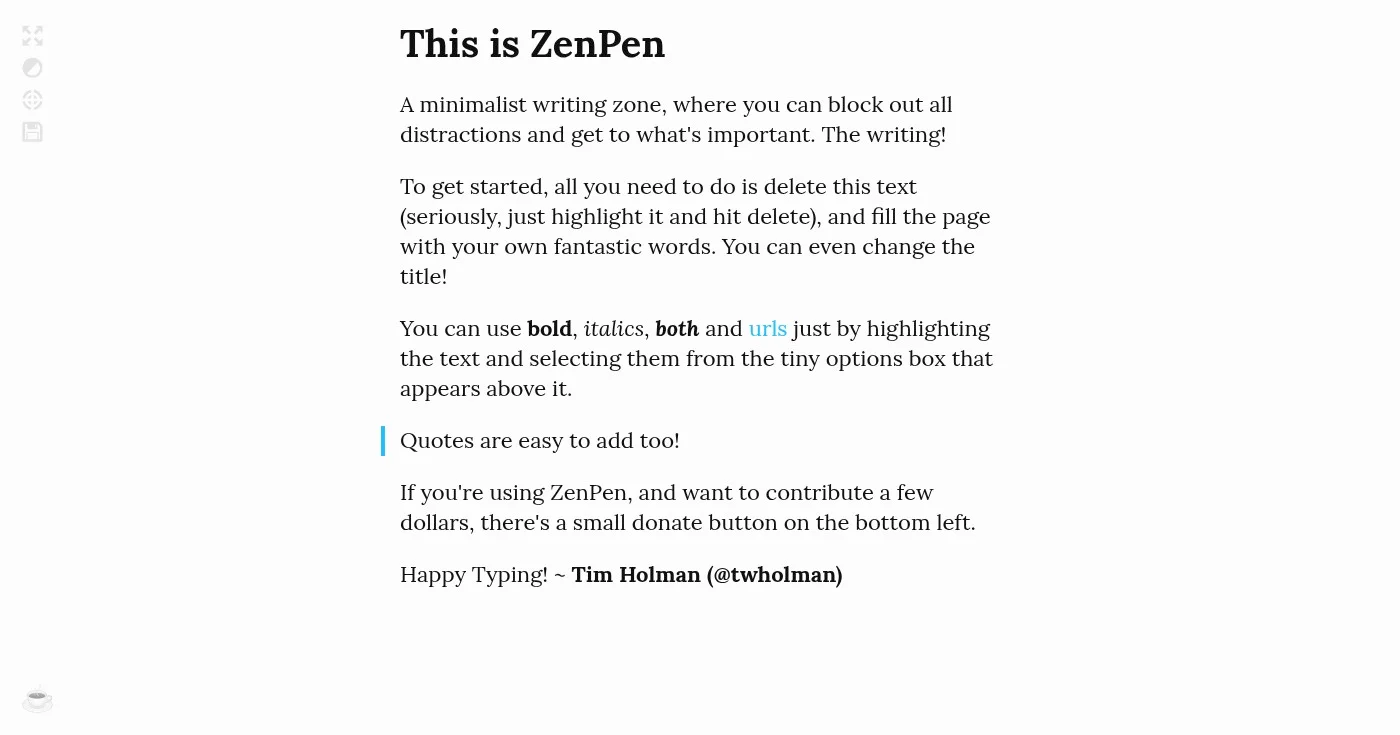
ZenPen is the lowest-friction entry point in the category. No account, no download, no install. Open a browser tab and start writing.
Auto-saves to browser localStorage. Light and dark mode, target word count, and export to Markdown, HTML, or plain text are all included. A floating mini-toolbar appears only when you select text; otherwise the canvas is blank.
The honest limitation: ZenPen is a browser tab, which means OS notifications can still reach you unless you enable Do Not Disturb at the system level. There's no cloud sync beyond the local browser session.
If you close the tab without exporting, localStorage can recover the session, but don't rely on it for long-form work. ZenPen is not built for projects with chapters or organizational needs.
If you've never tried distraction-free writing and want to test the concept before committing to any paid app, ZenPen is the place to start. You can be writing in a distraction-free environment within the next 30 seconds.
Best for overcoming blank-page paralysis and self-editing loops
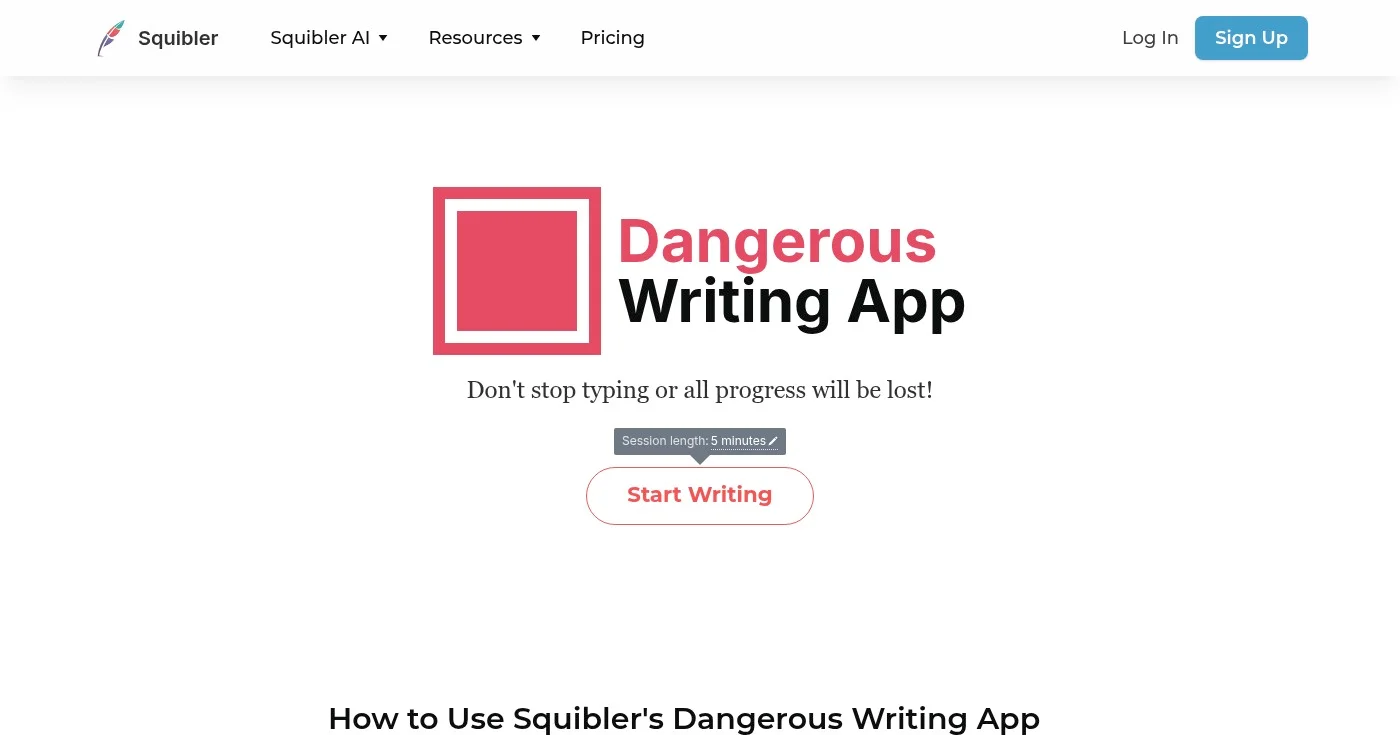
The Most Dangerous Writing App takes the accountability mechanic to its logical extreme. Stop typing for more than a few seconds and the text begins to blur red, then disappear entirely.
Hardcore Mode additionally hides your writing as you type and disables the backspace key. There's no save, no export mid-session, no undo.
The Most Dangerous Writing App is a sprint environment for the writer who self-edits every third word, loops back to rewrite the opening paragraph, or freezes at the blank page. Don't use it for drafts you intend to keep.
MakeUseOf's reviewer encountered the mechanic firsthand: "It was deleted. My cat knocked a glass off the table." The consequence is real, and that's the point.
The app is now operated by Squibler (originally built by Manuel Ebert). Browser-based, free, no account required.
Best used for 20-minute freewriting sprints to break through first-draft paralysis. Export the raw output to a permanent writing environment and continue from there.
Best distraction-free writing app for privacy-first and developer workflows
thorn is the only distraction-free writing tool natively designed for GitHub as prose storage. Markdown-native, 8 themes, command palette. Focus mode dims everything except the active paragraph.
GitHub sync saves prose directly to any repository: versioned, accessible from any device, recoverable from any commit. Free and open-source; no account, no tracking, no subscription.
The AI integration is BYOK: you bring your own API key, and nothing leaves the browser. This is one of four distinct AI philosophies in the distraction-free category in 2026.
iA Writer builds anti-AI authorship tracking. WriteMonkey adds an optional ChatGPT plugin for writers who want AI on demand. Minim makes AI the primary interaction model via keyboard commands.
thorn takes the privacy-first path: AI annotations that never leave your browser, keyed to your own account. No top-10 SERP article for this keyword addresses these four positions.
The trade-off: GitHub sync requires a GitHub account and basic familiarity with repositories. Writers outside developer workflows may find the onboarding steeper than ZenPen or Calmly Writer.
As Patrick Collison framed it:
As far as I can tell, one of the biggest changes across organizations over the past few years is simply the rise of distraction. The default often appears to be a kind of continuous partial attention. I'm not sure whether it's good or bad. Maybe people were suboptimally stuck
The distraction-free writing app is an environmental intervention: a deliberate response to an organization-wide default of continuous partial attention.
If software isolation isn't enough, three hardware options hold the fastest-growing related-search volume for this topic:
These aren't substitutes for a writing app. They're the escalation for writers who find that OS-level isolation still isn't enough.

Writing about cybersecurity is like trying to explain how a car engine works to someone who just wants to drive.

Clients expect SEO but rarely explain it. Search intent, keyword briefs, article structure, links, and AI Overviews, plus how to charge more for SEO writing.
Free plagiarism checkers average 43% detection vs 88% for top paid tools. Compare 15 options by accuracy scores, pricing, ownership, and use case for 2026.
Professional publishing supported by generous companies you should check out.


