


Best Dictation Software for Writers: Top 10 Tools for 2026
The 10 best dictation software tools for writers in 2026, ranked by accuracy, platform support, and price. Includes free options, pricing comparison, and who ea
Updated 16 min read

The 10 best dictation software tools for writers in 2026, ranked by accuracy, platform support, and price. Includes free options, pricing comparison, and who ea
The best dictation software for writers is Dragon Professional for Windows users who need 99% accuracy, Wispr Flow for cross-platform AI-polished output, and Apple Dictation for Mac writers who want a free, private option. Below, you'll find 10 tools ranked by use case, platform, and price.
The global speech-to-text market is projected to reach $8.57 billion by 2030, up from $3.81 billion in 2024, driven by accuracy improvements that now rival human transcriptionists. If you're not dictating yet, you're typing at 40 words per minute while your voice can reach 150 words per minute.
In this guide, you'll explore the top 10 dictation software tools for writers available in 2026.
Look for these five factors before committing to a tool:
Software | Best For | Key Features | Pricing | Free Plan | Platforms |
|---|---|---|---|---|---|
Windows novelists | Custom vocab, 99% accuracy, offline | No | Windows | ||
Mac/iPhone writers | On-device, system-wide, offline | Free | Yes | macOS, iOS | |
Google Docs users | Built-in, 100+ languages | Free | Yes | Web (Chrome) | |
Cross-platform writers | AI cleanup, system-wide, filler removal | Yes (2k words/wk) | Mac, Win, iOS, Android | ||
Journalists, researchers | Speaker ID, AI summaries, search | Yes (300 min/mo) | Web, iOS, Android | ||
Microsoft 365 users | High accuracy, cross-platform | No (requires M365) | Win, Mac, Web, Mobile | ||
Quick browser dictation | No install, privacy-focused | Yes | Web, Android | ||
Windows 11 writers | System-wide, offline, free | Free | Yes | Windows 11 | |
Podcasters and creators | Text-based audio editing, filler removal | Yes (1 hr/mo) | Web, Mac, Windows | ||
Writer-specific AI output | Real-time AI cleanup, snippets, system-wide | Yes (1k words/mo) | Win, Mac, iOS, Android |
Best for Windows power users and novelists who need maximum accuracy
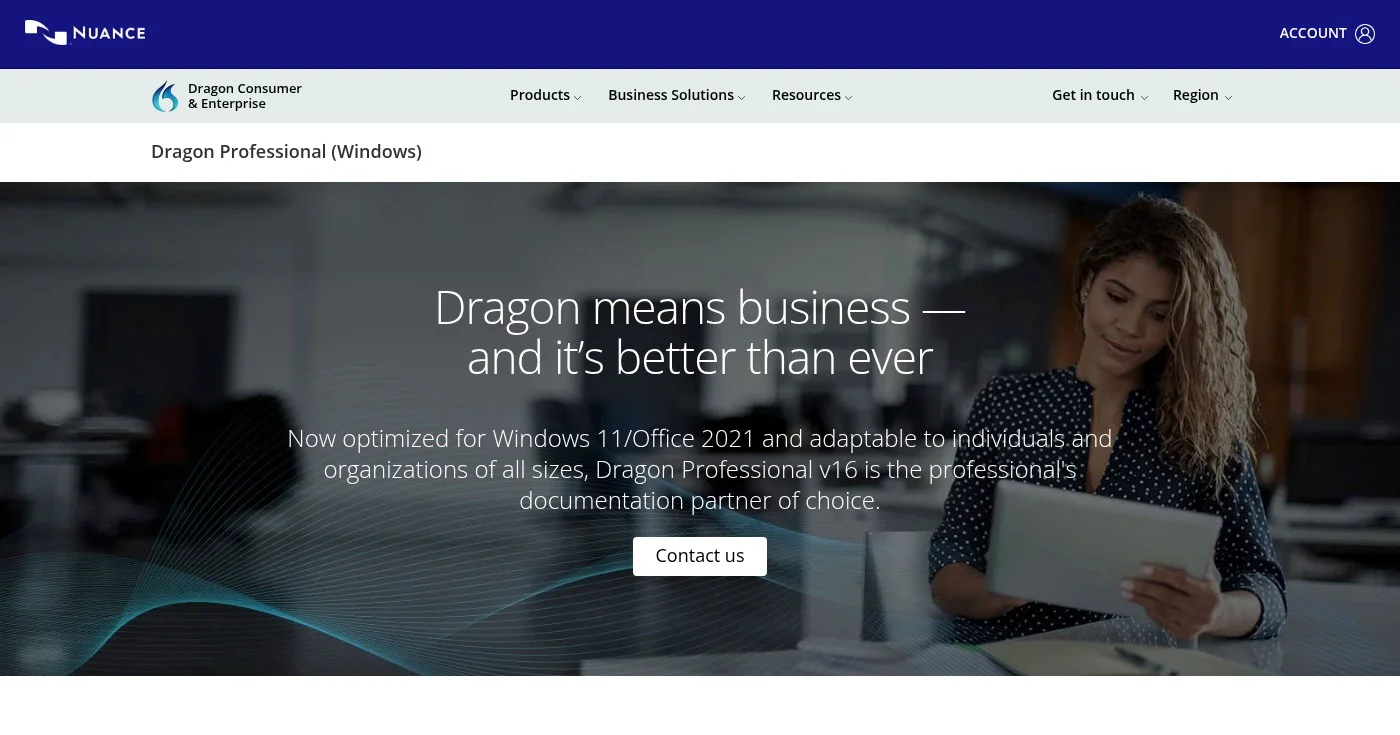
Dragon Professional by Nuance has been the gold standard for author dictation for over 25 years. It delivers up to 99% accuracy right from first use and adapts to your voice over time. If you write fantasy novels with invented names or nonfiction heavy with technical terms, Dragon's custom vocabulary is the feature no free tool matches.
The software works entirely offline on Windows, which means your unpublished manuscript never touches an external server. It also transcribes pre-recorded audio files via the ATFA (Auto Transcribe Folder Agent) feature, useful if you prefer to record yourself speaking and transcribe later.
Notable advocates include Kevin Anderson, who dictates while hiking with a portable recorder and wrote On Being a Dictator on the practice.
Best free option for Mac and iPhone writers
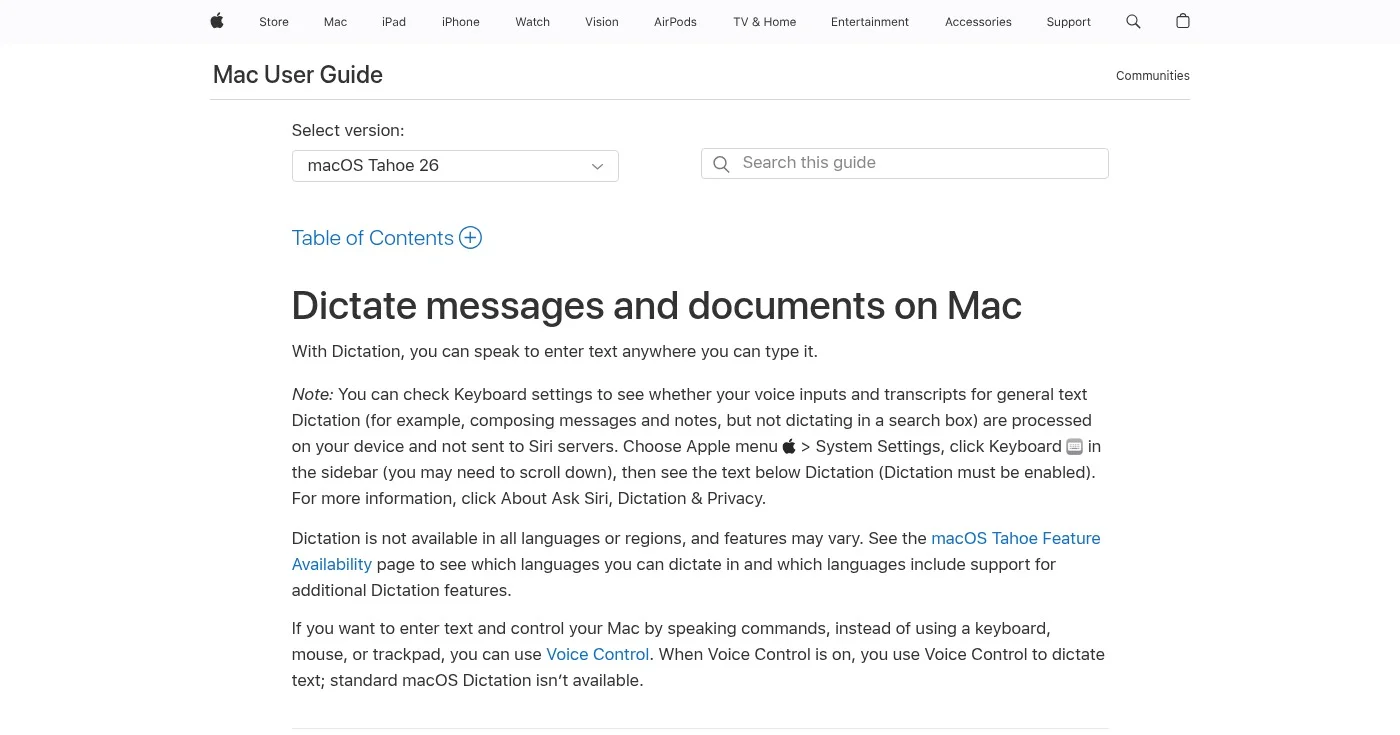
Apple Dictation is built into every Mac, iPhone, and iPad at no cost. On Apple Silicon Macs (M1 and later), all processing happens on-device: your words never leave your machine, which matters when you're drafting an unpublished novel. You activate it with a double-press of the Function key and dictate into any app on your Mac: Scrivener, Pages, Word, Notes, or any text field.
Accuracy is excellent for prose writing, especially on Apple Silicon devices, and voice commands cover punctuation ("new paragraph," "comma," "period") and basic editing. It supports over 40 languages and works offline without any setup beyond enabling it in System Settings.
Apple Dictation doesn't offer a custom vocabulary manager or a training mode the way Dragon does, which makes it less suited to fiction writers with heavy invented vocabulary. For everyday prose, essays, and blog writing, though, it's hard to beat at zero cost.
Best free option for writers who draft in Google Docs
Google Docs Voice Typing is built into Google Docs under Tools → Voice Typing: open a document, click the microphone, and speak. Nothing to install, no account upgrade required. It supports over 100 languages, and voice commands for punctuation and navigation work well for everyday prose.
The biggest limitation is that it only works inside Google Docs and Google Slides, and it requires Chrome, Edge, or Safari. If you're already living in Google Docs for your first drafts, it's a genuinely useful free tool. If you write in Word, Scrivener, or any other app, you'll need something else.
Accuracy is solid for clear speech in a quiet environment, though it struggles more than Dragon or Wispr Flow with proper nouns, unusual names, and specialized vocabulary. You can work around this by speaking clearly and editing afterward.
Best cross-platform AI dictation for writers
Wispr Flow takes a different approach than traditional speech-to-text tools. Instead of transcribing exactly what you say, its AI layer removes filler words ("um," "like," "you know"), fixes grammar, and restructures sentences in real time. The result is cleaner first-draft text that needs less editing after dictation.
Flow works system-wide on Mac, Windows, iOS, and Android, which means you can dictate in Google Docs, Notion, Gmail, Scrivener, or any other text field without switching tools or copy-pasting. A personal dictionary handles character names and recurring jargon. Wispr Flow is available on every major platform and integrates directly with tools writers use daily.
The free tier offers 2,000 words per week, which is enough to evaluate whether the AI cleanup fits your writing style. Wispr Flow is privacy-conscious: no audio is stored after processing.
Best for journalists and research-heavy writers
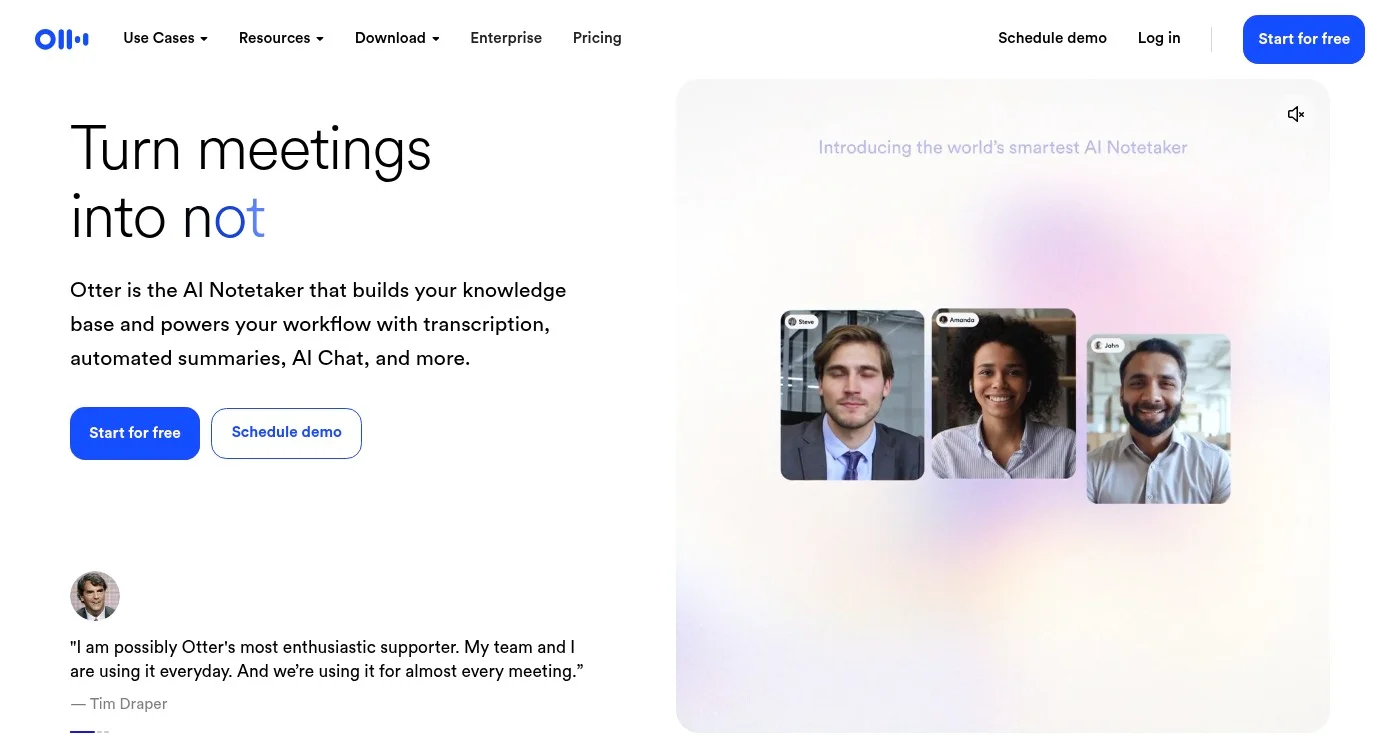
Otter.ai is primarily a transcription and meeting notes tool, but for journalists, memoirists, and nonfiction writers who conduct interviews, it's one of the most useful tools in this list. Its real-time transcription includes speaker identification (diarization), so a multi-speaker interview automatically comes out with each speaker's words labeled.
AI Chat lets you search across all your transcripts to pull quotes, find facts, and generate summaries. If you record yourself doing a verbal brainstorm or dictating notes, Otter transcribes it with 300 minutes free per month.
Otter is not designed for writing fiction or long-form prose in real time. It lacks the custom vocabulary and voice command depth that Dragon offers, and the Pro tier's 90-minute meeting cap can feel restrictive for long recording sessions. But for writers who build nonfiction from interviews and recorded research, its speaker ID and search features are genuinely powerful.
Best for writers already using Microsoft 365
Microsoft Word Dictate is built directly into Word (and all other Microsoft 365 apps). In independent testing published in 2025, it delivered high accuracy across accents and was rated the best option for most users. If your writing workflow centers on Microsoft Word, you already have access to this tool with your existing subscription.
It works across Windows, Mac, web, iOS, and Android, making it one of the most genuinely cross-platform options on this list. Voice commands handle punctuation, formatting, and basic editing. The main limitation is that it requires a Microsoft 365 subscription (it's not a standalone free app) and an internet connection.
If you're a novelist writing in Scrivener who only opens Word for final formatting, this isn't your primary tool. But if Word is your daily writing environment, there's little reason to pay for a separate dictation app.
Best lightweight browser dictation tool
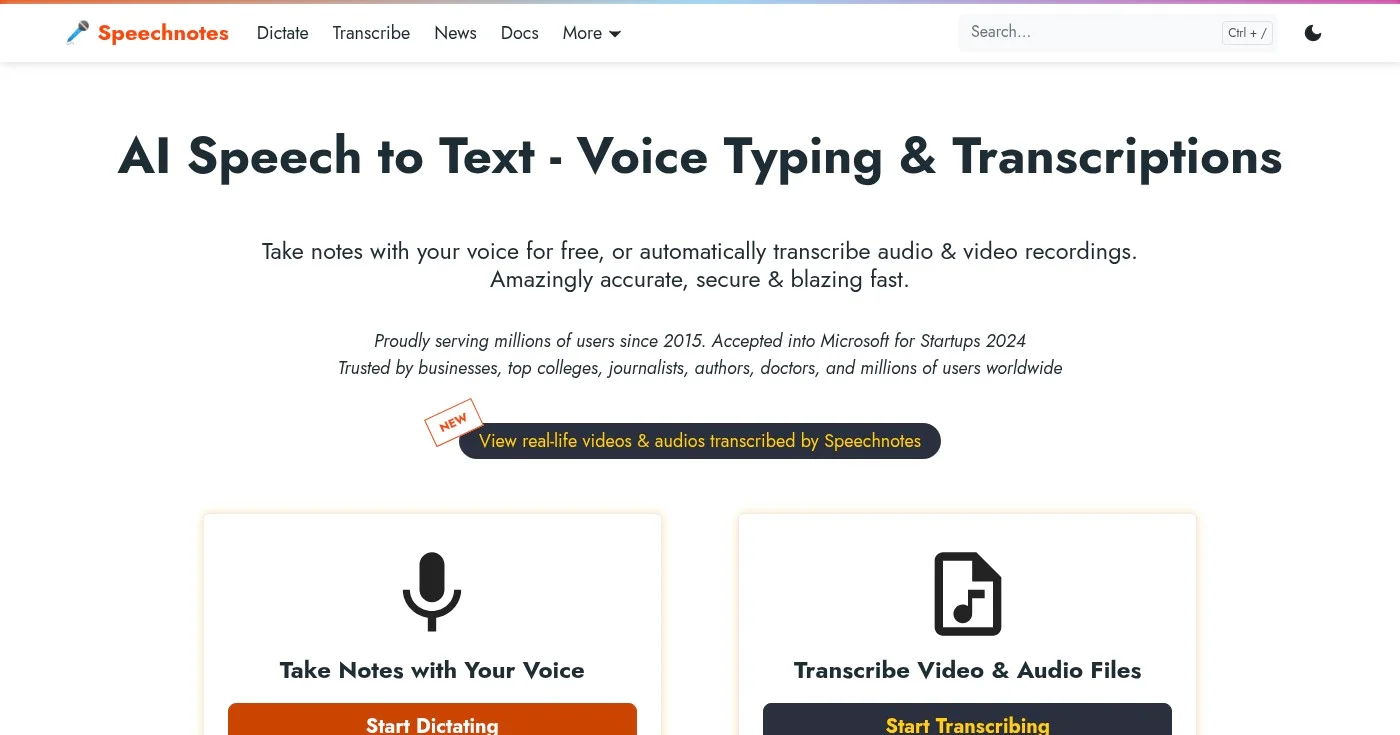
Speechnotes is a browser-based notepad that has been serving over 5 million users since 2015. Open the website, click the microphone, and start dictating: no installation, no account, no setup. It uses Google and Microsoft speech engines under the hood, achieving accuracy levels up to 95% for clear English audio.
Beyond simple dictation, Speechnotes offers audio and video file transcription at $0.10 per minute, speaker diarization, timestamps, and AI summaries. The premium tier at $1.90/mo unlocks additional features in the dictation notepad. It's an excellent entry point for writers who want to try dictation without committing to a subscription or installation.
The core limitation is that Speechnotes is web-only: you can't dictate directly into Scrivener, Word, or other desktop applications the way you can with Apple Dictation, Dragon, or Wispr Flow. You'll write in the browser and copy your text over, which adds a step.
Best free built-in option for Windows 11 writers
Windows Voice Access (previously known as Windows Speech Recognition) is Microsoft's updated built-in dictation tool for Windows 11, activated with the Win + H shortcut. It works system-wide across any application: Word, Scrivener, Notepad, your browser, or any text field on your desktop.
Voice Access is more capable than its predecessor, with voice commands for clicking, navigation, and computer control in addition to dictation. It works offline after initial setup, so your manuscripts stay on your device. Accuracy is good for standard prose, though it falls short of Dragon for specialized vocabulary and invented terms.
If you're a Windows 11 writer looking for a free, always-available dictation tool, Voice Access is the natural starting point before investing in Dragon or a subscription-based tool.
Best for writer-podcasters and content creators
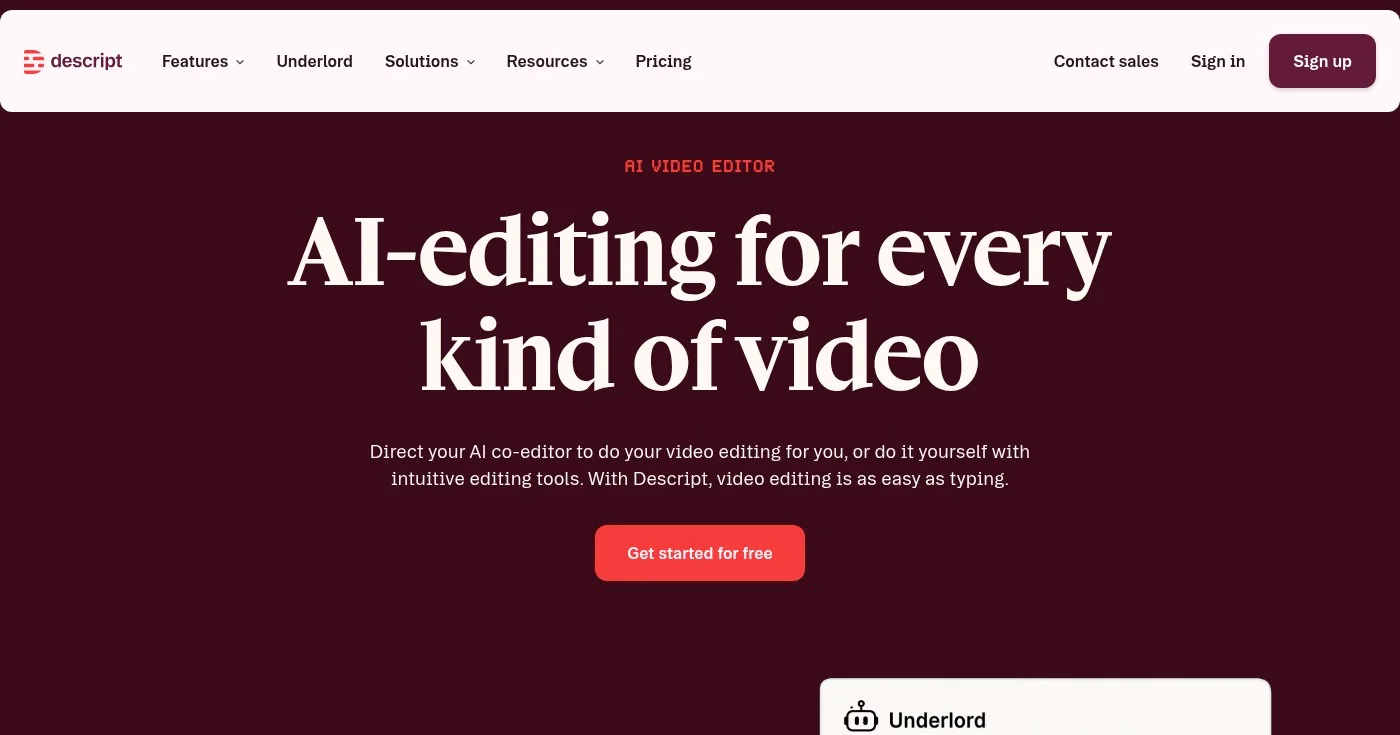
Descript approaches dictation from a completely different angle. Its core feature is text-based editing: import audio or video and Descript transcribes it, then you edit the recording by editing the transcript (delete a word, and it disappears from the audio). This makes it transformative for writers who also produce podcasts, video essays, or online courses.
AI tools like Remove Filler Words automatically cut "um," "uh," and "like" from recordings with one click. Studio Sound cleans up audio quality. For writers who use spoken brainstorming, verbal research notes, or podcast transcripts as raw material for their writing, Descript turns hours of editing into minutes.
Descript is not a real-time dictation tool for sitting down and writing a novel. It's a post-processing environment. But if you generate content through speaking and then shape it into written work, it's the most powerful tool on this list for that specific workflow.
Best writer-specific AI dictation
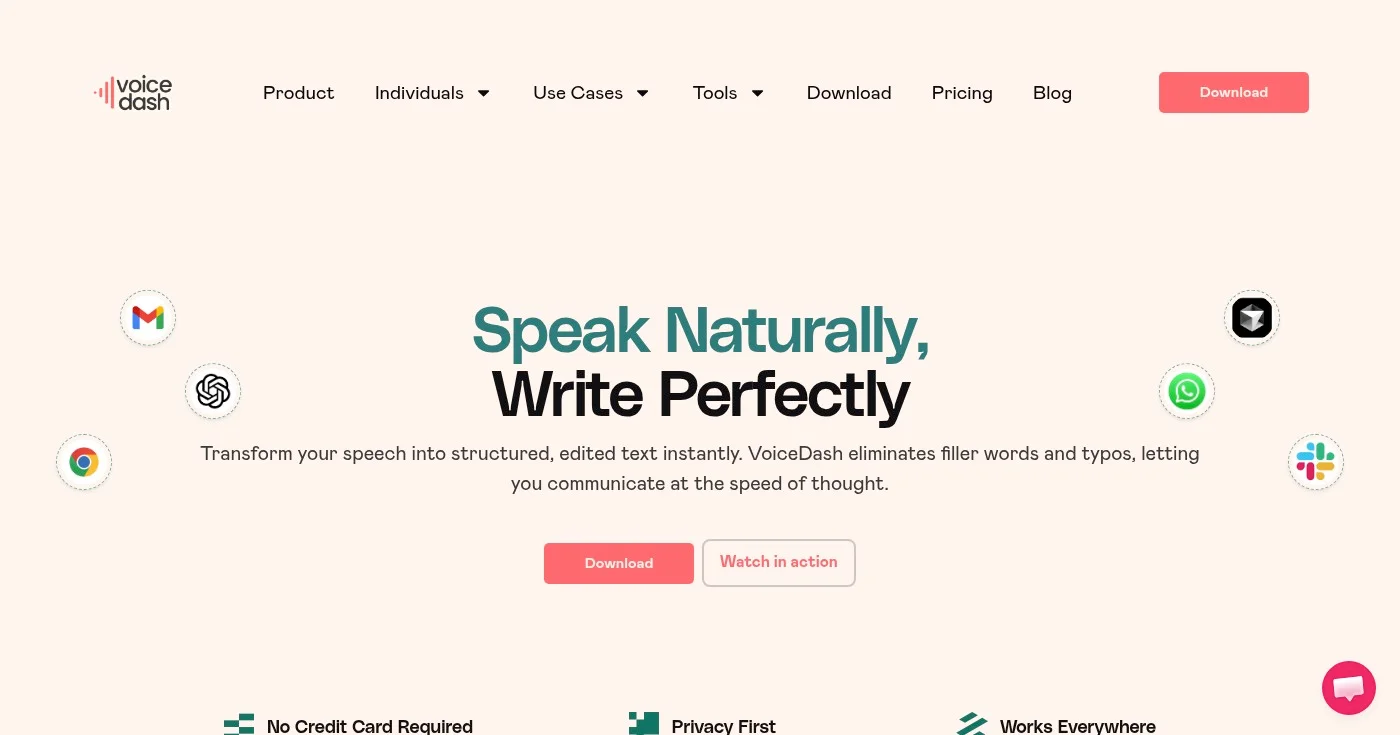
Voice Dash is designed specifically for writers rather than for general productivity. Like Wispr Flow, it uses AI to clean up dictated text in real time: removing filler words, fixing grammar, and restructuring sentences before they land on the page. It works system-wide across Windows, Mac, iOS, and Android, in Google Docs, Notion, Gmail, Scrivener, and any text field.
The personal dictionary handles character names, proper nouns, and recurring jargon. Snippets let you set up shorthand for frequently used phrases. At $12/mo billed annually (or $49 lifetime, when available), it's one of the most affordable AI dictation options on this list.
Voice Dash is newer and less established than Dragon or Wispr Flow, with a smaller community and support base. The free tier at 1,000 words per month is very limited for active writers, but it's enough to test the tool's accuracy and AI cleanup before committing.
The right choice comes down to your platform, your budget, and how much post-editing you'll accept.
Start with the free built-in tool on your device; if dictation sticks, upgrade to Dragon for Windows accuracy or Wispr Flow for cross-platform polish. Speaking at 150 words per minute rather than typing at 40 compounds across every writing session.

Writing about cybersecurity is like trying to explain how a car engine works to someone who just wants to drive.

Clients expect SEO but rarely explain it. Search intent, keyword briefs, article structure, links, and AI Overviews, plus how to charge more for SEO writing.
Free plagiarism checkers average 43% detection vs 88% for top paid tools. Compare 15 options by accuracy scores, pricing, ownership, and use case for 2026.
Professional publishing supported by generous companies you should check out.


