The best AI writing assistant depends on your writer type: Grammarly for real-time grammar in every app, Claude for long-form non-fiction drafting, and Sudowrite for fiction.
40M+ users across 50,000+ organizations rely on Grammarly as a universal writing layer. Below, 10 tools compared by use case, with pricing and free tiers.
The AI writing assistant market reached $2.3 billion in 2024 and is projected to hit $8.3 billion by 2030, a growth rate that reflects how deeply the split between writer types has widened. 97% of content marketers plan to use AI for content in 2026, while fiction writers have quietly developed a parallel toolkit the mainstream lists rarely cover.
Key Takeaways
- The right AI writing assistant depends on your writer type: fiction novelists, non-fiction authors, and writers who need editing help use different tools for different reasons.
- Several branded AI writing tools at $39-$69/mo run on the same GPT-4o or Claude models as ChatGPT Plus and Claude Pro ($20/mo each), and the wrapper rarely justifies the markup.
- Grammarly, Claude, ChatGPT, QuillBot, Hemingway, and Wordtune all offer functional free tiers worth testing before committing to a paid plan.
Top 10 AI Writing Assistants
- Grammarly - Best for every writer who needs real-time grammar and style help
- Claude - Best for non-fiction authors and long-form drafting
- Sudowrite - Best for fiction writers and novelists
- ProWritingAid - Best for deep manuscript editing and Scrivener users
- ChatGPT Plus - Best for brainstorming, outlining, and versatile writing tasks
- QuillBot - Best for paraphrasing and rewriting existing text
- Hemingway Editor Plus - Best for clarity and readability improvement
- Wordtune - Best for sentence-level rewrites that preserve your voice
- Novelcrafter - Best for serious novelists who need a project workspace
- Rytr - Best for budget-conscious writers and short-form content
How to Evaluate AI Writing Assistants
- Writer type fit: Fiction tools need to understand narrative arcs and character voice; non-fiction writers need large context windows and tone consistency; editing-focused writers need deep grammar and style analysis.
- Platform coverage: Browser extensions (Grammarly, QuillBot, Wordtune) work inside any text field; standalone tools (Claude, ChatGPT) require switching apps.
- Model transparency: Several branded AI writing tools at $39-$69/mo run on the same underlying GPT-4o or Claude models as ChatGPT Plus and Claude Pro; verify what you're actually paying for.
- Free tier quality: Most tools on this list offer functional free plans; test your actual workflow before paying.
Comparison Table
1. Grammarly
Best for every writer who wants real-time grammar, style, and tone improvement
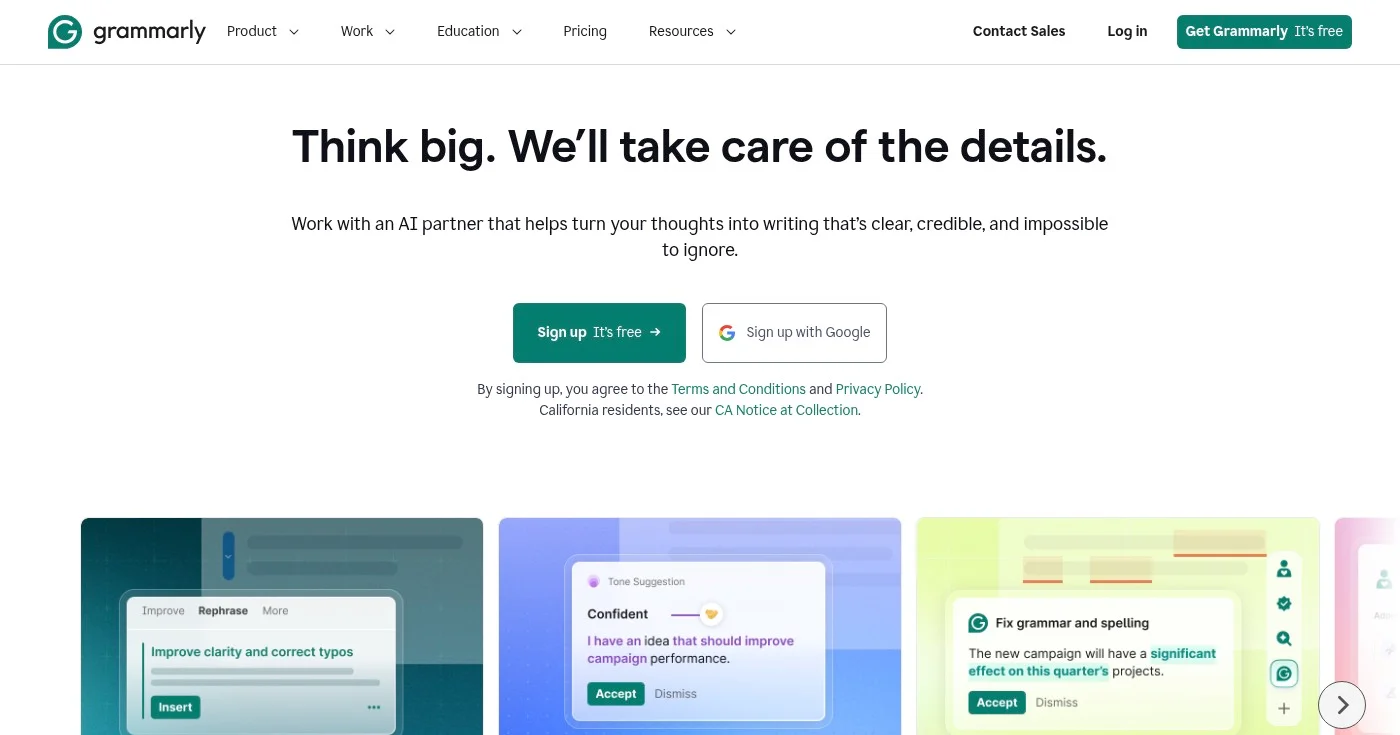
Grammarly sits inside Google Docs, Microsoft Word, Gmail, Slack, and virtually any browser text field via its extension. 40M+ users rely on it across 50,000+ organizations, making it the closest thing to a universal writing layer across the tools you already use.
The free tier catches spelling and basic grammar errors. Grammarly Pro ($12/mo) adds style suggestions, tone detection, clarity improvements, and 2,000 AI prompt credits per month for paragraph-level rewrites. A 2025 update introduced a "Humanizer" feature that improves AI-generated prose, which is useful if you're editing ChatGPT or Claude output before publishing.
Grammarly's advantage is breadth, not depth. It won't help you structure a chapter or brainstorm character arcs, but it catches grammar errors, passive voice overuse, and unclear sentences you'd otherwise miss after hours of writing. It ranks 8.8 out of 10 in Info-Tech's 2026 Data Quadrant across 1,230 verified user reviews.
Pros
- Works in every app via browser extension and desktop client, no tab switching needed
- Free tier is functional for basic grammar and spelling checks
- Tone detection helps match writing formality to the intended reader
Cons
- Style suggestions can feel prescriptive; turning off specific rules requires manual configuration
- AI rewriting occasionally changes meaning, not just wording
- Enterprise pricing requires a custom quote with no published rate
Pricing
- Free: Basic grammar + spelling, 100 AI prompts/month
- Pro: $12/mo: full grammar, style, tone, rewriting, 2,000 AI prompts, plagiarism + AI detection
- Enterprise: Custom (contact sales)
A 14-day free trial is available for Grammarly Pro.
2. Claude
Best for non-fiction authors, essayists, and writers who need coherent long-form drafts
Claude from Anthropic has become the preferred drafting tool for non-fiction writers who need structured, accurate long-form content. Its context window of up to 1M tokens lets it process and write about entire books, research papers, or large document sets without losing coherence across sections.
Claude's advantage on factual non-fiction is its tendency to flag uncertainty explicitly rather than generating confident but incorrect statements. This differs from ChatGPT, which generates fluently even when wrong and requires additional fact-checking for accuracy-sensitive work.
The most important budget note: Claude Pro costs $20/mo, the same price as several branded AI writing tools that advertise "powered by Anthropic" models. When a tool runs on Claude under the hood, paying more for the wrapper rarely adds enough to justify it. The model is the product.
Pros
- Up to 1M token context window handles full manuscript-length documents without losing thread
- Fewer hallucinations than GPT-4o on factual non-fiction writing tasks
- Tone fidelity stays consistent across long documents
Cons
- No built-in image generation (unlike ChatGPT Plus)
- Web-only: no native desktop app or browser extension for inline editing
- Free tier usage limits frustrate heavy daily users
Pricing
- Free: Limited daily usage
- Pro: $20/mo: increased usage limits, priority access
- Team/Enterprise: Custom pricing
No credit card required for the free tier.
3. Sudowrite
Best for fiction writers: novelists, screenwriters, and storytellers
Sudowrite is the only mainstream AI writing tool built exclusively for creative fiction. Where Claude and ChatGPT approach writing as a general task, Sudowrite understands narrative mechanics: character voice, sensory detail, pacing, and the difference between a scene that moves and one that stalls.
Core features include Brainstorm (idea generation), Expand (outline-to-draft generation), Write (continuation), and Muse (contextually-aware suggestions grounded in your manuscript). Forbes named it the best AI writing tool for creative writers.
The credit system can feel limiting at the Hobby tier (225,000 credits/month at $10/mo), but unused credits roll over for up to 12 months on the Max plan. A free trial requires no credit card, giving you enough time to test it against a real chapter.
Pros
- The only mainstream AI tool designed for creative fiction rather than marketing copy
- Muse feature provides contextually grounded suggestions based on your own manuscript
- Free trial available without a credit card
Cons
- Credit system can run out faster than expected on heavy generation days
- Not suited for non-fiction, academic writing, or marketing content
- No built-in grammar or editing layer; pair with Grammarly or ProWritingAid for polish
Pricing
- Hobby & Student: $10/mo: 225,000 credits
- Professional: $22/mo: 450,000 credits
- Max: $44/mo: 2,000,000 credits (unused credits roll over 12 months)
- Enterprise: Contact for pricing
4. ProWritingAid
Best for writers who need manuscript-level editing beyond what Grammarly provides
ProWritingAid goes deeper than Grammarly on the dimensions that matter to serious writers: sentence-level grammar, overused word reports, pacing analysis, dialogue tag usage, and paragraph rhythm. It integrates directly with Scrivener, which makes it the default choice for novelists who work in that software.
Where Grammarly works as a continuous real-time layer, ProWritingAid functions more like a manuscript audit tool. You write first, then run the reports. Its suite includes over 20 analysis types: readability, overused phrases, sticky sentences (sentences with too many "glue words" that slow the reader), and consistency checks for character names and locations across a long document.
The Lifetime plan at $399 one-time is cost-efficient over a multi-year horizon compared to monthly subscriptions. The annual plan ($10/mo) is the most practical entry point for evaluating it across a real project.
Pros
- Scrivener integration is the best of any grammar or editing tool on this list
- Manuscript-level consistency reports catch continuity errors that Grammarly misses
- Lifetime purchase option available for long-term cost efficiency
Cons
- Report-based interface feels slower than Grammarly's inline suggestions for quick edits
- AI drafting features are limited compared to Claude or ChatGPT
- Learning curve across 20+ report types takes time before you get full value
Pricing
- Monthly: $30/mo
- Annual: $120/yr ($10/mo)
- Lifetime: $399 one-time
A free plan with basic features is available.
5. ChatGPT Plus
Best for writers who need the most versatile AI for brainstorming, outlining, and mixed tasks
ChatGPT Plus from OpenAI is the most widely used AI writing tool across all writer types. At $20/mo, it unlocks GPT-5.5 Thinking (advanced reasoning), expanded deep research, agent mode, custom GPTs, and DALL-E image generation. It ranked highest in Info-Tech's 2026 Data Quadrant with a 9.0 customer satisfaction score across 1,230 verified reviews.
ChatGPT's edge over Claude is ecosystem breadth. The custom GPT library includes writing coaches, style guides, and manuscript analyzers. The web browsing tool pulls live information into drafts, and image generation handles blog illustrations without switching apps.
The trade-off worth knowing: ChatGPT generates confidently even when factually wrong, which makes fact-checking essential for non-fiction writers. Claude tends to hedge explicitly when uncertain, which some writers prefer for accuracy-sensitive work.
Pros
- Most versatile combination of drafting, research, image generation, and browsing in one subscription
- Ranked highest in customer satisfaction (9.0 CS) across 1,230 verified reviews
- Custom GPTs ecosystem adds specialized writing tools without extra subscriptions
Cons
- More prone to confident hallucinations than Claude on factual non-fiction topics
- No browser extension for inline editing across apps (unlike Grammarly or QuillBot)
- Pro tier ($200/mo) is priced out of reach for most individual writers
Pricing
- Free: Limited GPT-5.5 access
- Plus: $20/mo: full GPT-5.5 Thinking, expanded deep research, agent mode, image gen
- Pro: From $200/mo
6. QuillBot
Best for writers who need to rephrase, condense, or expand existing sentences
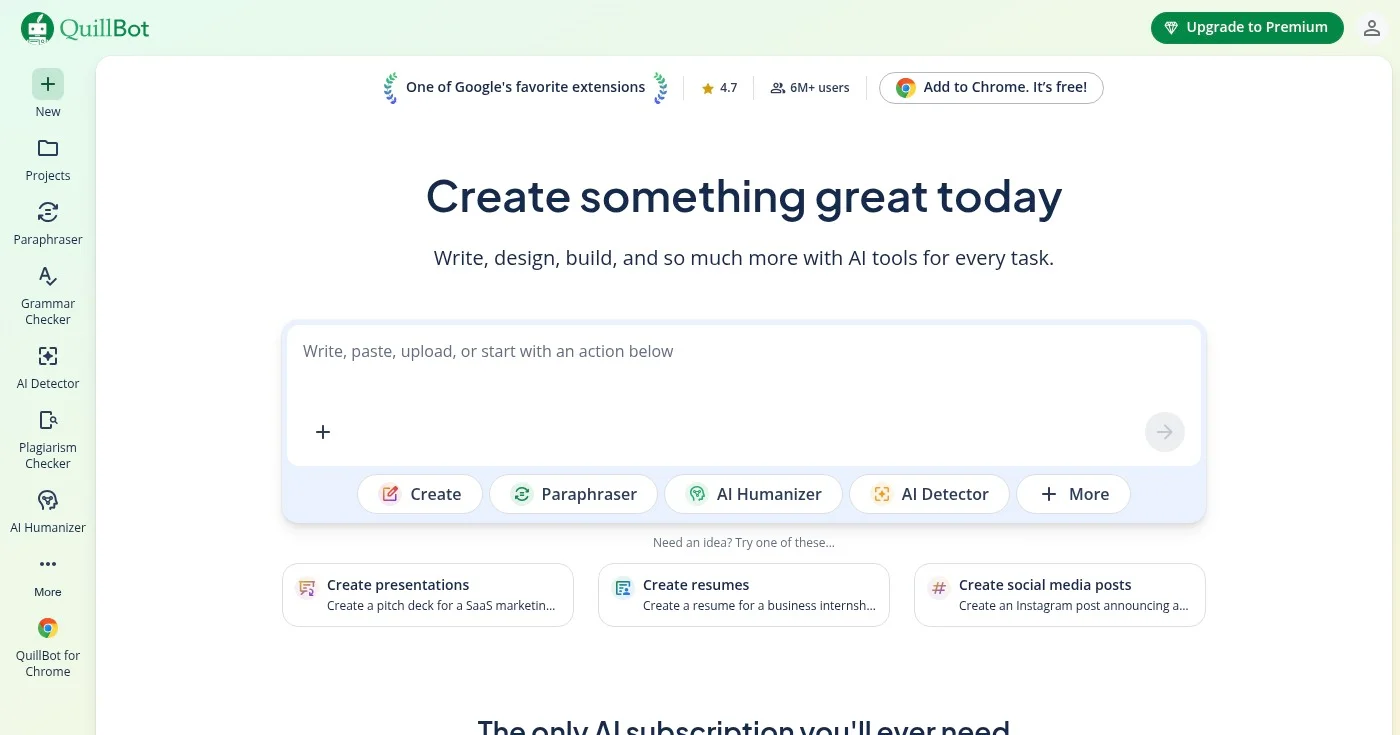
QuillBot is the paraphrasing specialist on this list. Eight rewriting modes (Standard, Fluency, Formal, Simple, Creative, Expand, Shorten, Academic) give you precise control over how a sentence changes. A grammar checker, AI summarizer, and plagiarism checker round out the subscription.
QuillBot is not a drafting tool. Its best use case is editing existing prose: rephrasing an awkward sentence you can't fix yourself, shortening a paragraph without losing the meaning, or shifting a casual blog tone to formal report language. It ranked 8.7 out of 10 in Info-Tech's 2026 Data Quadrant for ease of implementation.
The free tier covers three modes and limited paraphrasing. The Premium plan at $8.33/mo (billed annually) unlocks all eight modes, unlimited paraphrasing, and the full grammar and plagiarism checker suite.
Pros
- Best paraphrasing control on this list with 8 targeted modes for different register and length needs
- Free tier is usable for light paraphrasing and grammar checking
- Academic mode is useful for students and researchers who need formal register
Cons
- Not suited for long-form drafting or creative brainstorming
- Paraphrases can occasionally lose nuance in complex or heavily qualified sentences
- Plagiarism checker database is smaller than Grammarly's
Pricing
- Free: Limited paraphrasing, 3 modes
- Premium: $19.95/mo monthly, or $8.33/mo billed annually ($99.95/yr)
7. Hemingway Editor Plus
Best for writers who want to improve readability and cut passive voice
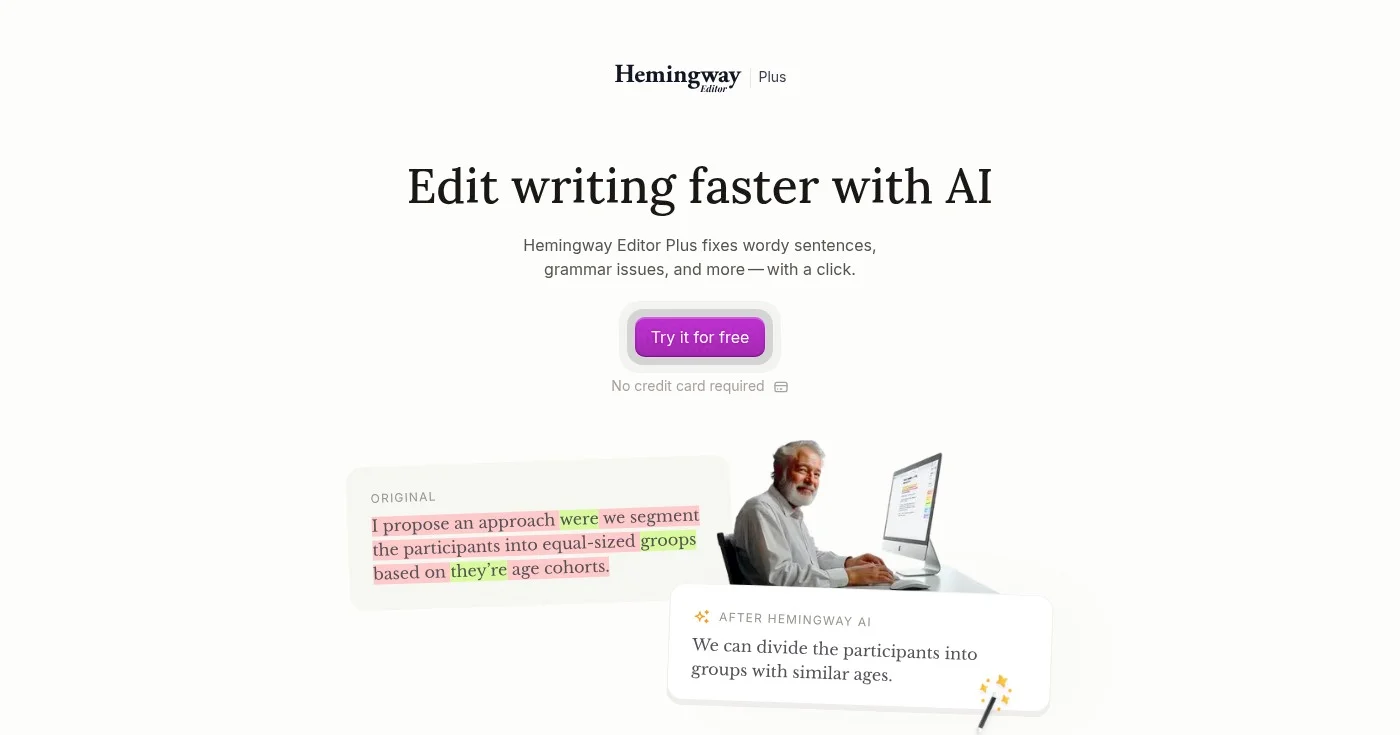
Hemingway Editor Plus does one thing differently from every other tool on this list: it grades your writing for readability rather than grammar. Color-coded highlights mark each problem: yellow for hard-to-read sentences, red for very hard, purple for adverbs, and blue for passive voice. Together, these make structural problems visible in seconds.
The Plus version adds AI-powered fixes: grammar correction, sentence simplification, and tone adjustment applied with one click. The free browser version at hemingwayapp.com delivers the color-coded highlighting without any AI layer. That free version alone is worth bookmarking regardless of whether you pay.
Writers who over-explain, default to complex sentence structures, or lean on passive voice will get more value from Hemingway than from any grammar checker. It applies the Flesch-Kincaid readability philosophy as a practical editing tool.
Pros
- Readability grading is immediate and visual (yellow/red/blue/purple color coding)
- Free version at hemingwayapp.com is functional for identifying sentence complexity
- One-click AI fixes speed up revisions in the Plus version
Cons
- Grammar checking depth doesn't match Grammarly or ProWritingAid
- Not suited for drafting from scratch (editing only)
- Annual plan pricing can feel steep for occasional use
Pricing
8. Wordtune
Best for writers who want AI-assisted rewrites that stay close to their own voice

Wordtune focuses on making your existing writing clearer and more fluent rather than generating new content. Select any sentence and Wordtune offers alternative phrasings, expansions, and shortenings that stay close to your original meaning and tone. The Chrome extension brings this into Google Docs, Gmail, LinkedIn, and most other browser text fields.
That distinction matters: Wordtune functions as a polish layer on existing writing, not a drafting tool. Full-generation tools like Claude and ChatGPT are more likely to drift from your voice on rewrites. Wordtune's suggestions stay anchored to what you wrote.
The free plan allows 10 rewrites per day, which works for light editing sessions. The Unlimited plan ($9.99/mo, or $6.99/mo billed annually) removes the cap.
Pros
- Suggestions stay close to original tone and meaning, with less voice drift than full-generation tools
- Chrome extension covers Google Docs, Gmail, LinkedIn, and most browser text fields
- Expand and Shorten modes help hit specific word counts without rewriting manually
Cons
- Not a drafting tool: won't generate content from a prompt
- 10 rewrites/day on the free plan runs out quickly during active editing sessions
- Fewer paraphrasing modes than QuillBot for writers who need precise register control
Pricing
- Basic: Free: 10 rewrites/day
- Advanced: $6.99/mo (billed $4.89/mo annually): 30 rewrites/day
- Unlimited: $9.99/mo ($6.99/mo annually): unlimited rewrites
9. Novelcrafter
Best for serious novelists who need a structured project workspace and BYOK AI
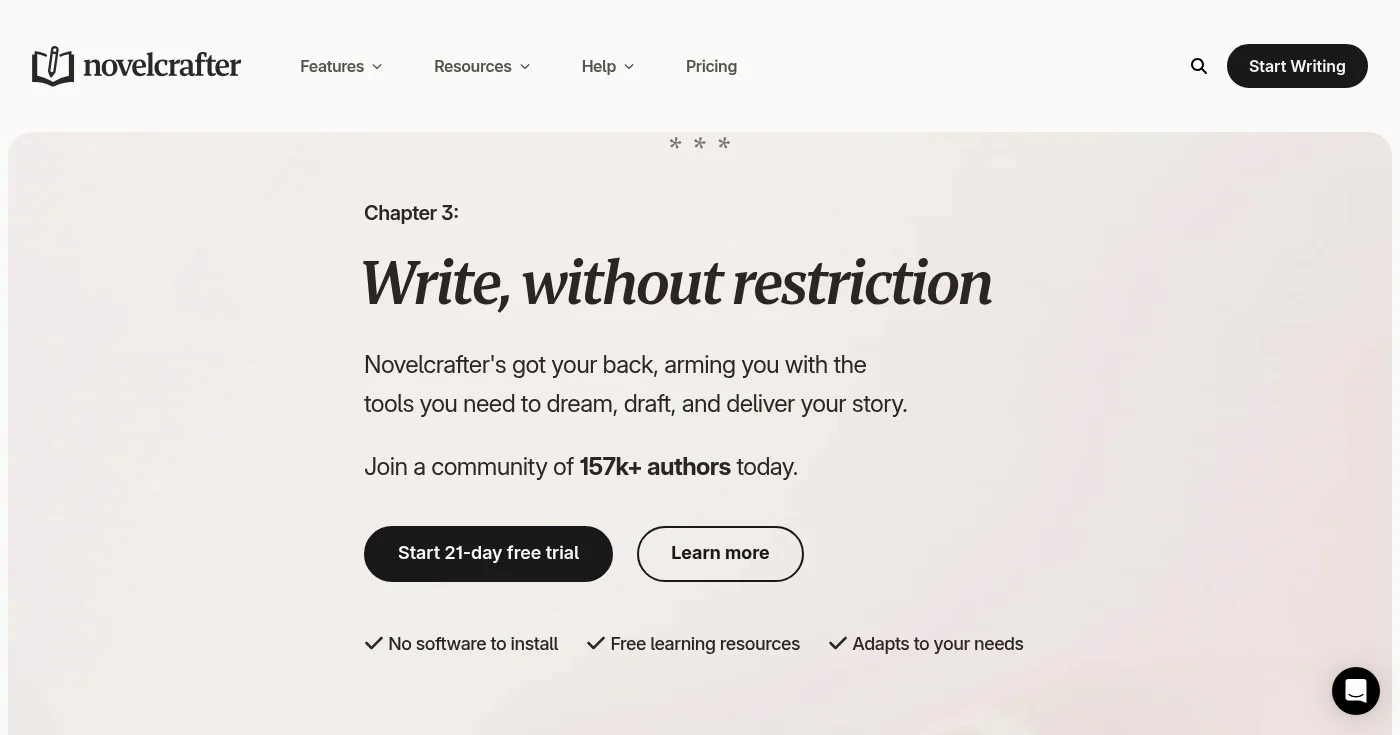
Novelcrafter separates itself from Sudowrite by treating fiction writing as a project management problem, not just a generation problem. The Codex feature maintains your series bible: character sheets, world-building notes, timelines, and location descriptions. Workshop Chat grounds AI conversations in your actual manuscript so suggestions stay relevant, while Scene Beats turns outline points into full prose.
The BYOK (bring your own API key) model is the key differentiator for heavy users. Instead of a credit system, you connect your own OpenAI or Anthropic account and pay API costs directly. For writers generating thousands of words per day, this costs less than Sudowrite's credit plans at high volume.
A 21-day free trial with all features unlocked gives you enough time to test it across a real chapter or short story before committing.
Pros
- Codex system for series bibles and world-building is the most structured fiction workspace on this list
- BYOK model lets you use your own API key, cost-efficient for writers generating at high volume
- 21-day free trial with full feature access, no credit card required
Cons
- Setup is steeper than Sudowrite; connecting an API key is required before AI features work
- Smaller user community and fewer tutorials than Sudowrite
- BYOK means API costs vary and can spike unexpectedly on high-output days
Pricing
- Scribe: $4/mo: project workspace, no AI
- Hobbyist: $8/mo: BYOK AI integration
- Artisan: $14/mo: Workshop Chat + Advanced Review
- Specialist: $20/mo: Collaboration + Teams
10. Rytr
Best for budget-conscious writers who need AI-generated copy and short-form outlines
Rytr is the lowest-cost entry point on this list with a functional feature set. 8 million+ users rely on it for blog outlines, email drafts, social media posts, creative writing prompts, and more across 40+ use-case templates. Tone matching, a plagiarism checker, and a Chrome extension round out the offering.
Rytr runs on budget-tier models rather than GPT-4o or Claude, which shows in output quality on complex or long-form writing tasks. It works best for short-form content, brainstorming sessions, and writers who want to test AI-assisted writing before committing to a $20/mo subscription.
At $7.50/mo (billed annually) for unlimited word generation, Rytr is the most cost-efficient paid option on this list for writers who don't need long-form coherence or fiction-specific features.
Pros
- Unlimited word generation at the lowest monthly price on this list
- 40+ templates cover blog outlines, emails, social posts, and creative writing prompts
- Free tier (10,000 characters/month) is functional for light use and testing
Cons
- Output quality on complex writing tasks trails GPT-4o and Claude-based tools
- Not suited for novel writing, long-form non-fiction, or manuscript editing
- Tone matching limited to one custom voice on the base paid plan
Pricing
- Free: 10,000 characters/month
- Unlimited: $7.50/mo (billed annually): unlimited generation, 1 tone match
- Premium: $24.16/mo (billed annually): unlimited generation, multiple tone matches, 35+ languages
How to Choose the Right AI Writing Assistant
- For fiction writers: Start with Sudowrite for creative brainstorming and scene continuation; add Novelcrafter if you manage a complex series and need structured world-building tools.
- For non-fiction authors and essayists: Use Claude for long-form drafting and Grammarly as the editing layer on top.
- For writers focused on editing and polish: Hemingway Editor Plus for readability grading, ProWritingAid for manuscript-level consistency, Grammarly for sentence-level grammar.
- For writers on a budget: Test the free tiers from Grammarly, QuillBot, and Wordtune before paying anything; all three free plans cover real editing use cases.
Emerging Trends in AI Writing Assistants
- 97% of content marketers plan to use AI for content in 2026, pushing mainstream tools toward marketing features while fiction-specific platforms like Sudowrite and Novelcrafter expand a separate, underreported track.
- Model transparency is becoming a buying signal: several branded AI writing tools at $39-$69/mo run on the same GPT-4o or Claude models available through ChatGPT Plus and Claude Pro at $20/mo, prompting writers to question what the markup covers.
- The BYOK (bring your own API key) model that Novelcrafter pioneered is gaining traction among heavy users who want to separate their writing workspace cost from their AI generation cost.