


Best Rewording Tools in 2026: Top 10 Options for Writers
Compare the top 10 rewording tools of 2026, from QuillBot to Ahrefs. Pricing, free tiers, and which tool wins for writers, students, academics, and SEO teams.
Updated 15 min read


Compare the top 10 rewording tools of 2026, from QuillBot to Ahrefs. Pricing, free tiers, and which tool wins for writers, students, academics, and SEO teams.
The best rewording tools in 2026 are QuillBot (best overall, with 9 paraphrasing modes), Wordtune (best for creative writers), and Grammarly's Rewording Tool (best for professionals who want grammar checking built in). Whether you're a writer tightening a draft, a student paraphrasing sources, or a marketer refreshing copy, the right tool depends on how you write and what you need from the output.
The AI-powered paraphrasing tool market is valued at $547.6 million in 2025 and is projected to grow at a 19.2% CAGR through 2035, which reflects how central rewording has become to modern writing workflows.
In this guide, you'll explore the top 10 rewording tools available in 2026.
These four criteria separate the genuinely useful tools from the ones that just swap synonyms:
Software | Best For | Key Features | Pricing | Free Plan | Platforms |
|---|---|---|---|---|---|
QuillBot | All-around writing | 9 modes, grammar checker, AI detector | $19.95/mo | Yes | Web, Chrome, Word |
Grammarly | Professionals | Tone adjustment, full-sentence rewrites | $30/mo | Yes | Web, Chrome, Word, iOS |
Wordtune | Creative writers | Tone toggle, smart synonyms, translation | $9.99/mo | Yes | Web, Chrome |
Scribbr | Free academic use | 2 modes, thesaurus, file upload | Free | Yes (unlimited) | Web |
Paraphraser.io | Multilingual | 8 modes, 20+ languages | $9/mo | Yes | Web |
WordAi | SEO content teams | Sentence reconstruction, LSI keywords | ~$57/mo | No (trial) | Web, API |
Ref-n-Write | Academics | MS Word integration, phrase templates | Subscription | Limited | Word, Web |
Ahrefs | SEO bloggers | Tone selector, 2,048 char input | Free | Yes (unlimited) | Web |
SpinBot | Article spinning | Basic + advanced spin modes | Free + Premium | Yes | Web, Chrome |
Rewording.io | Large text volumes | 10,000 char limit, auto language detect | Free + Premium | Yes | Web |
Best for all-around writing assistance
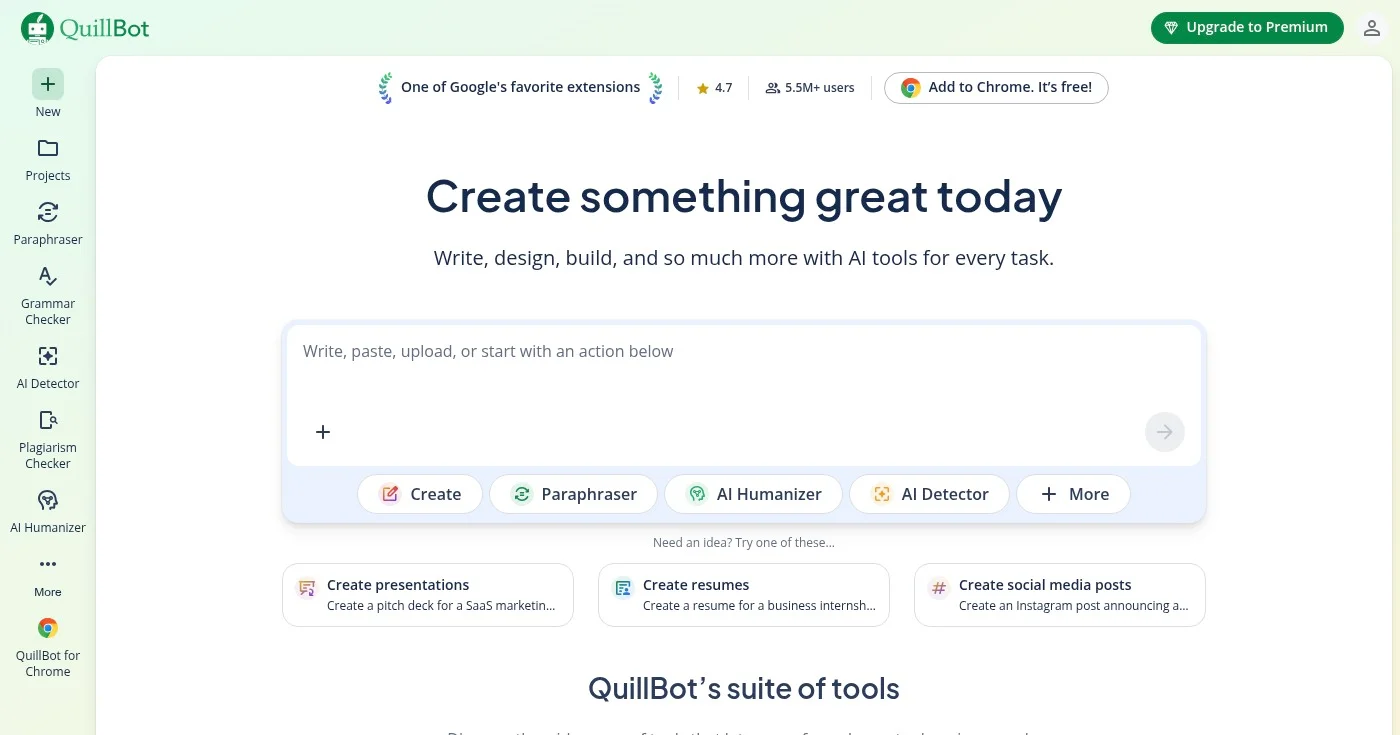
QuillBot is the most widely used AI rewording tool, and the one most consistently ranked first in independent tests. It offers nine paraphrasing modes: Standard, Fluency, Formal, Creative, Shorten, Expand, Academic, Humanize, and Custom. Each mode produces noticeably different output, which matters when you need a specific result rather than a generic rewrite.
The free plan gives you access to two modes (Standard and Fluency) with a 125-word limit per rewrite. The premium plan unlocks all nine modes, removes the word limit, and bundles in a grammar checker, plagiarism checker, AI detector, summarizer, citation generator, and translator. It's a complete writing toolkit rather than a single-purpose paraphraser.
In independent third-party testing, QuillBot Premium ranked first among eight tools for paraphrasing accuracy, particularly excelling at shortening long-winded text while preserving meaning.
Plans include a 3-day money-back guarantee. See all options at quillbot.com/pricing.
Best for professionals and teams
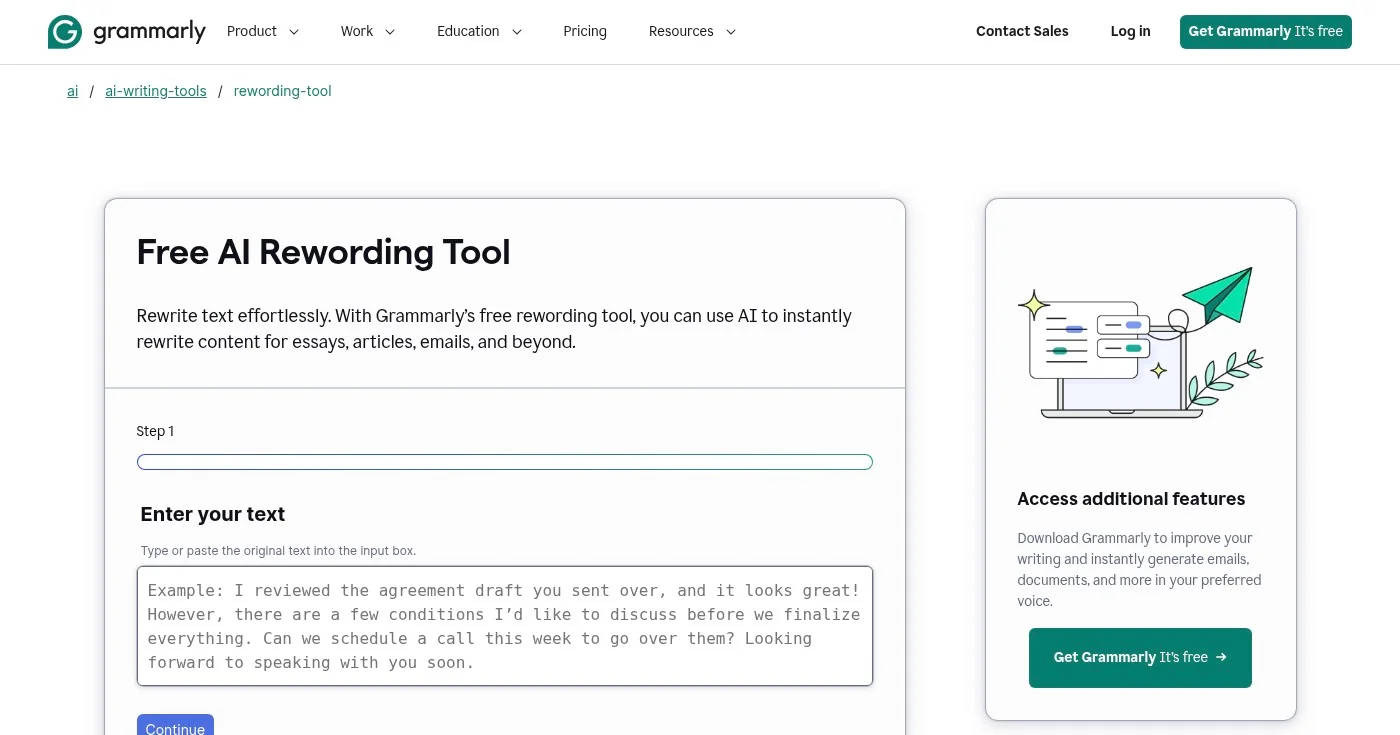
Grammarly's rewording tool sits inside a broader writing assistant trusted by 40 million people and 50,000 organizations. The tool rewrites full sentences with one click, adjusts tone (from neutral to confident to diplomatic), and flags grammatical issues in the same pass. That combination is what distinguishes it from standalone paraphrasers.
In August 2025, Grammarly launched a major interface revamp with enhanced AI paraphrasing capabilities, adding a dedicated Paraphraser page and deeper tone controls. The free plan allows 100 AI prompts per month, which is enough for casual use. The Pro plan raises that to 2,000 prompts and adds plagiarism detection and AI text detection.
Grammarly costs more than most tools on this list ($144/yr vs. QuillBot's $99.95/yr), but if you're already using it for grammar checking, the rewording feature adds no extra cost.
Enterprise pricing via Superhuman Go (includes BYOK encryption and SSO). Full details at grammarly.com/pricing.
Best for creative writers
Wordtune gives you a list of context-aware rewrite options for each sentence rather than a single substitution. You pick the version that matches your voice. That approach works especially well for creative writers who want choices, not just corrections.
The tone toggle switches between casual and formal with one click, and Smart Translate converts your phrasing into natural-sounding English (useful for non-native speakers who want to preserve their original intent). Wordtune's users report 70% less time editing, 15x faster writing on repetitive content, and 30% improvement in customer satisfaction scores for support writers.
The free plan allows 10 rewrites per day, which covers light use. The Unlimited plan at $9.99/mo (or $6.99/mo billed annually) removes all limits. With 10 million users and a 4.7/5 Chrome extension rating, it's the most popular creative alternative to QuillBot.
See current rates at wordtune.com/pricing.
Best free rewording tool
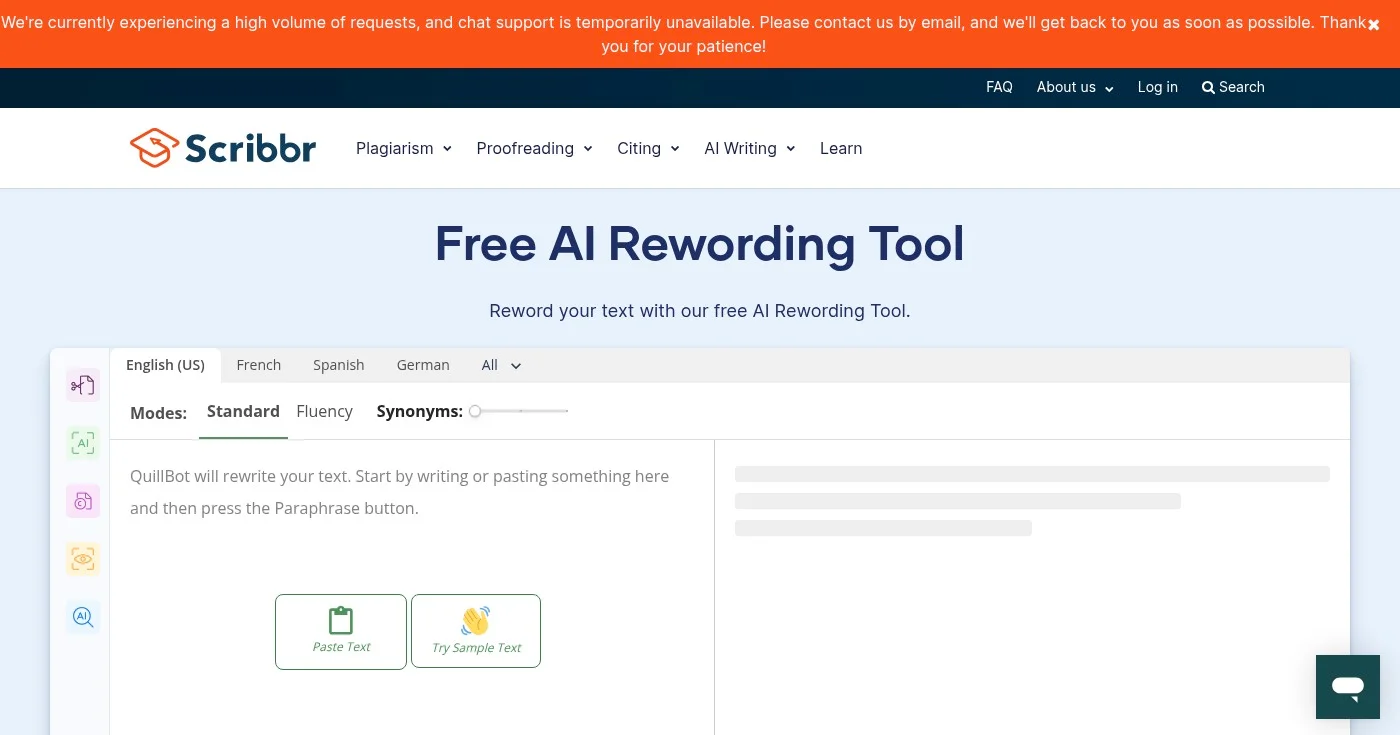
Scribbr's Rewording Tool is the best completely free option on this list. It requires no login, runs no ads, and places no daily usage limits. You paste text, choose Standard or Fluency mode, and get a reworded version instantly.
The interactive thesaurus is a standout feature: click any word in the output to see synonym alternatives and replace it with a single click. The tool also accepts file uploads (Word, Google Doc, PDF) and handles up to 125 words per paragraph, which covers most paragraph-by-paragraph academic or professional rewording tasks.
Scribbr is part of the Learneo academic suite (which also owns QuillBot), so the rewording tool pairs naturally with its plagiarism checker, AI detector, and citation generator.
Full feature details at scribbr.com/rewording-tool.
Best for multilingual content
Paraphraser.io supports over 20 languages, making it the go-to rewording tool for writers who work in languages other than English. The free plan covers Fluency and Standard modes up to 400 words per input. The premium tier unlocks Creative, Smarter, Shorten, Academic, and Expand modes, plus a higher word limit.
The tool includes a built-in AI humanizer, plagiarism checker, grammar checker, text summarizer, and article rewriter in the same interface. That feature density makes it practical as a single-stop writing utility rather than just a paraphraser. The output is described as "human-level" paraphrasing, meaning the AI focuses on sentence restructuring rather than synonym replacement.
Languages supported include English, Spanish, French, German, Portuguese, Turkish, Indonesian, Russian, Japanese, Chinese, Italian, and more.
Check the current pricing page for exact plan details.
Best for SEO content teams
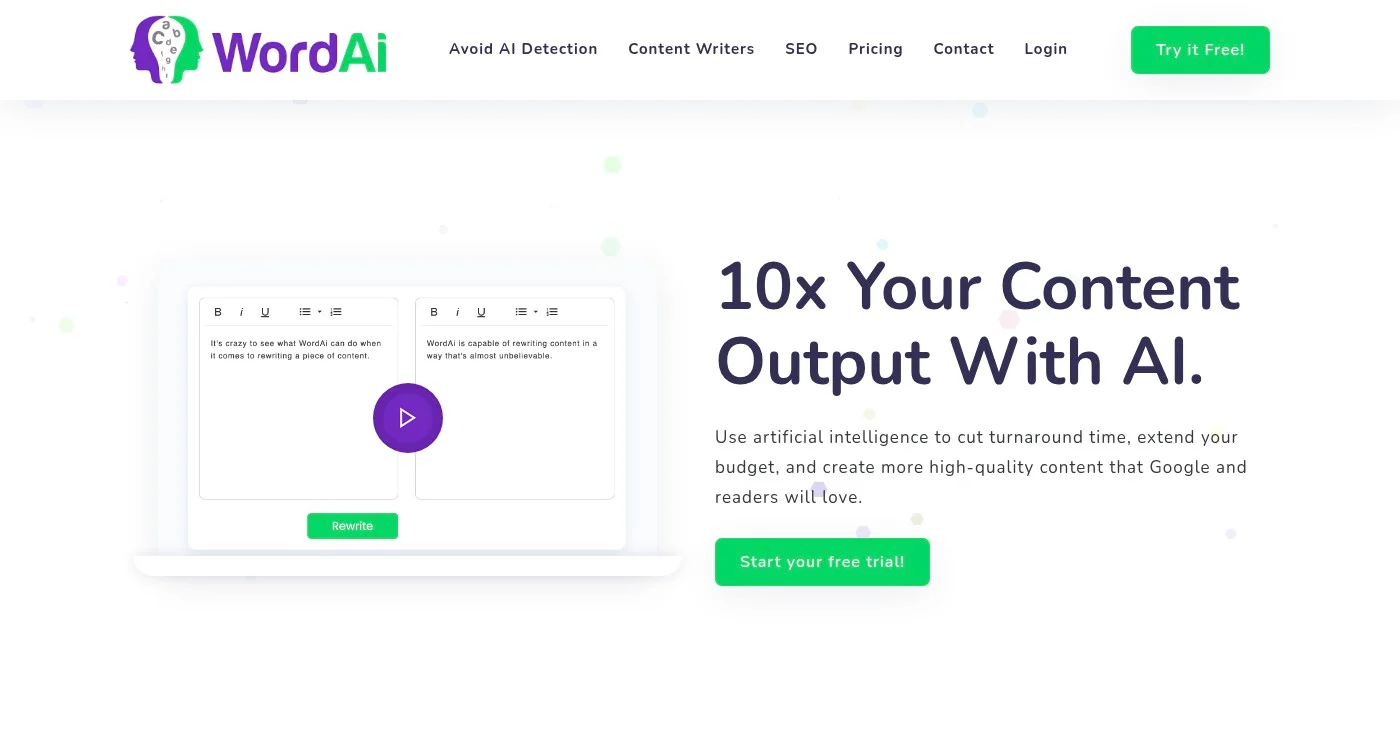
WordAi takes a different approach than most tools on this list: it rewrites sentences entirely from scratch rather than substituting synonyms. The AI understands the meaning behind each sentence, restructures it for uniqueness, and adds LSI (latent semantic indexing) keywords that help SEO content rank more distinctly.
The result is a tool designed for content agencies and marketing teams that need to produce large volumes of unique content without duplicate content penalties. WordAi also splits long, run-on sentences into shorter ones, corrects grammar in the same pass, and generates hundreds of variants for A/B testing marketing copy.
An API is available for teams that want to integrate rewording into a content pipeline or CMS workflow.
Verify current rates at wordai.com as pricing is updated periodically.
Best for academic writing
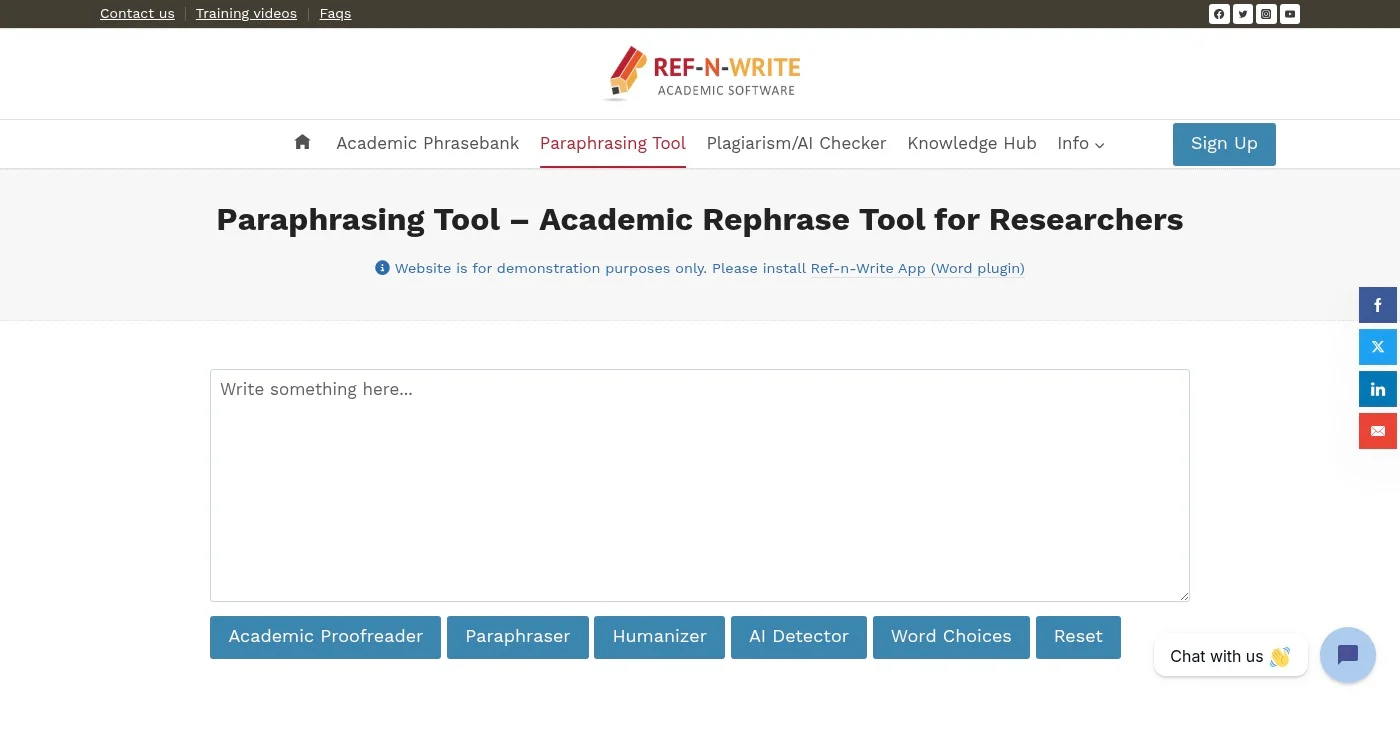
Ref-n-Write is the only tool on this list built specifically for academic and research writing. It integrates directly with Microsoft Word as an add-in, so you can paraphrase citations and paragraphs without switching applications. The tool adds a phrase templates feature that lets you browse and insert academic sentence patterns directly into your document.
In a survey of paraphrasing tools for academic plagiarism reduction, In a survey of academic paraphrasing tools, Ref-n-Write was ranked #1 for scholarly use by students and researchers. The output is Turnitin-ready, which matters for anyone submitting to academic institutions that use plagiarism detection software.
The grammar correction runs as part of the paraphrase step, so you don't need a separate proofreading pass for basic errors.
Best free option for SEO writers
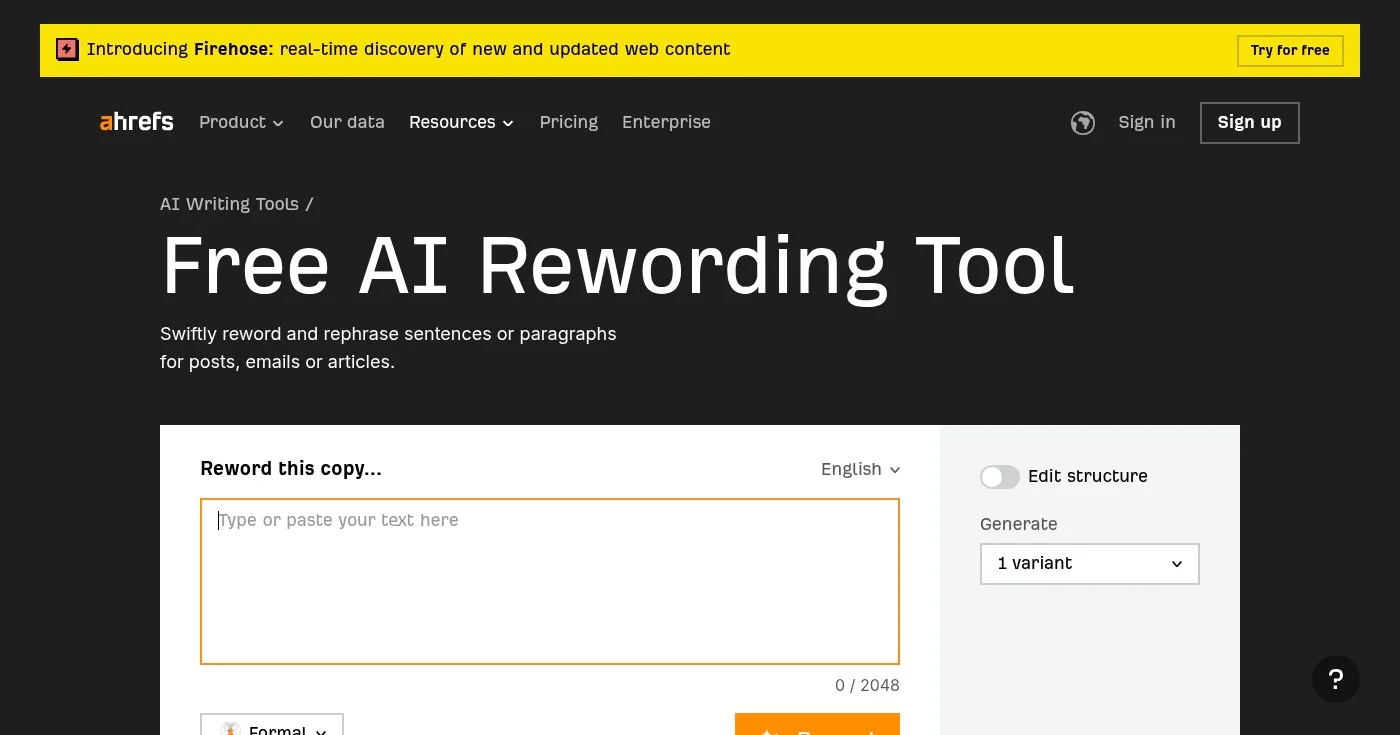
The Ahrefs Rewording Tool is 100% free and requires only a free Ahrefs account. It accepts up to 2,048 characters per input and offers a tone selector (Formal or casual) plus the ability to generate multiple variants of the same text.
It sits inside Ahrefs' broader suite of free writing tools (which includes a grammar checker and AI text humanizer), making it a practical utility for SEO writers who are already in the Ahrefs ecosystem. The tool is framed around three use cases: content creation for SEO, academic and research writing, and social media and marketing campaigns.
It's not the most feature-rich free option (that's Scribbr), but the Ahrefs brand trust and the writing tools integration make it a reliable default for marketers.
Access at ahrefs.com/writing-tools/rewording-tool.
Best for article spinning and SEO variations
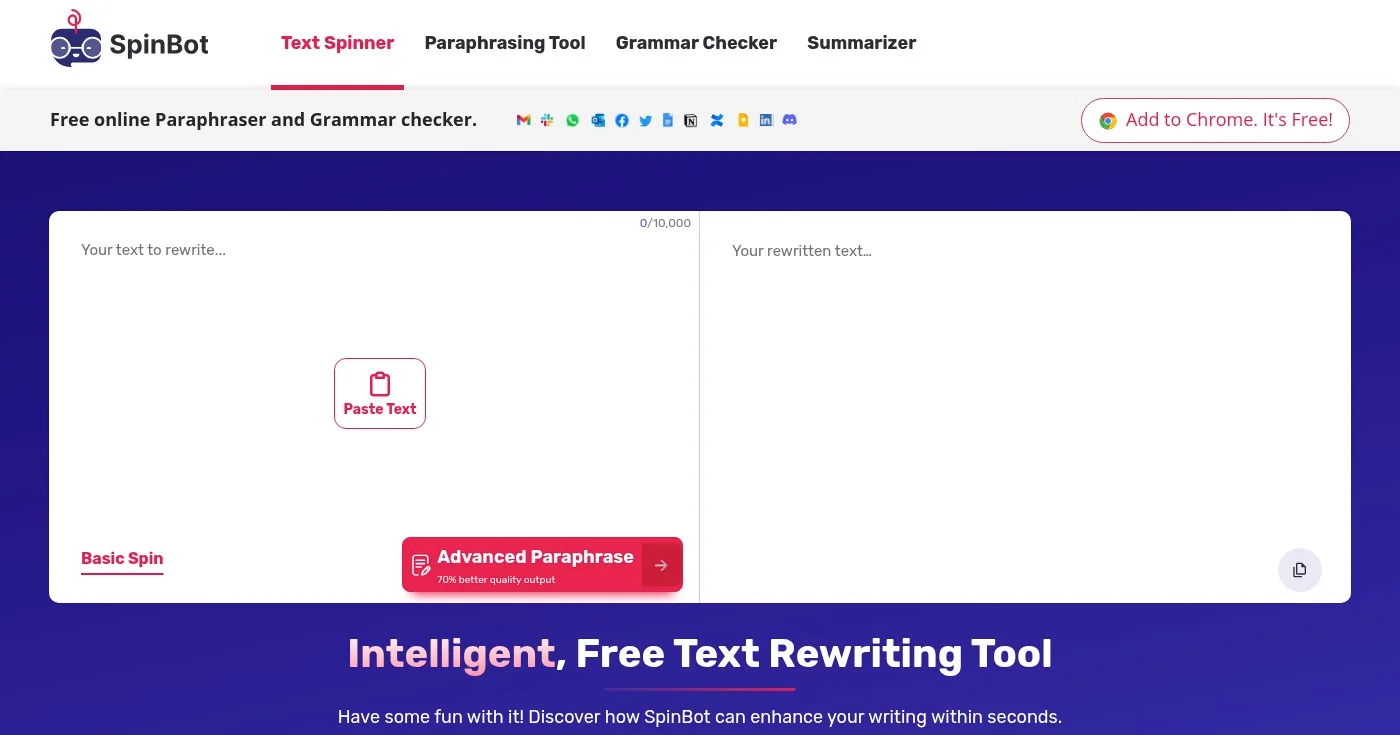
SpinBot is one of the oldest article spinning tools on the market, used by millions of people monthly. The basic spin mode is free and handles quick synonym replacement. The Advanced Paraphrase mode uses deeper AI processing and, per SpinBot's own benchmarks, produces 70% better quality output than the basic mode.
It's designed primarily for content marketers and bloggers who need multiple unique versions of the same article for SEO or distribution purposes. The contextually intelligent rewriting avoids the nonsensical output that older article spinners were known for. A Chrome extension and grammar checker round out the feature set.
SpinBot is less appropriate for academic writing or professional communications. Its purpose is generating content variations at scale, not polishing individual pieces of writing.
Best for large text volumes
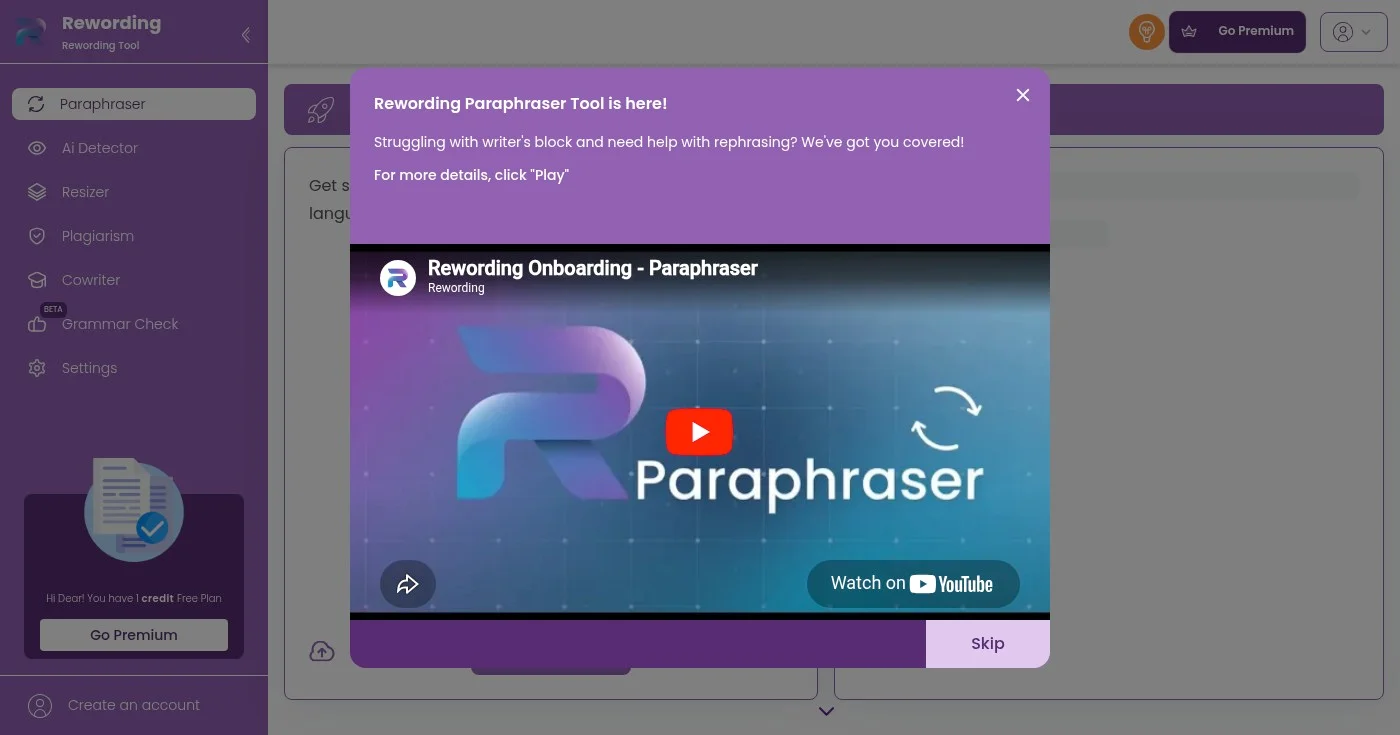
Rewording.io stands out for its 10,000-character input limit, which is the most generous free cap in this list. You can adjust the rephrasing intensity from 45% to 100% depending on how much you want the output to differ from the original. The automatic language detection removes the step of manually selecting your input language.
The tone selector (normal, fun, creative) is simpler than Wordtune's options but adequate for most content use cases. Image and document uploads are supported, and the history auto-saves when you register a free account. The tool also bundles an AI detector, plagiarism checker, grammar checker, and co-writer in one interface.
For writers who regularly reword long articles, essays, or reports, the 10,000-character limit is the single most practical differentiator compared to other free tools.
QuillBot is the safest starting point for most writers: the free tier is functional, the premium plan is the most affordable full-featured option, and the nine modes cover the widest range of rewording tasks. If you need something completely free, Scribbr and Ahrefs are both solid. For specialized needs, Ref-n-Write is the top choice for academic writing and WordAi for SEO content teams rewriting at scale.

Writing about cybersecurity is like trying to explain how a car engine works to someone who just wants to drive.

Clients expect SEO but rarely explain it. Search intent, keyword briefs, article structure, links, and AI Overviews, plus how to charge more for SEO writing.
Free plagiarism checkers average 43% detection vs 88% for top paid tools. Compare 15 options by accuracy scores, pricing, ownership, and use case for 2026.
Professional publishing supported by generous companies you should check out.


