Finding the right grammar checker can transform your writing from error-prone to polished and professional. Whether you're crafting business emails, academic papers, or creative content, these AI-powered tools catch mistakes that even experienced writers miss.
A survey of 1 ,839 people found that 94% of U.S. respondents and 86% of non‑U.S. respondents pay attention to grammar and spelling when browsing online content.
The same survey reported that 97.2% of all respondents believe grammar mistakes influence their perception of a company, and 51.8% said such mistakes can ruin a company’s professional image.
Over 34.9% felt that grammar errors directly undermine a company’s credibility.
These figures suggest that, even among younger audiences, poor language use quickly tarnishes brand reputation.
Key Takeaways
- AI-powered grammar checkers now offer multilingual support, plagiarism detection, and tone adjustment capabilities beyond basic error correction
- Free plans from tools like Grammarly, QuillBot, and LanguageTool provide robust grammar checking without requiring a subscription
- Premium grammar checkers range from $4.89/month to $19.95/month, with specialized features for academic writing, creative fiction, and enterprise teams
- Integration capabilities across browsers, Microsoft Office, Google Docs, and mobile devices make modern grammar checkers accessible wherever you write
Evaluation Criteria
To identify the best grammar checkers for 2026, we analyzed leading tools based on accuracy, feature sets, platform compatibility, pricing structures, and user reviews. We evaluated each tool's AI capabilities, integration options, language support, and specialized features like plagiarism detection and tone adjustment.
Our assessment prioritized tools that offer genuine value across different user segments, from students and freelancers to enterprise teams, while considering both free and premium options to accommodate various budgets and requirements.
- Accuracy and Error Detection: The best grammar checkers identify not just basic spelling mistakes but also complex grammatical errors, punctuation issues, style inconsistencies, and contextual problems that affect readability.
- Integration and Compatibility: Look for tools that work seamlessly across your preferred platforms, Google Docs, Microsoft Word, email clients, or web browsers, so you can check grammar where you write.
- Language and Dialect Support: If you write in multiple languages or need support for specific English dialects (US, UK, Australian), choose a checker that offers comprehensive multilingual and multidialectal capabilities.
- Advanced Features: Beyond basic grammar checking, consider whether you need plagiarism detection, tone adjustment, paraphrasing tools, citation generation, or AI-powered rewriting suggestions for your specific use case.
- Pricing and Value: Evaluate whether the free plan meets your needs or if premium features like unlimited checks, advanced suggestions, and integrations justify the monthly or annual subscription cost.
Comparison Table
1. QuillBot
Best for Unlimited free grammar checks across multiple languages
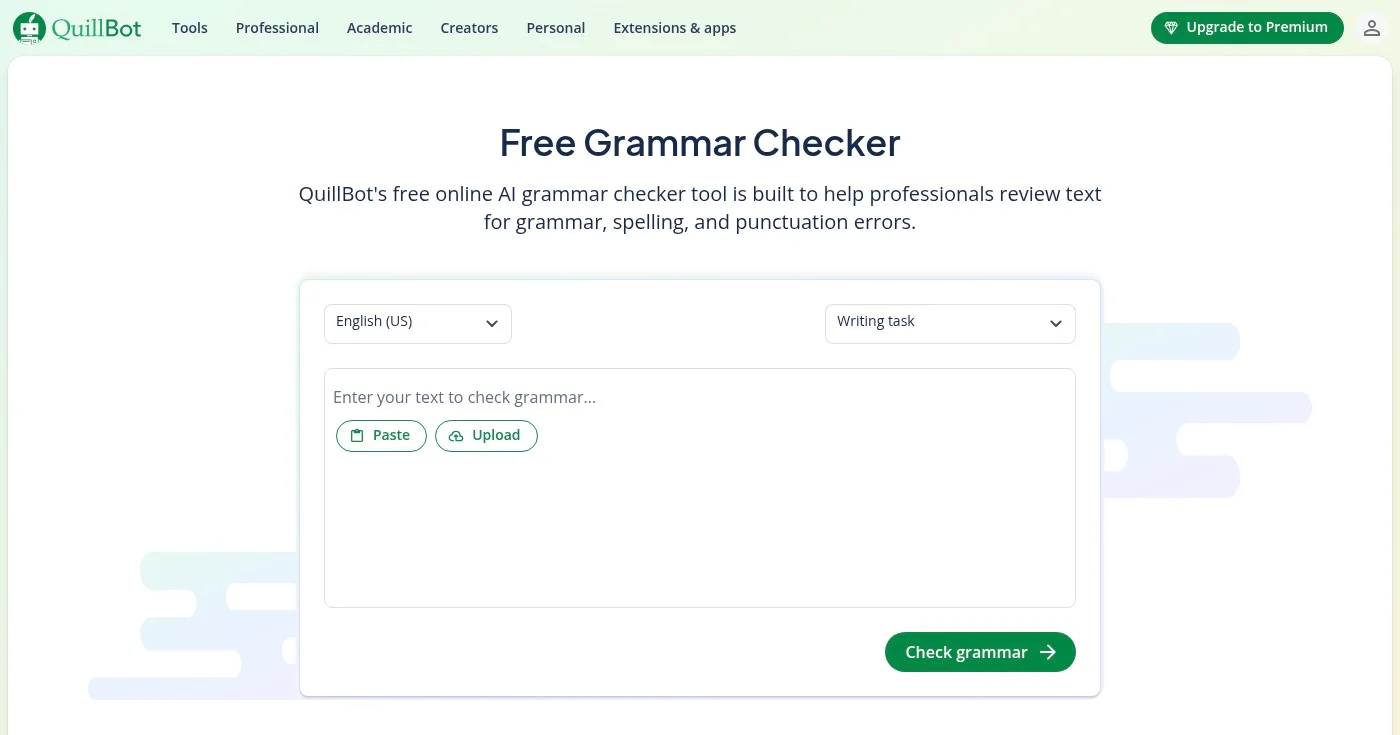
QuillBot is a free AI-powered grammar checker that detects and corrects grammar, spelling, and punctuation errors across multiple languages and dialects. It helps professionals review and polish their writing while preserving their unique voice, with support for 6+ languages and integration across popular apps and websites.
With its highly-rated Chrome extension (4.7/5 rating, 5M+ users) and Word add-in, QuillBot makes it easy to check grammar wherever you write. The unlimited free grammar check sets it apart from competitors that limit free usage.
Key Features
- AI-powered grammar, spelling, and punctuation correction: Advanced AI algorithms detect and fix errors while maintaining your writing style and voice
- Multidialectal error detection: Supports multiple English dialects (US, UK, Australian) and 6+ languages for global writers
- Chrome extension and Word integration: Seamlessly integrates with your favorite apps and websites for grammar checking on the go
- Unlimited free grammar checks: No daily limits or character restrictions on the free plan, unlike many competitors
- Comprehensive writing corrections: Goes beyond basic grammar to improve overall writing quality and readability
Pros
- Completely free with no sign-up required for basic features
- Unlimited grammar checks with no character limits
- Supports 6+ languages and multiple English dialects
- Highly-rated Chrome extension (4.7/5 with 5M+ users)
- Integrates with popular apps including Microsoft Word
- Preserves your unique writing voice while correcting errors
Cons
- Premium features and pricing details not extensively documented
- Advanced paraphrasing and rewriting require premium upgrade
- Limited information on specific premium tier capabilities
Pricing
QuillBot offers a completely free plan with unlimited grammar checks. Premium plans start at $19.95/month or $8.33/month (billed annually at $99.95).
- Free: Free
- Premium Monthly: $19.95/month
- Premium Quarterly: $13.32/month (billed quarterly at $39.95)
- Premium Annual: $8.33/month (billed annually at $99.95)
For more details, visit their pricing page.
2. Grammarly
Best for Comprehensive writing assistance across 1M+ platforms
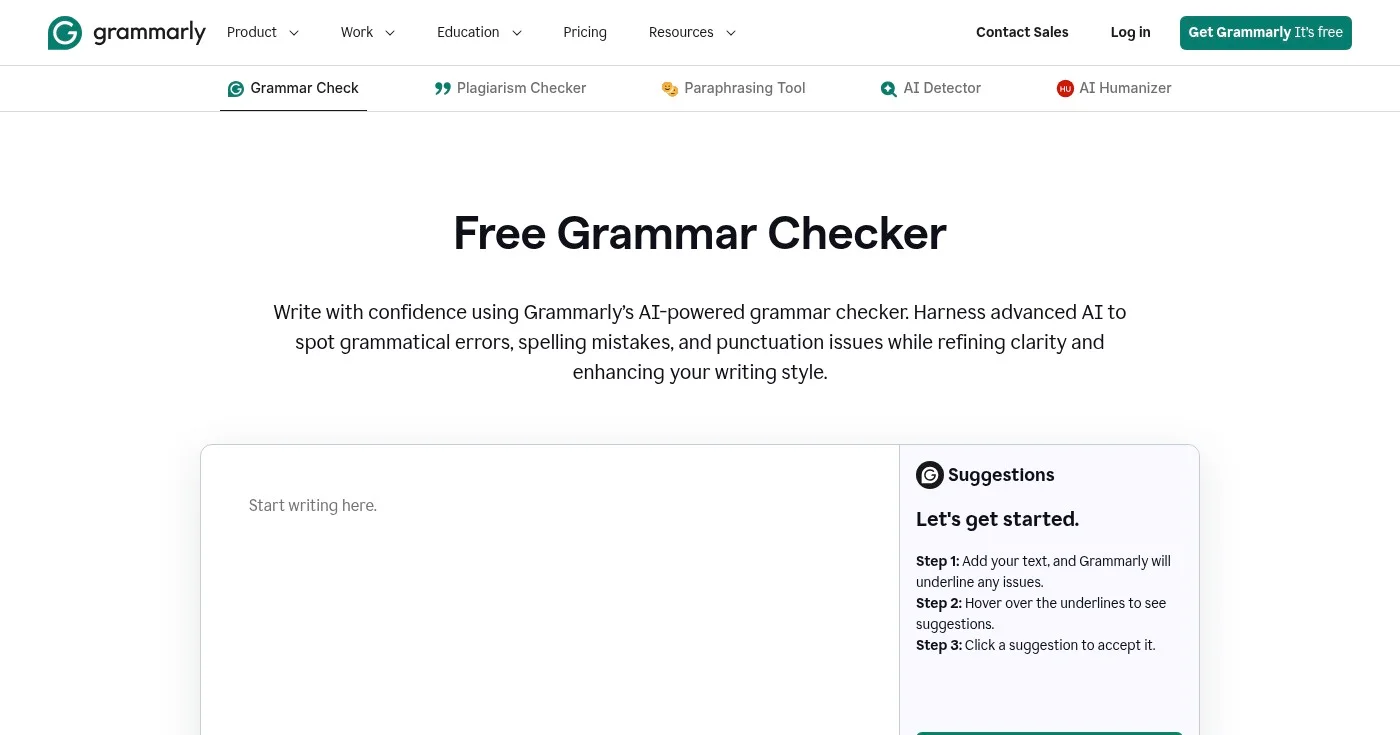
Grammarly is an AI-powered grammar checker that detects grammatical errors, spelling mistakes, and punctuation issues while improving clarity and writing style. It works across 1 million+ websites, apps, and browsers on desktop and mobile devices, offering instant proofreading and advanced writing suggestions.
Grammarly's comprehensive platform includes tone suggestions, AI-powered paraphrasing, and fluency improvements that help you communicate more effectively. With browser extensions for Chrome, Safari, Firefox, and Edge, plus integrations with Microsoft Office and Google Docs, Grammarly meets you wherever you write.
Key Features
- Works on 1M+ websites and apps: Seamless integration across virtually every platform where you write, from email to social media to document editors
- AI-powered tone and clarity suggestions: Advanced AI analyzes your writing to suggest improvements in tone, clarity, and engagement for your specific audience
- Desktop and mobile support: Native apps for Mac, Windows, iOS, and Android ensure consistent grammar checking across all your devices
- Browser extensions for all major browsers: Extensions for Chrome, Safari, Firefox, and Edge provide real-time grammar checking as you type online
- Microsoft Office and Google Docs integration: Direct integration with Word, Outlook, and Google Docs for seamless grammar checking in your document workflow
Pros
- Free version available with solid grammar and spelling checking
- Works across 1M+ websites, apps, and browsers
- AI-powered advanced suggestions for tone, clarity, and engagement
- Supports multiple platforms: desktop, mobile, and web
- Easy-to-use paraphrasing and rewriting tools
- Integrates seamlessly with Microsoft Office and Google Docs
Cons
- Advanced features like tone detection and plagiarism checking require paid Pro subscription
- Requires account creation to access full features
- Limited offline functionality, requires internet connection for most features
Pricing
Grammarly offers a robust free plan with basic grammar and spelling checks. The Pro plan starts at $12/month (billed annually) and includes advanced features like tone detection, clarity improvements, and plagiarism detection.
- Free: $0
- Pro: $12/month (billed annually)
- Enterprise: Contact Sales
For more details, visit their pricing page.
Best for Multilingual grammar checking in 30+ languages
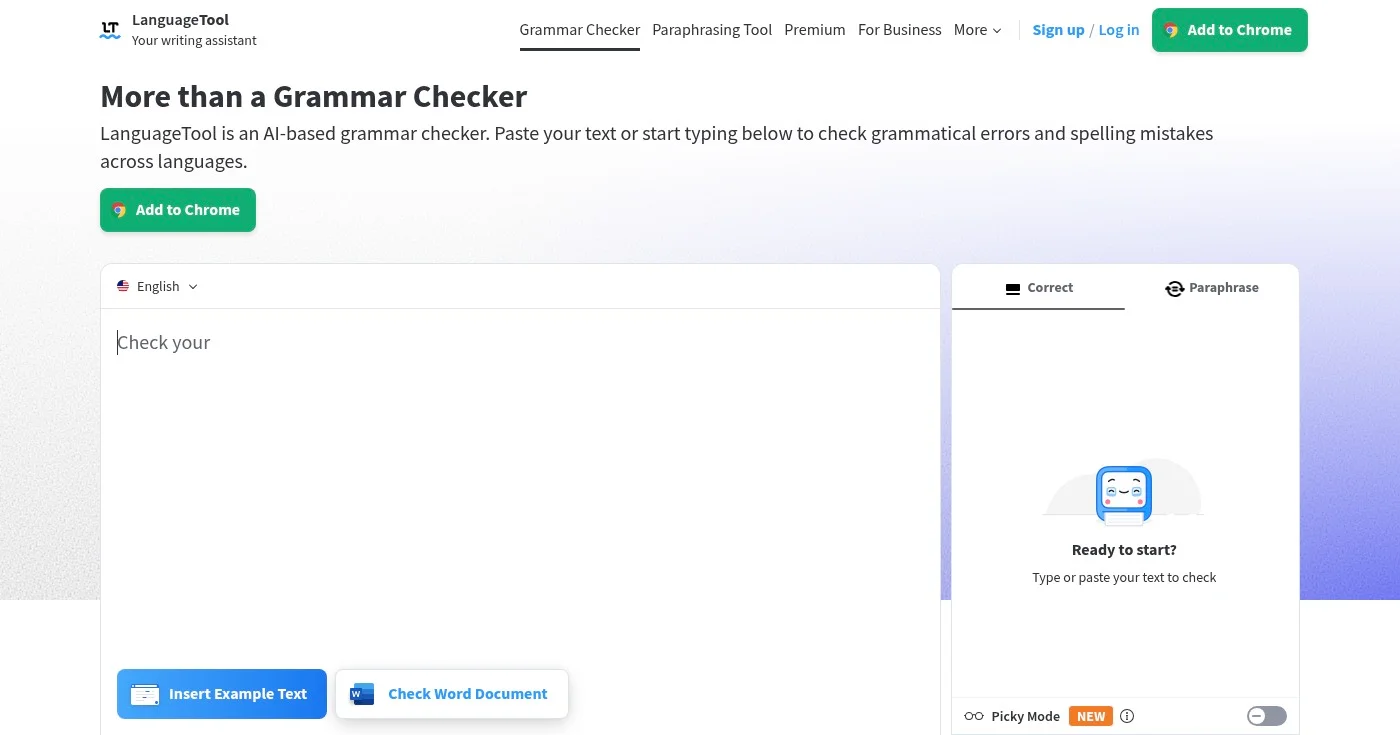
LanguageTool is an AI-based grammar checker that detects and corrects grammatical errors, spelling mistakes, and style issues across 30+ languages. It offers a free web editor, browser extensions, and desktop integrations for a distraction-free writing experience with advanced suggestions.
Trusted by 2000+ organizations, LanguageTool is privacy-focused and offers extensive language support that makes it ideal for multilingual writers. With integrations for Microsoft Word, Google Docs, and Outlook, plus browser extensions for all major browsers, LanguageTool provides comprehensive grammar checking wherever you work.
Key Features
- 30+ languages and dialects supported: Comprehensive multilingual support including English, Spanish, German, French, Portuguese, and 25+ other languages with dialect variations
- Browser extensions for all major browsers: Extensions for Chrome, Firefox, Edge, and Safari enable real-time grammar checking across all web-based writing
- Microsoft Word and Google Docs integration: Native add-ins for Word and Google Docs provide seamless grammar checking within your document workflow
- Personal dictionary and writing statistics: Customize the checker with your own terms and track your writing productivity and improvement over time
- Picky Mode for advanced style checking: Premium feature that provides deeper style analysis and more sophisticated writing suggestions beyond basic grammar
Pros
- Free version available with solid grammar checking capabilities
- Supports 30+ languages and dialects, ideal for multilingual writers
- Works across multiple platforms: web, desktop, and mobile browsers
- Trusted by 2000+ organizations worldwide
- Privacy-focused with strong data protection
- Integrates with popular apps like Word, Google Docs, and Outlook
Cons
- Advanced Picky Mode and extended character limits require premium upgrade
- Premium pricing details could be more transparent on homepage
- Some advanced features limited to specific language pairs
Pricing
LanguageTool offers a free plan with basic grammar checking. Premium plans start at $5.83/month (billed annually at $69.90) and include advanced style checking, Picky Mode, and extended character limits.
- Free: Free
- Premium (Quarterly): $16.63/month (billed quarterly at $49.90)
- Premium (Annual): $5.83/month (billed annually at $69.90)
- Premium (2 years): $4.99/month (billed every 2 years at $119.80)
For more details, visit their pricing page.
4. Scribens
Best for Free grammar checking with educational explanations
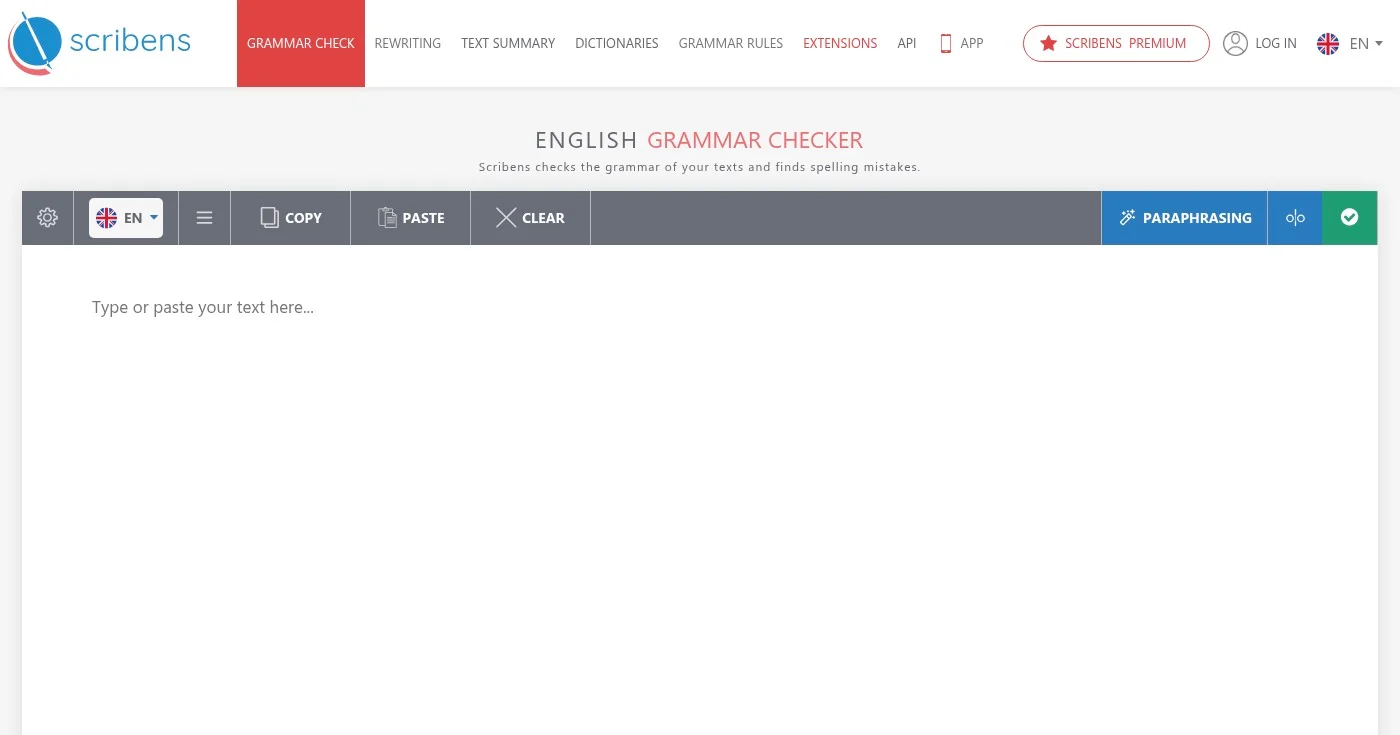
Scribens is a free, AI-powered grammar and spelling checker that detects and corrects over 90% of writing mistakes across multiple languages. It provides detailed explanations for each error to help users learn, and integrates seamlessly with popular apps like Gmail, Word, Google Docs, and social media platforms.
What sets Scribens apart is its educational approach, each correction comes with detailed explanations that help you understand grammar rules and improve your writing skills over time. With support for 30+ languages and integrations across desktop and mobile platforms, Scribens is particularly valuable for students and non-native English speakers.
Key Features
- Detects and corrects over 90% of grammar and spelling mistakes: Highly accurate AI algorithm covers conjugations, agreement errors, nouns, pronouns, prepositions, homonyms, punctuation, and typography
- Detailed explanations for each mistake: Educational approach provides grammar rule explanations to help users learn and improve their writing skills
- Available in 30+ languages: Comprehensive multilingual support makes it accessible for non-native English speakers and international writers
- Seamless integration with popular apps: Works with Gmail, Outlook, Yahoo, Facebook, LinkedIn, Twitter, Word, Google Docs, and more
- Mobile apps for iOS and Android: Native mobile apps enable grammar checking on smartphones and tablets for writing on the go
Pros
- Completely free with no paywall for basic features
- Highly accurate AI algorithm corrects over 90% of mistakes
- Educational explanations help users learn grammar rules
- Supports 30+ languages for multilingual writers
- Seamless integration with Gmail, Word, Google Docs, and social media
- Mobile apps available for iOS and Android
Cons
- Free plan limited to 8,000 characters per day
- Premium pricing not clearly displayed on homepage
- Paraphrasing and advanced features require Premium subscription
- Maximum 50,000 characters per single check may be limiting for long documents
Pricing
Scribens offers a completely free plan with up to 8,000 characters per day and 50,000 characters per single check. Premium pricing is not publicly disclosed on the homepage.
- Free: Free (up to 8,000 characters/day)
- Premium: Not publicly disclosed
For more details, visit their website.
5. Virtual Writing Tutor
Best for Students needing essay scoring and IELTS practice
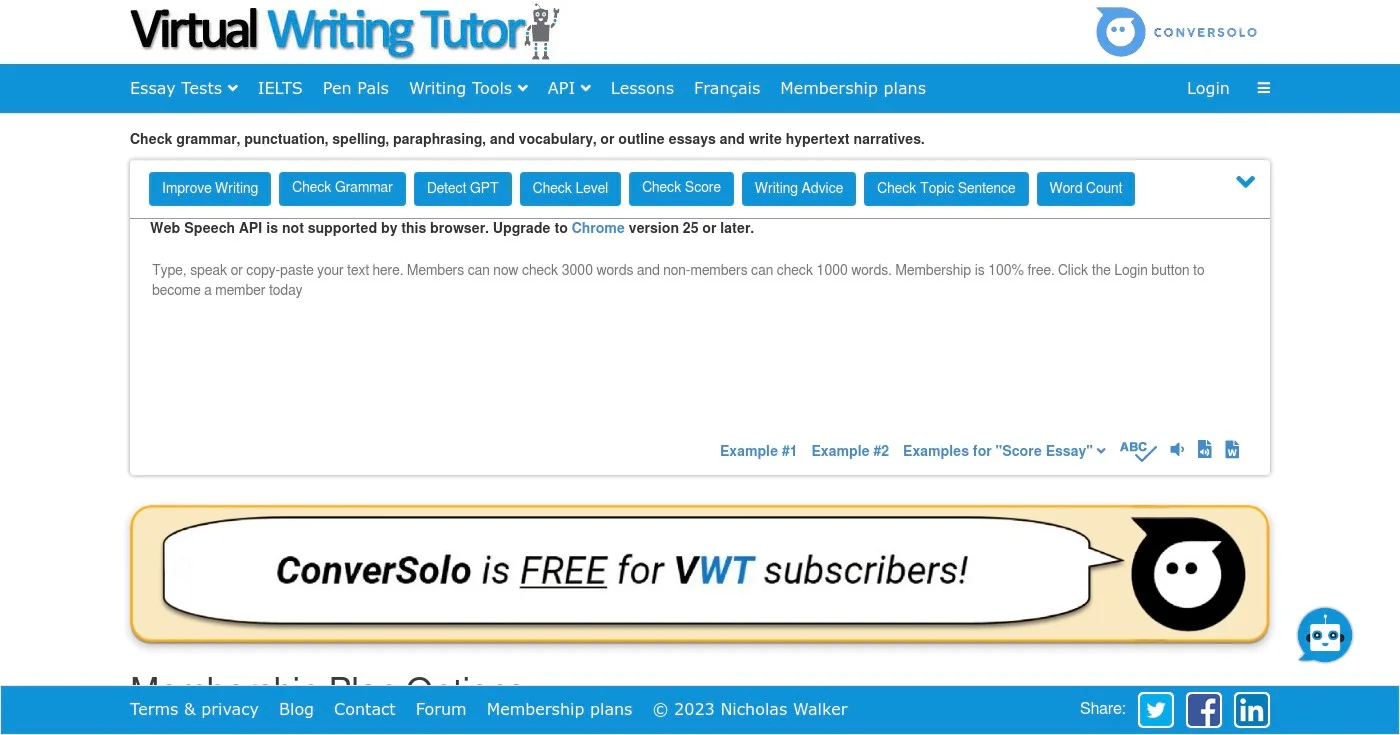
Virtual Writing Tutor is a free online grammar check and proofreading website that helps writers check spelling, grammar, punctuation, and paraphrasing. It also provides essay scoring, vocabulary checking, and writing tools like essay outliners and narrative creators.
Designed specifically for students and ESL learners, Virtual Writing Tutor offers unique features like automatic essay scoring, IELTS practice tests, and an error correction game that makes learning grammar engaging. The platform also includes a pen pal exchange for language practice and GPT detection to identify AI-generated content.
Key Features
- Automatic essay scoring and analysis: Provides instant feedback on essays with scoring based on grammar, vocabulary, coherence, and structure
- IELTS practice tests: Comprehensive IELTS preparation tools help students practice and improve their test-taking skills
- Vocabulary checker and paraphrase checker: Analyzes vocabulary usage and detects paraphrasing issues to improve writing quality and originality
- Essay outliner and narrative creator: Writing tools help students structure their essays and create compelling narratives
- Error correction game: Gamified learning approach makes grammar practice engaging and helps reinforce correct usage
Pros
- 100% free to use with comprehensive features
- Automatic essay scoring provides instant feedback
- IELTS practice tests included for test preparation
- Error correction game makes learning grammar engaging
- Supports spelling, grammar, punctuation, and paraphrasing checks
- Unique tools like essay outliner and narrative creator
Cons
- Free membership has usage limits, unlimited access requires upgrade
- Limited information on premium features and pricing
- Web-only platform with no mobile apps or browser extensions
- Pricing details for premium tiers unclear on website
Pricing
Virtual Writing Tutor is 100% free to use with some usage limits on the free membership. Unlimited access eventually requires an upgrade.
- Free: Free (with usage limits)
- Premium: Contact for pricing
For pricing details, visit their membership page.
6. Scribbr
Best for Academic writing with plagiarism and citation checking
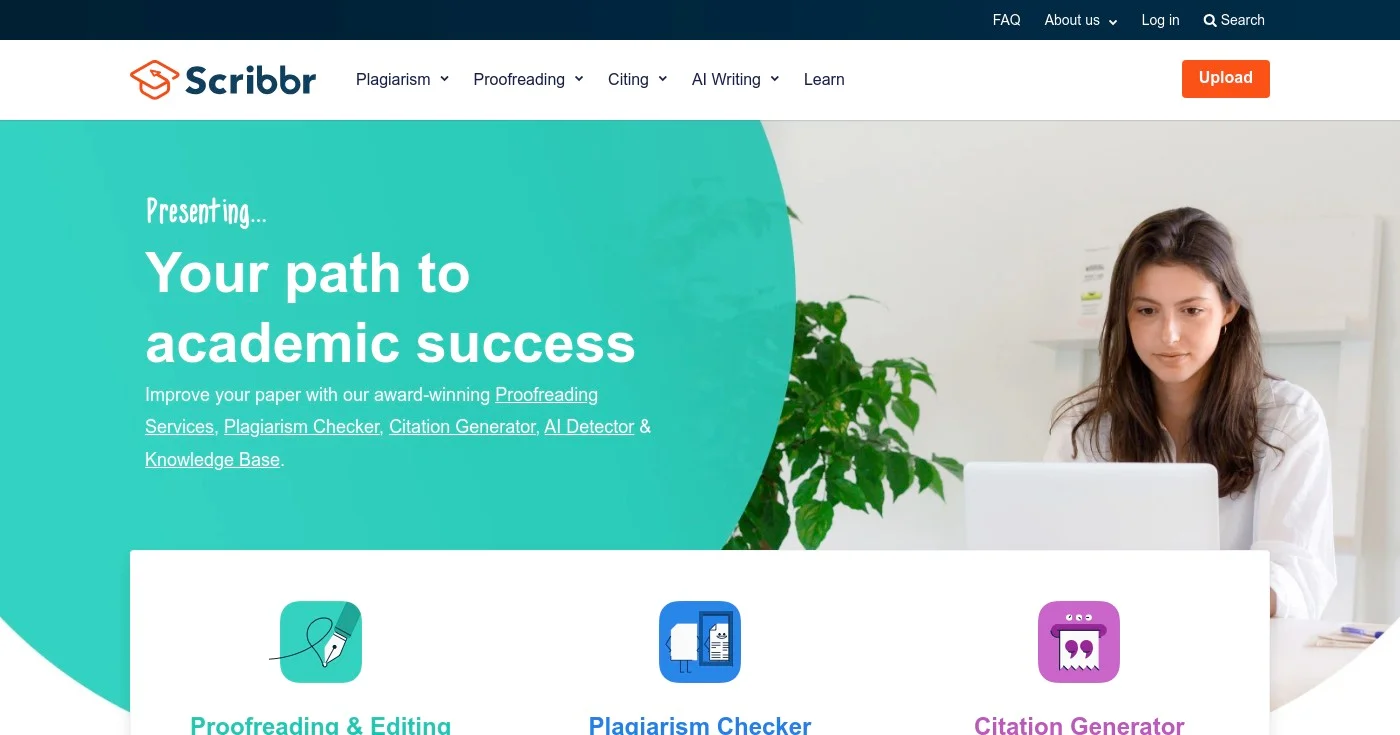
Scribbr is an AI-powered academic writing tool that checks grammar, citations, clarity, plagiarism, and AI-generated content in one upload. It combines automated checking with access to expert academic editors and a comprehensive knowledge base of writing resources.
Designed specifically for students and academics, Scribbr offers specialized tools like a citation generator supporting APA, MLA, Harvard, and other styles, a plagiarism checker with high accuracy, and professional proofreading services from expert academic editors. The platform also includes free tools like a paraphrasing tool, AI Humanizer, and a knowledge base with 300+ articles on academic writing.
Key Features
- Grammar and clarity checking: AI-powered grammar checker detects errors and suggests improvements for academic writing clarity and precision
- Plagiarism detection: Comprehensive plagiarism checker compares your work against billions of sources to ensure originality
- Citation generation (APA, MLA, Harvard, etc.): Automatic citation generator supports all major academic citation styles with accurate formatting
- Professional proofreading and editing services: Access to expert academic editors who provide detailed feedback on essays, papers, and dissertations
- Knowledge base with 300+ academic writing articles: Extensive free resource library covers grammar, citation, research methods, and academic writing best practices
Pros
- Comprehensive all-in-one academic writing tool
- Free grammar checker and citation generator
- Access to professional academic editors for proofreading
- Plagiarism detection with high accuracy
- Extensive free knowledge base with 300+ articles
- Supports all major citation styles (APA, MLA, Harvard, etc.)
Cons
- Premium proofreading services require paid subscription
- Pricing details not clearly displayed on homepage
- Limited information about specific pricing tiers for plagiarism checking
Pricing
Scribbr offers free grammar checking and citation generation tools. Plagiarism checking and professional proofreading services are paid features with pricing based on usage.
- Free Tools: Free (grammar checker, citation generator, paraphrasing tool)
- Plagiarism Checker: Pay per check
- Proofreading Services: Pay per word
For more details, visit their grammar checker page.
7. SpinBot
Best for Content rewriting and paraphrasing for SEO
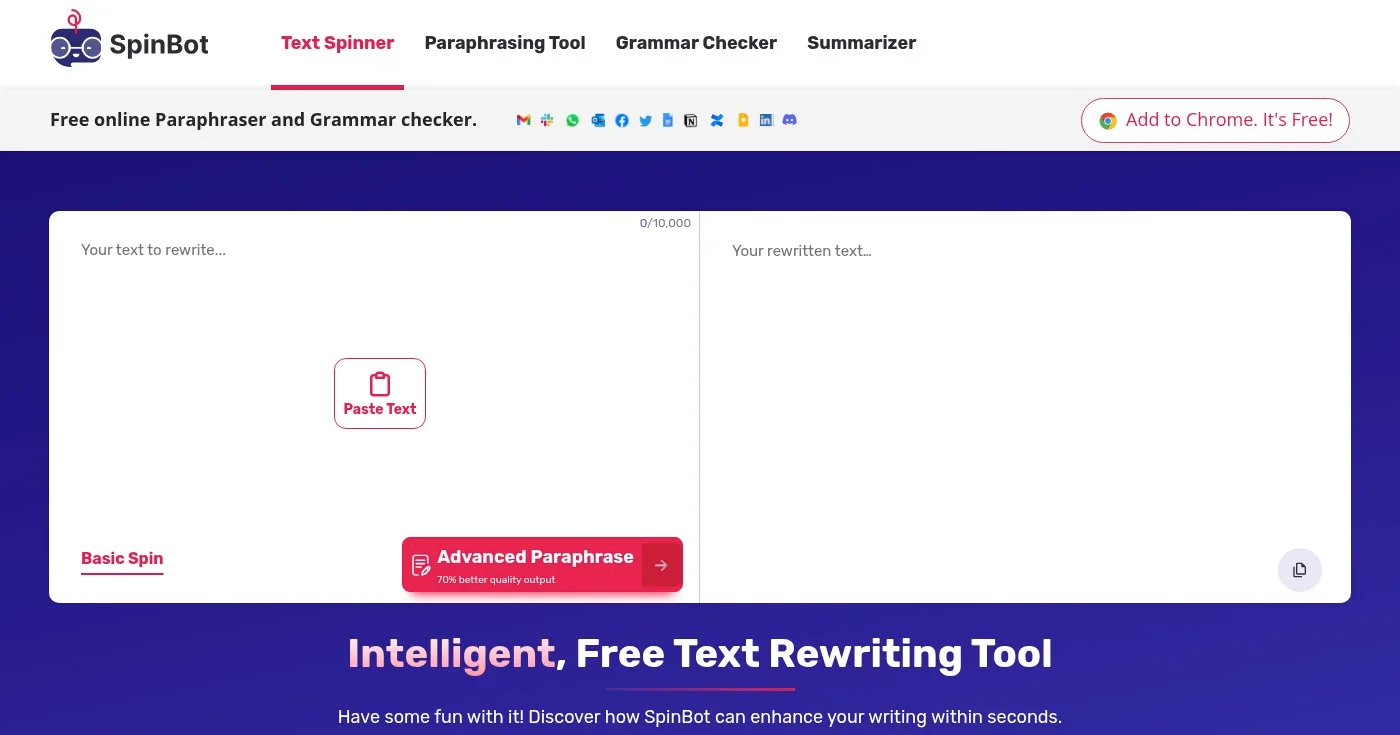
SpinBot is a free AI-powered text rewriting and paraphrasing tool that automatically rewrites human-readable text into fresh, intelligent alternatives. It helps users enhance their writing, create new content variations, and improve SEO through unique, grammatically accurate content generation.
With one-click operation and support for up to 10,000 characters (approximately 1,000 words), SpinBot makes it easy to generate fresh content variations quickly. The tool offers both Basic and Advanced paraphrase modes, with the Advanced mode providing 70% better quality output for more sophisticated rewriting needs.
Key Features
- One-click text rewriting and paraphrasing: Simple, fast operation allows you to rewrite content instantly with a single click
- Basic and Advanced paraphrase modes: Advanced mode provides 70% better quality output with more sophisticated contextual rewriting
- Support for up to 10,000 characters: Handles approximately 1,000 words per spin, suitable for blog posts and articles
- Customizable options: Options to change capitalized words, ignore specific words, and create longer or shorter versions
- Grammatically accurate output: AI ensures rewritten content maintains proper grammar and readability
Pros
- Completely free to use for basic rewriting
- Intelligent, contextually-aware rewriting
- Fast one-click operation
- Grammatically accurate output
- Supports up to 10,000 characters per spin
- Customizable options like ignore words and capitalization changes
Cons
- Limited to 10,000 characters per use
- Automatic spinning may not always match human-quality rewriting
- Premium features and pricing structure not extensively detailed
Pricing
SpinBot is completely free to use with basic features. Paid plans start at $3 for 15 days with the Starter Plan, up to $180 for the Pro Plan.
- Free: Free
- Starter: $3 for 15 days
- Basic: $25
- Pro: $180
View pricing details
8. Wordtune
Best for AI-powered rewriting and tone adjustment
Wordtune is an AI-powered writing assistant that helps users express themselves with confidence. It offers paraphrasing, rewriting, grammar correction, and tone adjustment capabilities to improve writing quality and authenticity.
Highly rated with 4.7/5 on Chrome and 97% on the App Store, Wordtune provides contextual AI suggestions that match your writing style. The platform includes unique features like fact-checking with multiple source verification, Smart Synonym generation for vocabulary enhancement, and Smart Translate for native-English sounding translations.
Key Features
- Paraphrasing and rewriting suggestions: AI-powered suggestions help you rephrase sentences for better clarity, conciseness, and impact
- Tone switching (casual to formal): Adjust your writing tone to match your audience, from casual conversations to formal business communications
- Continue writing feature: AI helps you overcome writer's block by suggesting how to continue your sentences and paragraphs
- Fact-checking with source verification: Verifies facts against at least 5 sources to ensure accuracy and credibility in your writing
- Smart Synonym generator: Contextual synonym suggestions enhance vocabulary while maintaining natural flow and meaning
Pros
- Free to start with no credit card required
- Highly rated (4.7/5 on Chrome, 97% on App Store)
- Contextual suggestions that match your writing style
- Fact-checking capability with multiple source verification
- Tone switching for different audiences
- Smart Synonym generator enhances vocabulary naturally
Cons
- Advanced features like unlimited rewrites require paid subscription
- Platform availability beyond Chrome extension not extensively detailed
- Fact-checking limited to minimum 5 sources
Pricing
Wordtune offers a free plan to get started. The Advanced plan starts at $6.99/month (or $4.89/month billed annually), and the Unlimited plan is $9.99/month (or $6.99/month billed annually).
- Free: Free
- Advanced: $6.99/month (monthly)
- Advanced: $4.89/month (billed annually, 30% discount)
- Unlimited: $9.99/month (monthly)
- Unlimited: $6.99/month (billed annually, 30% discount)
For more details, visit their pricing page.
9. Writer
Best for Enterprise teams needing governance and AI agents
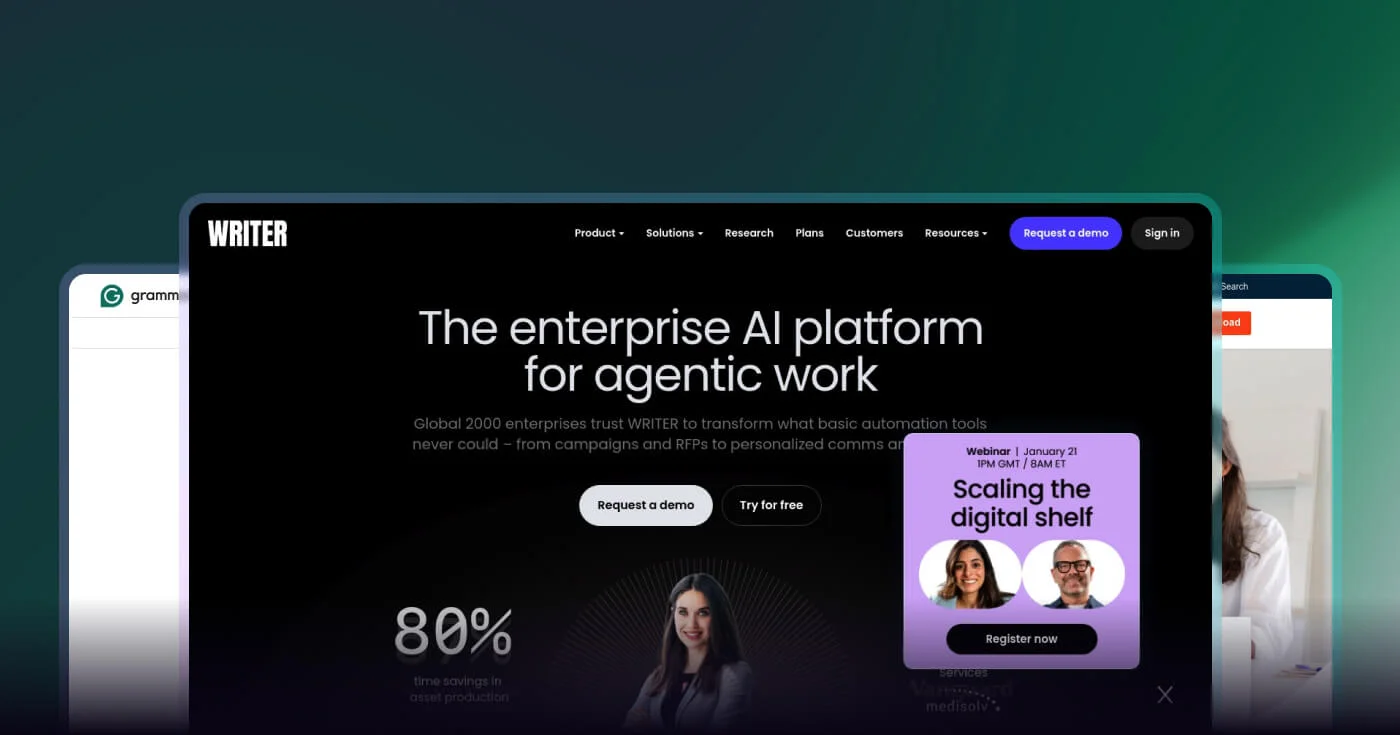
Writer is an enterprise AI platform designed for agentic work that enables organizations to build, activate, and supervise AI agents at scale. It helps Global 2000 enterprises automate complex workflows across marketing, finance, HR, legal, and other departments while maintaining governance and security controls.
Writer's platform includes AI Studio for building custom agents, Palmyra LLMs for enterprise-grade AI, and a Knowledge Graph for precise outputs. With enterprise governance, trust & security features, and connectors for integrations, Writer enables organizations to achieve significant time savings, 40-80% reported by customers, and 57% faster time to market for assets.
Key Features
- AI Agent creation and management: Build, activate, and supervise AI agents at scale to automate complex workflows across departments
- AI Studio for building custom agents: No-code platform enables teams to create custom AI agents tailored to specific business needs
- Knowledge Graph for precise outputs: Proprietary Knowledge Graph ensures AI agents produce accurate, contextually relevant outputs based on company data
- Enterprise governance and supervision: Always-on governance and visibility ensure compliance, security, and control over AI agent activities
- Trust & security features: Enterprise-grade security and compliance controls protect sensitive data and meet regulatory requirements
Pros
- Significant time savings (40-80% reported by customers)
- 57% faster time to market for assets
- Enterprise-grade security and compliance
- Scalable governance for large organizations
- Multi-industry support (marketing, finance, HR, legal)
- Custom AI agent creation with AI Studio
Cons
- Enterprise pricing may be prohibitive for smaller organizations
- Requires IT governance setup and configuration
- Limited information on specific pricing tiers
- Learning curve for complex agent configuration
Pricing
Writer offers a free trial for the Starter plan. Enterprise pricing is available by contacting sales.
- Starter: Free during trial
- Enterprise: Contact sales
For more details, visit their pricing page.
10. ProWritingAid
Best for Fiction writers and novelists seeking manuscript analysis
ProWritingAid is an AI-powered writing assistant that helps writers craft, polish, and elevate their work through in-depth analysis and actionable feedback. It integrates seamlessly with popular writing apps like Word, Google Docs, and Scrivener, offering tools for grammar checking, manuscript analysis, and writing improvement suggestions.
Trusted by over 4 million writers and bestselling authors, ProWritingAid offers unique features for fiction writers including Chapter Critique for single chapter feedback, Manuscript Analysis for full manuscript review, and a Virtual Beta Reader. The platform also includes sensory reports, pacing improvements, and "show, don't tell" suggestions specifically designed for creative writing.
Key Features
- In-depth writing analysis and actionable feedback: Comprehensive reports analyze grammar, style, readability, and more with specific suggestions for improvement
- Chapter Critique and Manuscript Analysis: Specialized tools for fiction writers provide detailed feedback on individual chapters or entire manuscripts
- Virtual Beta Reader: AI-powered beta reading provides feedback on plot, character development, and narrative structure
- Sensory reports and pacing improvements: Unique features help fiction writers enhance sensory details and improve story pacing
- Integration with popular writing apps: Works seamlessly with Word, Google Docs, Scrivener, and other writing tools
Pros
- Free plan available with basic grammar checking
- Works with multiple popular writing apps (Word, Google Docs, Scrivener)
- Bank-level security and privacy protection
- Trusted by over 4 million writers and bestselling authors
- Comprehensive feedback tools including Chapter Critique and Manuscript Analysis
- Unique features for fiction writers (sensory reports, pacing, Virtual Beta Reader)
Cons
- Premium pricing details not clearly outlined on homepage
- Requires integration with existing writing apps rather than standalone solution
- Some advanced features limited to Premium Pro tier
Pricing
ProWritingAid offers a free plan with basic features. Premium plans start at $12/month (billed yearly) or $30/month (monthly). A Lifetime Access option is available for $399 one-time payment.
- Free: $0
- Premium: $30/month (monthly) or $12/month (billed yearly, 67% discount)
- Premium Pro: $36/month (monthly) or $14.40/month (billed yearly, 67% discount)
- Lifetime Access: $399 (one-time payment)
For more details, visit their pricing page.
How to Choose
Selecting the ideal grammar checker depends on your specific writing needs, budget, and workflow. Consider these key factors:
- Your Primary Use Case: Academic writers should prioritize tools like Scribbr with plagiarism detection and citation generation, while fiction writers benefit from ProWritingAid's manuscript analysis. Business professionals may prefer Grammarly's tone detection and cross-platform integration.
- Language Requirements: If you write in multiple languages or need specific dialect support (US, UK, Australian English), choose tools like LanguageTool (30+ languages) or QuillBot (6+ languages) that offer comprehensive multilingual capabilities.
- Integration Needs: Consider where you write most often. If you work primarily in Google Docs and Microsoft Word, ensure your grammar checker offers native integrations. For web-based writing, browser extensions from Grammarly, LanguageTool, or Wordtune provide seamless checking.
- Budget and Free Plan Limitations: Many grammar checkers offer robust free plans, QuillBot provides unlimited free checks, while Grammarly and Scribens have daily limits. Evaluate whether free features meet your needs or if premium capabilities like plagiarism detection, advanced style suggestions, or unlimited checks justify the monthly cost.
Common Misconceptions: A common misconception is that expensive grammar checkers are always better. In reality, free tools like QuillBot, Scribens, and LanguageTool offer excellent accuracy for basic grammar checking. Premium features are only valuable if you specifically need advanced capabilities like tone adjustment, plagiarism detection, or manuscript analysis.
Industry Trends
The grammar checking landscape is evolving rapidly with AI advancements and changing user needs. Here are the key trends shaping the industry:
- AI-Powered Contextual Understanding: Modern grammar checkers like Grammarly and Wordtune now use advanced AI to understand context, tone, and intent, not just surface-level errors. This enables more sophisticated suggestions that improve clarity, engagement, and audience alignment beyond basic grammar correction.
- Multilingual and Multidialectal Support: Tools like LanguageTool (30+ languages) and QuillBot (6+ languages) are expanding language support to serve global audiences. This trend reflects the growing need for grammar checking that accommodates diverse linguistic backgrounds and regional English variations.
- Integration with AI Content Detection: As AI-generated content becomes more prevalent, grammar checkers like Scribbr and Virtual Writing Tutor now include GPT detection to identify AI-written text. This helps educators and content creators maintain authenticity and comply with academic integrity policies.
Conclusion
Choosing the right grammar checker can significantly improve your writing quality, credibility, and efficiency.
Whether you need unlimited free checks from QuillBot, comprehensive cross-platform support from Grammarly, multilingual capabilities from LanguageTool, or specialized academic features from Scribbr, there's a tool tailored to your specific needs.
Evaluate your primary use case, language requirements, and budget to select the grammar checker that will help you communicate with confidence and clarity.