
APA Citation Generators: Top 10 Picks for 2026
The 10 best APA citation generators in 2026, ranked by accuracy, ease of use, and features. Includes free tools, pricing, and when each one wins.
Updated 14 min read

The 10 best APA citation generators in 2026, ranked by accuracy, ease of use, and features. Includes free tools, pricing, and when each one wins.
The best free APA citation generators in 2026 are Scribbr (expert-verified, APA 6 & 7, Chrome extension), MyBib (free, no ads, 10,000+ styles), and ZoteroBib (no account needed, 10,000+ styles). If you need a full reference manager alongside citation generation, Zotero and Paperpile are the strongest options for academic researchers.
APA Style reaches far beyond psychology. The APA's own analysis of US degrees found that 70% of all college degrees awarded in 2021 to 2022 were in fields that require APA Style (27.7%) or allow it as an option (42.3%). For doctoral degrees, that share rises to 85.9%.
Before choosing, assess these four criteria:
Software | Best For | Key Features | Pricing | Free Plan | Platforms |
|---|---|---|---|---|---|
Accuracy-first students | APA 6 & 7, autocite, Chrome extension, export to Word/BibTeX | Free | Yes | Web, Chrome | |
Free, ad-free citing | 10,000+ styles, no ads, Word/Docs export, BibTeX export | Free (Plus $2/mo billed annually for cloud storage) | Yes | Web, Chrome | |
QuillBot suite users | APA 6 & 7, saved lists, copy or export | Free | Yes | Web | |
Quick one-off bibliographies | 10,000+ styles, no account/install, URL/DOI/ISBN | Free | Yes | Web | |
Open-source reference management | 9,000+ styles, Word/Docs/LibreOffice plugins, sync | Free (storage add-on from $20/yr) | Yes | Win, Mac, Linux, iOS, Android | |
Citation + plagiarism in one | Thousands of styles, plagiarism scan, writing assistant | Free basic, paid upgrade | Yes | Web | |
Multi-format needs | APA by default, 7,000+ styles with an account | Free, paid Premium | Yes | Web | |
AI-assisted research + citing | 10,000+ styles, 250M+ research articles, Word/Docs/Overleaf | Free, paid Prime | Yes | Web, Word, Docs, Chrome | |
Collaborative research teams | PDF import, annotation, group libraries, Ask AI | Free (2GB) | Yes | Desktop, Word, browser | |
Google Docs power users | All major styles, unlimited PDF storage, 30-day trial | $4.15/mo (billed annually) | No (trial) | Web, Google Docs, Word |
Best for students who need expert-verified citation accuracy
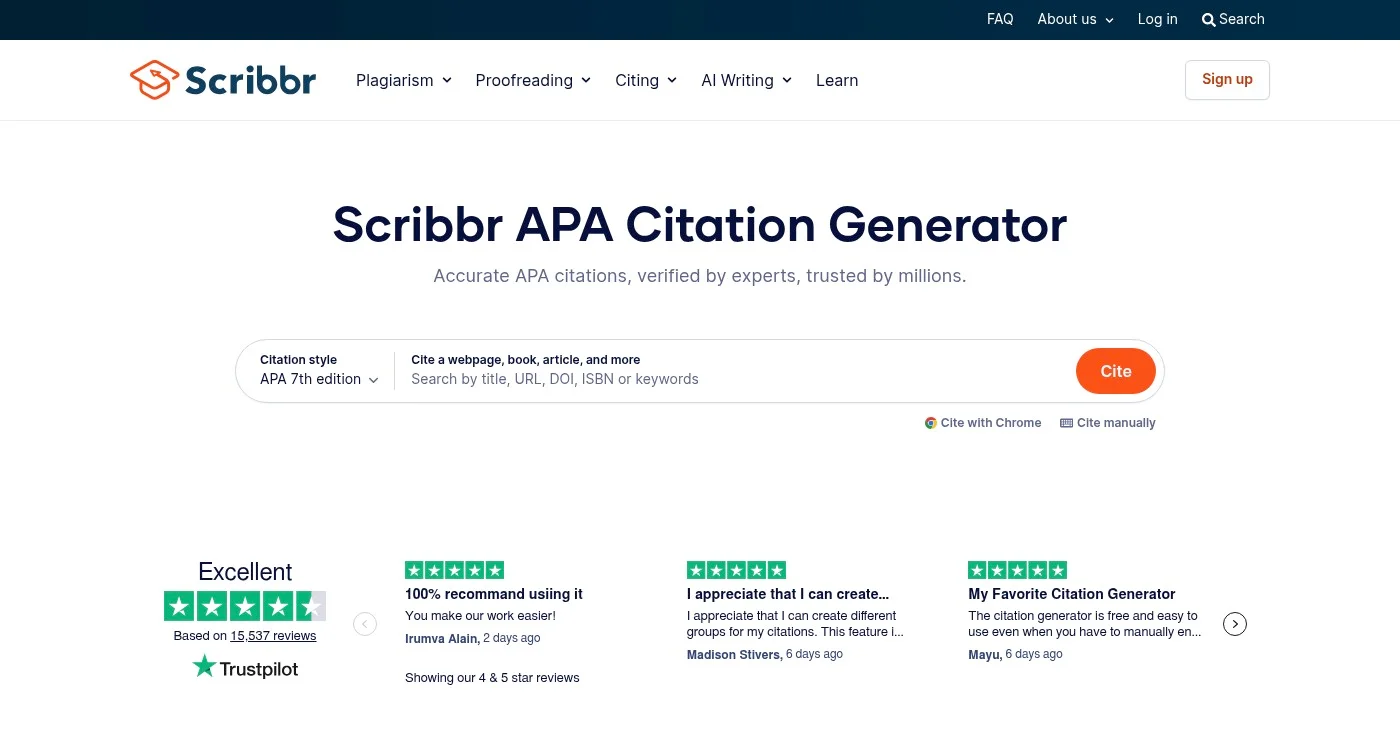
Scribbr is a free online APA citation generator from a company whose tools help millions of students and academics every month. Its core value is verification: Scribbr's citation experts have reviewed and fine-tuned the algorithms, which is why the tool is recommended by teachers.
You can autocite sources by title, URL, DOI, or ISBN. It supports both APA 6 and APA 7 and exports your reference list to Word with correct indentation and spacing.
For researchers using LaTeX, it also exports in BibTeX format. A Chrome extension lets you generate a citation from any page with a single click.
The citation generator has no paywall. See Scribbr's citation page for details. It does not offer a subscription model for the citation tool itself.
Best for writers who want completely free, ad-free citation generation
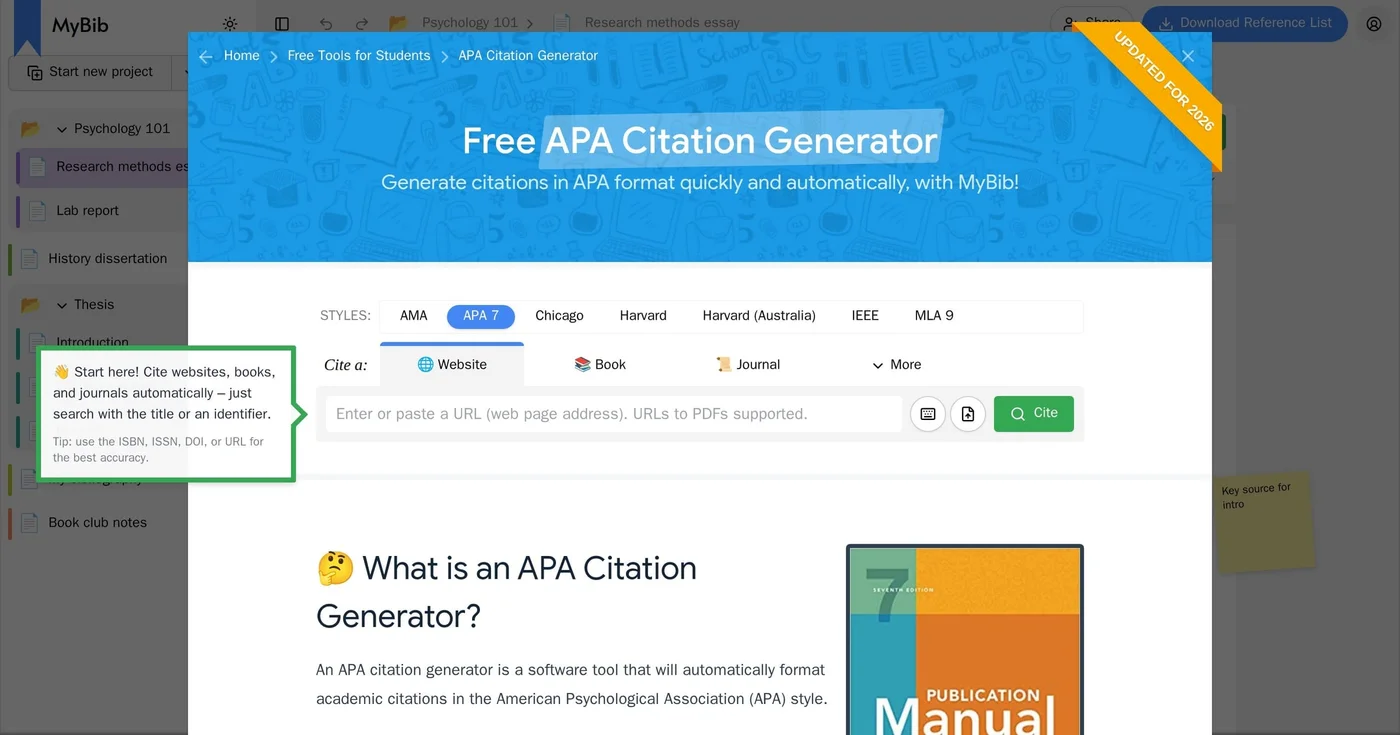
MyBib is a free bibliography and citation generator with no ads or privacy trackers, a rare combination among free citation sites.
The tool uses the same citation formatting engine as Zotero and Mendeley. That makes the output professional-grade, not student-grade. It covers over 10,000 citation styles including APA 6 and 7, MLA 8 and 9, Harvard, and Chicago.
You can autocite by URL, ISBN, DOI, or title, and download your bibliography to Microsoft Word or Google Docs. A BibTeX export moves your sources into Zotero or Mendeley.
One change matters for regular users: in 2026 MyBib introduced MyBib Plus at $2 per month, paid annually ($24 per year), to store your work on its server. Since an October 13, 2026 update, projects on a free account are kept for only 3 days, while K-12 students with a school login stay free.
Best for writers already in the QuillBot ecosystem
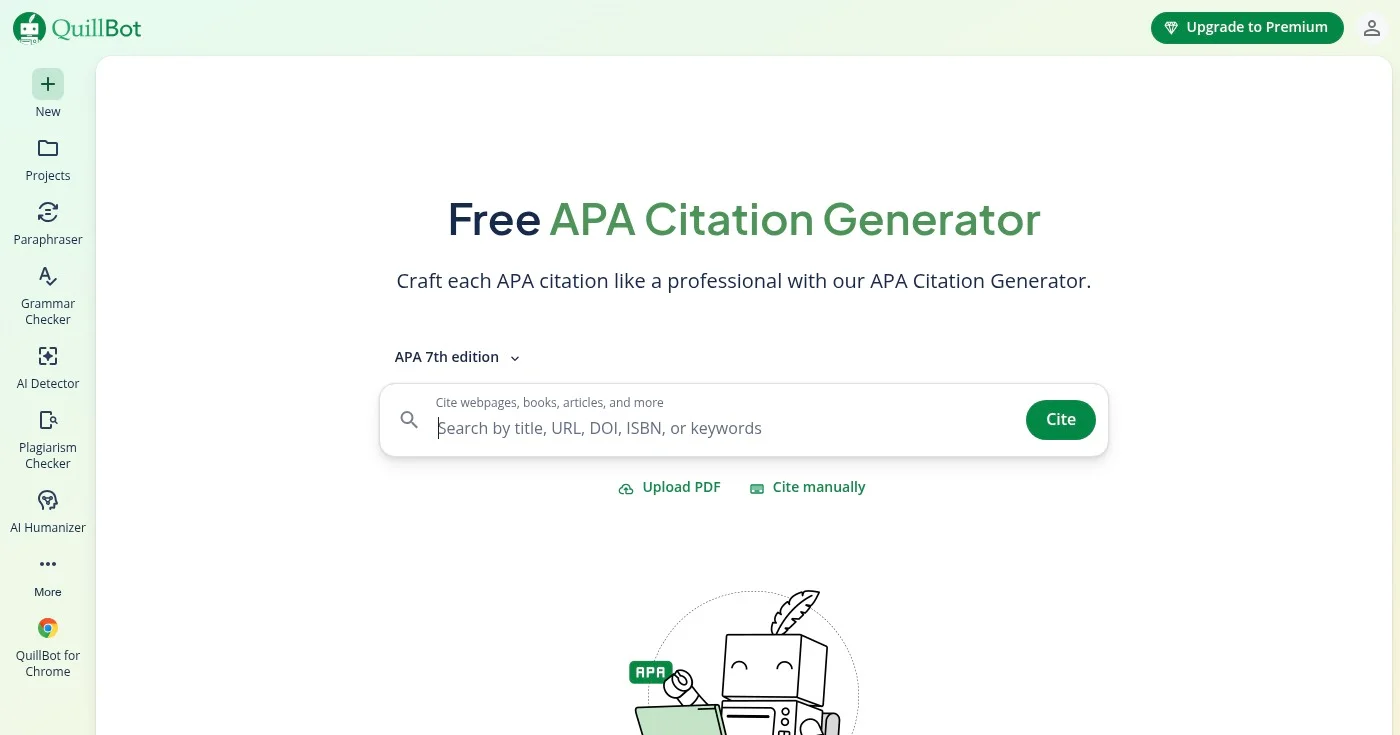
QuillBot's APA Citation Generator is the citation tool inside the broader QuillBot writing suite, which QuillBot says 35+ million students and professionals rely on. It handles APA 6th and 7th editions.
The generator is fully free and requires no account for basic use. Create an account and all your citations save automatically, so you can return to them across writing sessions.
You can cite websites, books, journal articles, and more, then copy or export your full reference list. If you already use QuillBot for paraphrasing or grammar checking, having your citations in the same dashboard removes a tool-switching step.
The citation generator has no premium tier. It is free for all users.
Best for fast, no-account bibliographies in any citation style
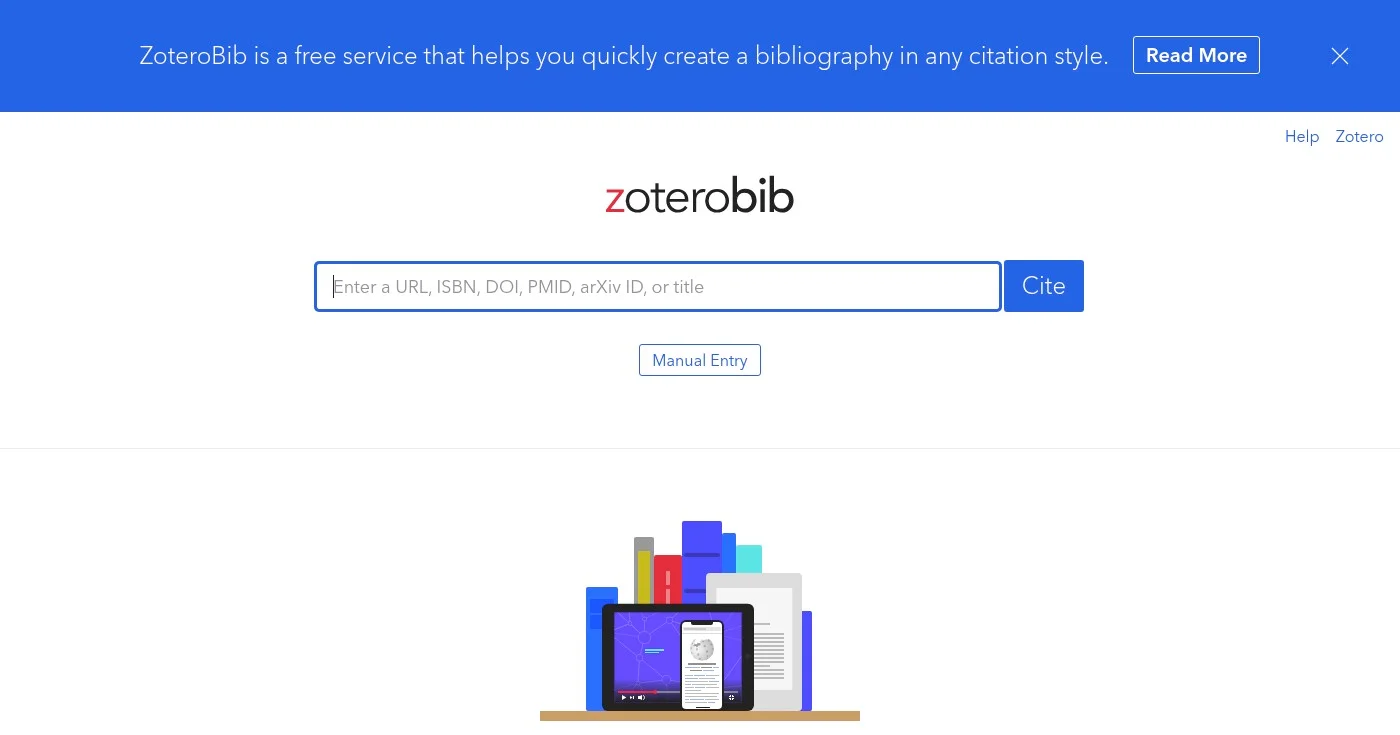
ZoteroBib is the lightweight, no-installation web tool from the Zotero team. It lets you build a complete bibliography from any device, without creating an account or downloading software.
Paste a URL, ISBN, DOI, PMID, or arXiv ID and ZoteroBib pulls metadata automatically. It supports 10,000+ citation styles including APA, MLA, Chicago, and Harvard. You can also enter references manually if automatic import misses a source.
For anyone who needs a one-off paper formatted quickly, ZoteroBib is the quickest option here: no account, no install. For recurring research work, the full Zotero app (below) is the natural upgrade.
Best open-source reference manager with APA citation generation
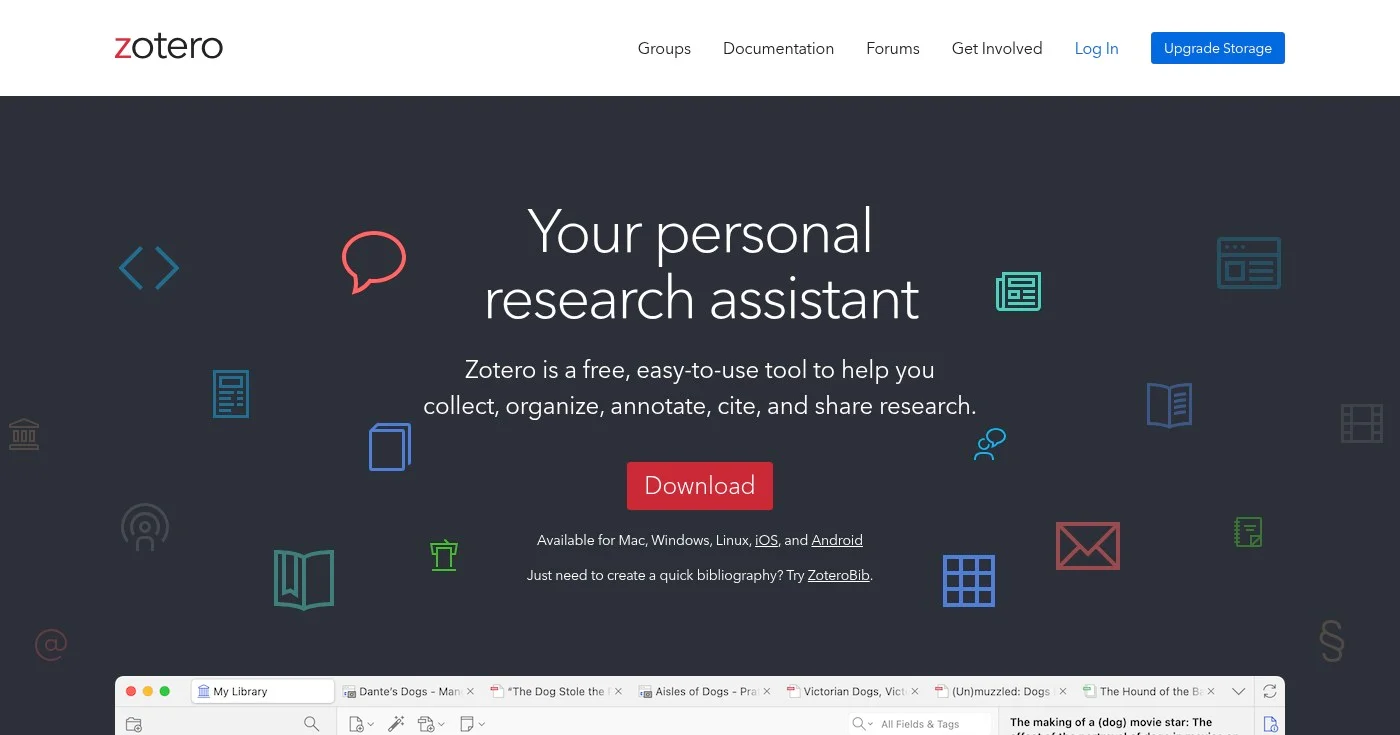
Zotero is an open-source research assistant developed by the nonprofit Corporation for Digital Scholarship. The Zotero team says it is recommended by thousands of universities worldwide.
The browser connector captures metadata automatically when you visit a research page on JSTOR, arXiv, PubMed, library catalogs, or news sites. Once in your library, citations insert directly into Word, LibreOffice, or Google Docs via plugin. 9,000+ citation styles are supported, including all APA editions.
Zotero syncs across devices, supports collaborative group libraries at no cost, and (because it's open source and nonprofit) has no financial interest in your data.
References and metadata sync for free; paid storage is only needed for PDFs and attachments.
Best for students who need citation and plagiarism checking together
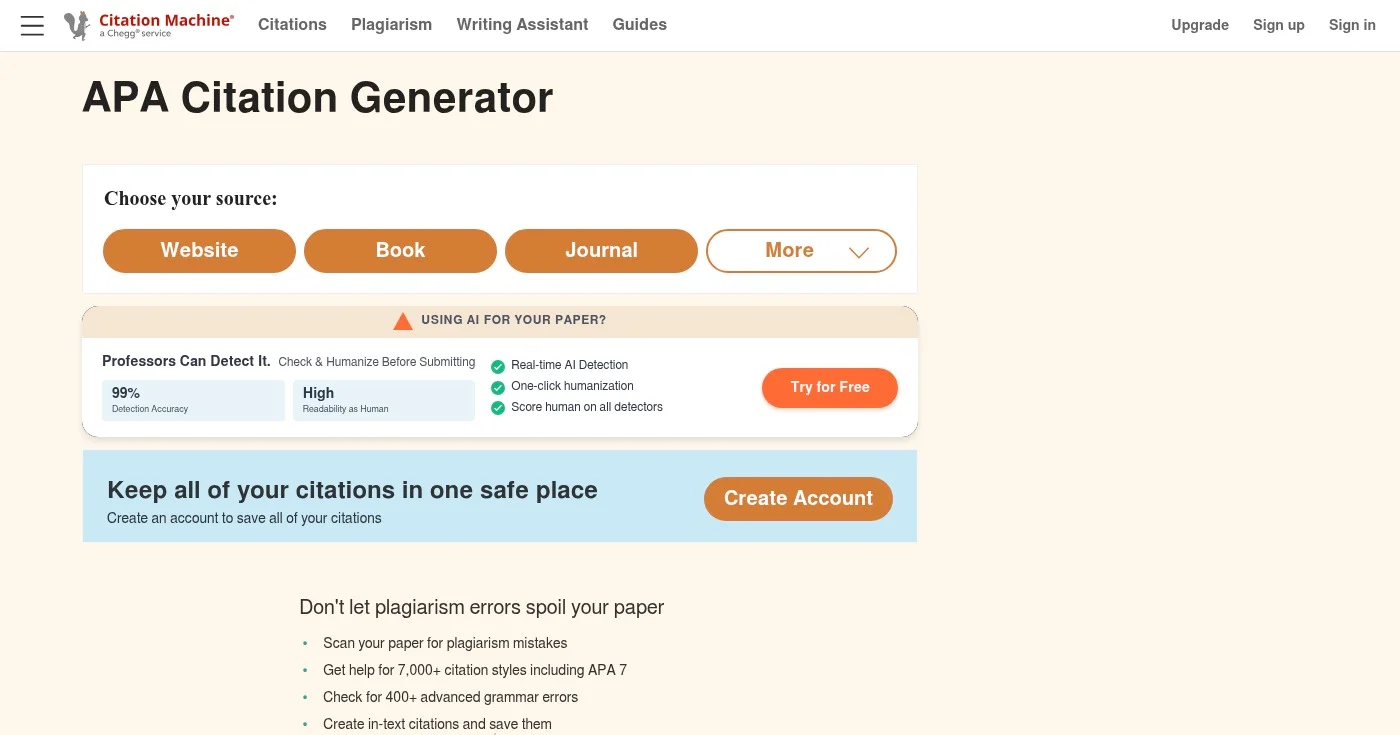
Citation Machine is one of the longest-standing citation tools on the web, run by Chegg. The free tier generates APA citations quickly: enter a title or URL and it auto-fills the remaining fields. It covers thousands of styles, including MLA, APA, Chicago, and Harvard, and exports to Google Drive or Microsoft Word.
The same site adds a plagiarism checker that compares your paper against billions of sources, plus an AI writing assistant for grammar and clarity. That combination is useful for students who need to check both their sources and their writing in one workflow. The paid upgrade's price appears only after you create an account.
Best for students who need APA alongside AMA, IEEE, and ASA styles

Cite This For Me is a free citation generator that formats references in APA by default. Sign up and you can choose from over 7,000 styles, and the site has citation guides for ASA (American Sociological Association), AMA (American Medical Association), IEEE, and Harvard. That makes it a practical fit for sociology and nursing students who switch between styles.
The tool generates both the full reference-page citation and the in-text citation for each source. Enter information manually or search by source name or URL. Premium lets you save all of your bibliographies and removes ads.
Best for AI-assisted research and citing in one writing environment
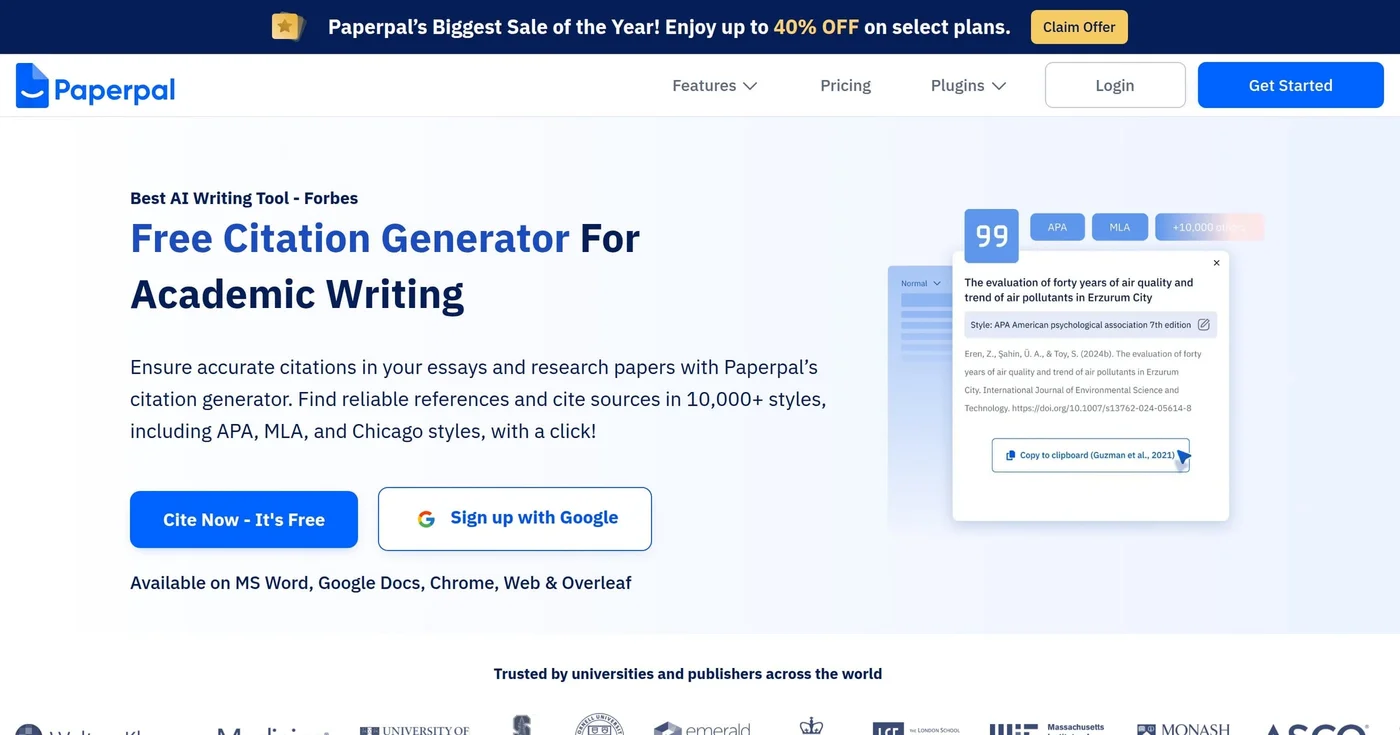
Paperpal is an academic writing assistant that integrates citation generation with AI-powered research discovery. It's built on 24+ years of STM publishing experience and used by 5M+ academics across 125+ countries.
The standout feature is the Reference Finder: it searches 250M+ verified research articles and suggests papers to cite as you write. You can also search by paper title or DOI and insert formatted citations in 10,000+ styles directly into your text. Paperpal runs as a plugin for Microsoft Word, Google Docs, Chrome, and Overleaf, so the citation tool lives inside your writing environment instead of requiring a browser tab switch.
Best for collaborative research teams managing shared reference libraries
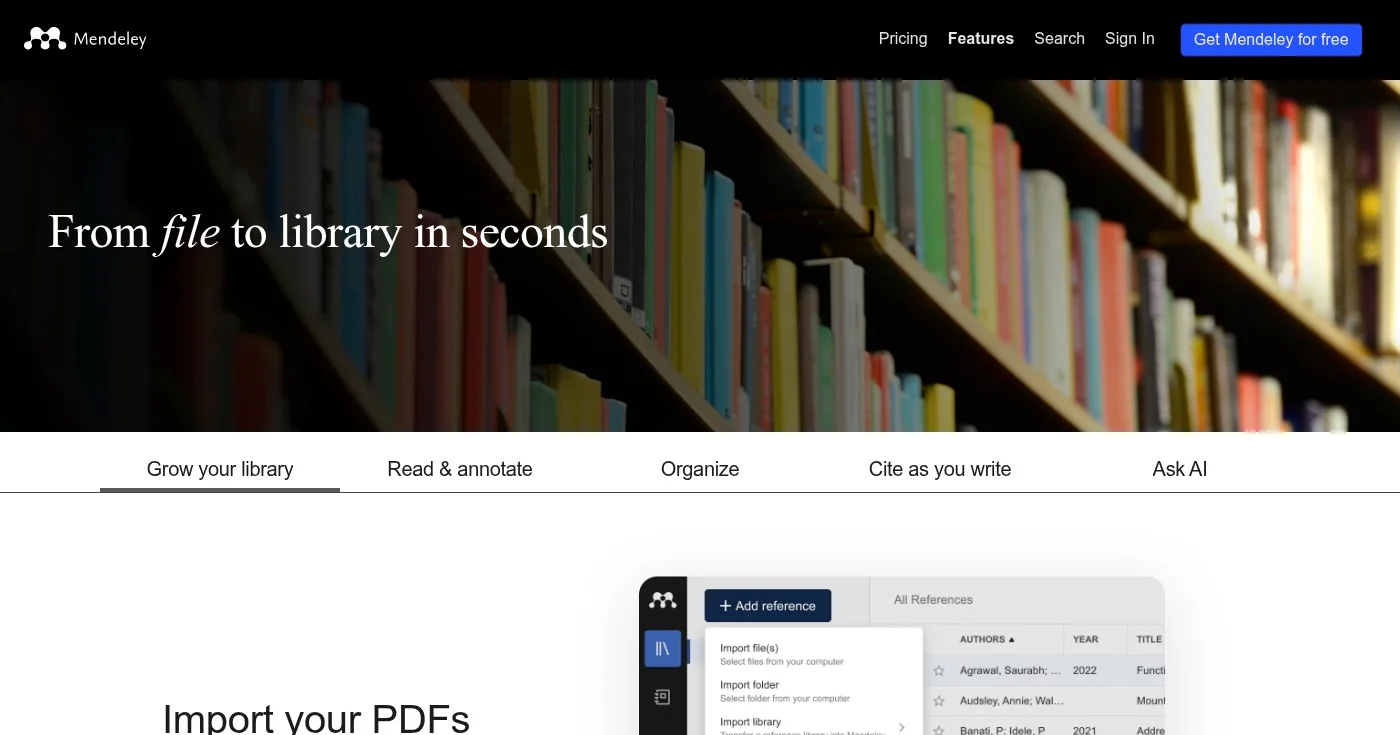
Mendeley is a free reference manager from Elsevier that focuses on PDF management and team collaboration. The free plan includes 2GB of cloud storage.
You can import PDFs or entire folders in one click, or use the Mendeley Web Importer extension to capture references as you browse. Watched Folders monitors a desktop folder and auto-imports any PDFs you drop there.
Groups let co-authors or course-mates share a library, annotate PDFs, and stay aligned in real time. Mendeley's "Ask AI" feature adds an AI assistant for research queries.
Best for Google Docs power users who want a professional reference manager
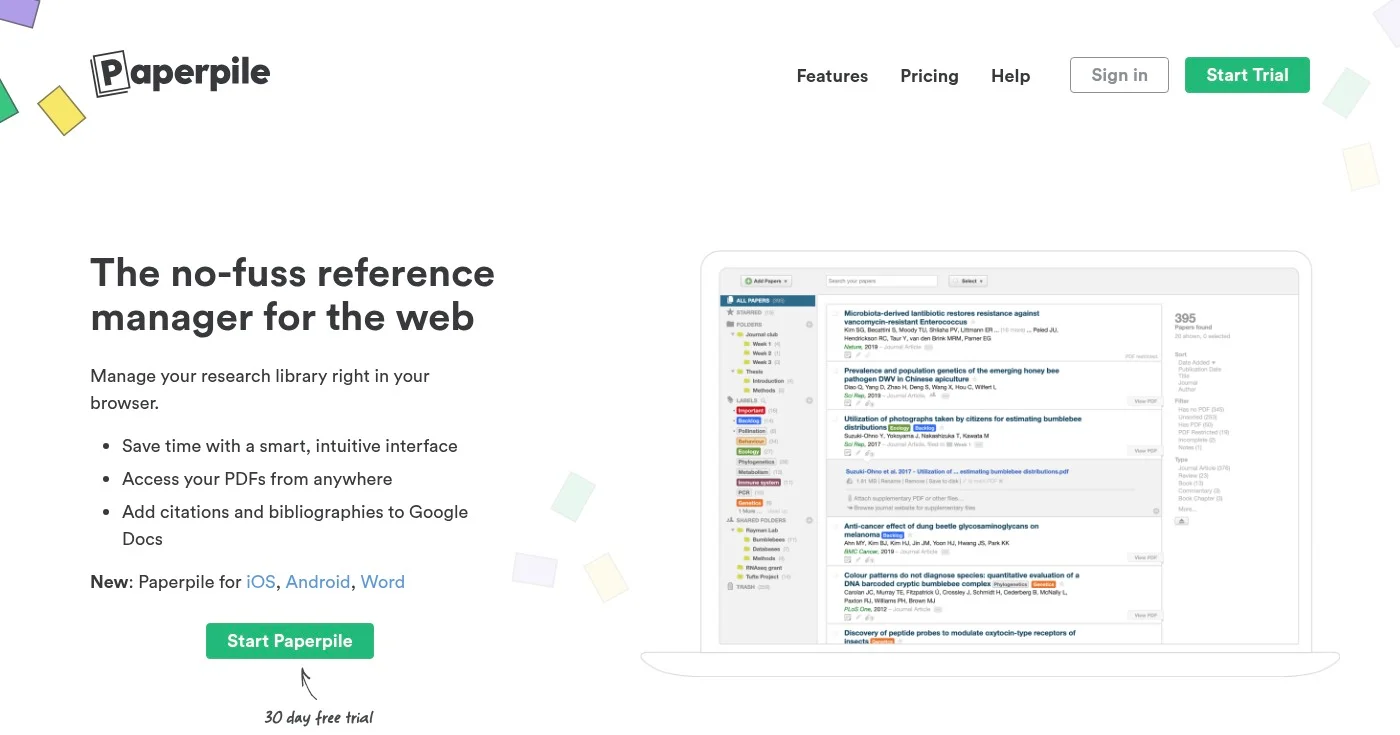
Paperpile is a reference manager built for researchers who live in Google Docs. Every plan includes unlimited PDF storage, metadata extraction from PDFs, and duplicate detection.
The Regular plan covers the essentials at $4.15/mo (billed annually). The Expert plan adds full-text PDF search, annotations, and shared folders at $5.75/mo.
The Google Docs plugin lets you search your library, insert citations, and generate a reference list without leaving the document. It supports all major citation styles plus BibTeX. A 30-day free trial and a 50% academic discount are available.
The right APA citation generator depends on how you write. For a single paper, Scribbr or MyBib give you expert-quality citations at no cost.
For ongoing research work, Zotero is the pick: open source, nonprofit, free, with plugins for Word, LibreOffice, and Google Docs. If you write mostly in Google Docs and want citations inside the document, Paperpile earns its annual fee.
15 writer gifts ranked from a $12 shower notepad to a $349 distraction-free device. Experience gifts, discovery items, and community-tested picks most guides mi

Writing about cybersecurity is like trying to explain how a car engine works to someone who just wants to drive.

Clients expect SEO but rarely explain it. Search intent, keyword briefs, article structure, links, and AI Overviews, plus how to charge more for SEO writing.
Professional publishing supported by generous companies you should check out.


